





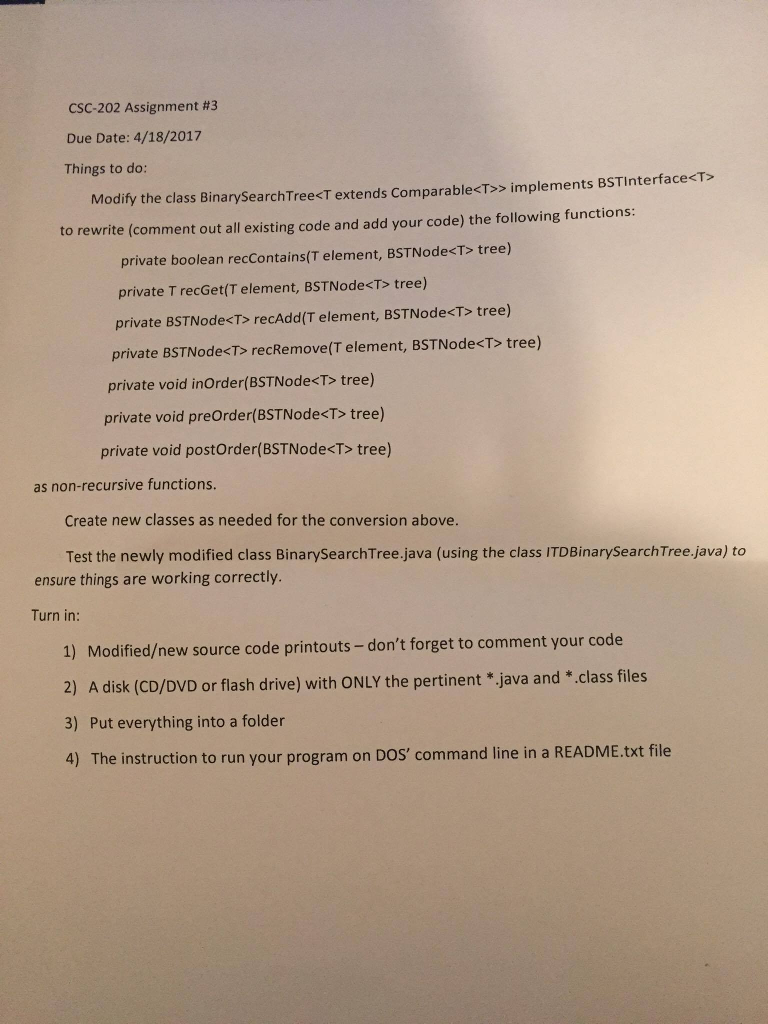
Question: Modify the class BinarySearchTree > Implements BSTInterface to rewrite (comment out all existing code and add your code) the following functions: private boolean recContains(T element,
 Modify the class BinarySearchTree> Implements BSTInterface to rewrite (comment out all

Modify the class BinarySearchTree> Implements BSTInterface to rewrite (comment out all existing code and add your code) the following functions: private boolean recContains(T element, BSTNode tree) private T recGet(T element, BSTNode tree) private BSTNode recAdd(T element, BSTNode tree) private BSTNode recRemove(T element, BSTNode tree) private void inOrder(BSTNode tree) private void preOrder(BSTNode tree) private void postOrder(BSTNode tree) as non-recursive functions. Create new classes as needed for the conversion above. Test the newly modified class BinarySearchTree.java (using the class ITDBinarySearchTree.java) to ensure things are working correctly. Turn in: 1) Modifiedew source code printouts - don't forget to comment your code 2) A disk (CD/DVD or flash drive) with ONLY the pertinent *.java and * .class files 3) Put everything into a folder 4) The instruction to run your program on DOS' command line in a README.txt file Modify the class BinarySearchTree> Implements BSTInterface to rewrite (comment out all existing code and add your code) the following functions: private boolean recContains(T element, BSTNode tree) private T recGet(T element, BSTNode tree) private BSTNode recAdd(T element, BSTNode tree) private BSTNode recRemove(T element, BSTNode tree) private void inOrder(BSTNode tree) private void preOrder(BSTNode tree) private void postOrder(BSTNode tree) as non-recursive functions. Create new classes as needed for the conversion above. Test the newly modified class BinarySearchTree.java (using the class ITDBinarySearchTree.java) to ensure things are working correctly. Turn in: 1) Modifiedew source code printouts - don't forget to comment your code 2) A disk (CD/DVD or flash drive) with ONLY the pertinent *.java and * .class files 3) Put everything into a folder 4) The instruction to run your program on DOS' command line in a README.txt file

Step by Step Solution

There are 3 Steps involved in it

1 Expert Approved Answer
Step: 1 Unlock blur-text-image
Question Has Been Solved by an Expert!

Get step-by-step solutions from verified subject matter experts

Step: 2 Unlock
Step: 3 Unlock

Students Have Also Explored These Related Databases Questions!