







Question: Modify the ConsultantData form by completing the following tasks: a . Add the Reside field to the form, and then align the left edge of
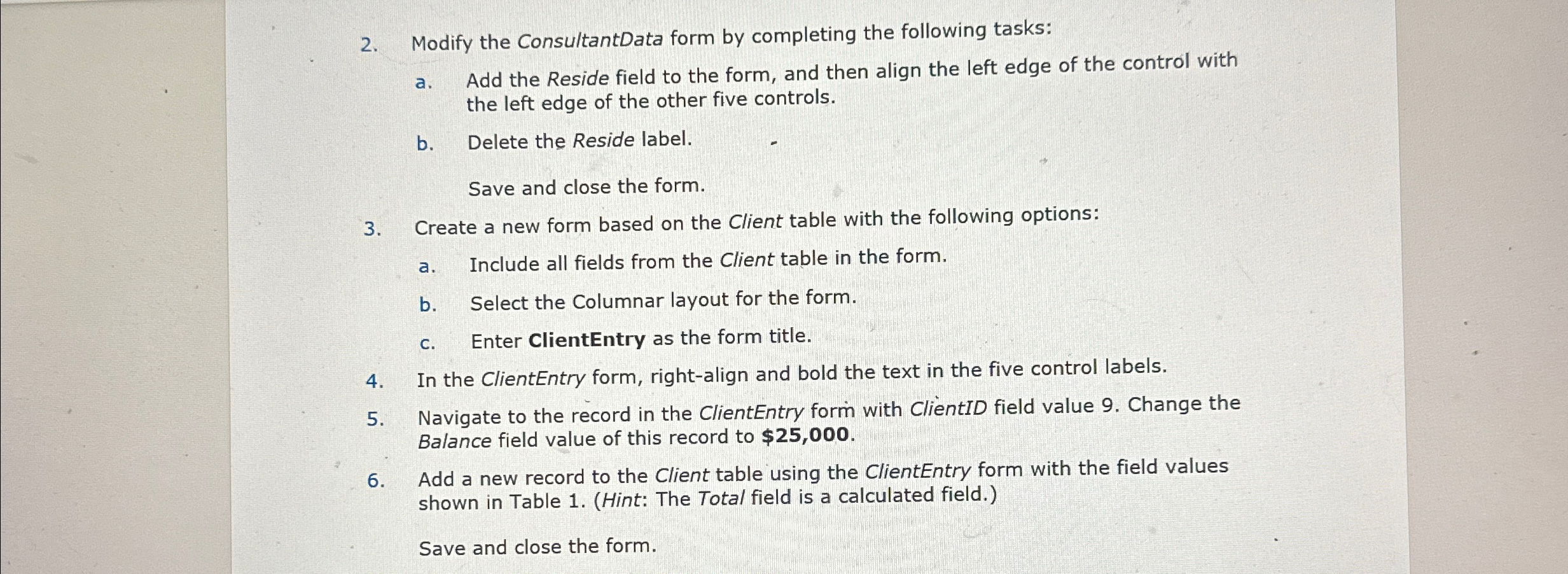
Modify the ConsultantData form by completing the following tasks:
a Add the Reside field to the form, and then align the left edge of the control with the left edge of the other five controls.
b Delete the Reside label.
Save and close the form.
Create a new form based on the Client table with the following options:
a Include all fields from the Client table in the form.
b Select the Columnar layout for the form.
c Enter ClientEntry as the form title.
In the ClientEntry form, rightalign and bold the text in the five control labels.
Navigate to the record in the ClientEntry form with ClientID field value Change the Balance field value of this record to $
Add a new record to the Client table using the ClientEntry form with the field values shown in Table Hint: The Total field is a calculated field.
Save and close the form.
Step by Step Solution
There are 3 Steps involved in it
1 Expert Approved Answer
Step: 1 Unlock

Question Has Been Solved by an Expert!
Get step-by-step solutions from verified subject matter experts
Step: 2 Unlock
Step: 3 Unlock
 Study Help