







Question: Modify the given HTML file to produce an animation, resulting in the web page below. Question: /4 + = Perform the following to the
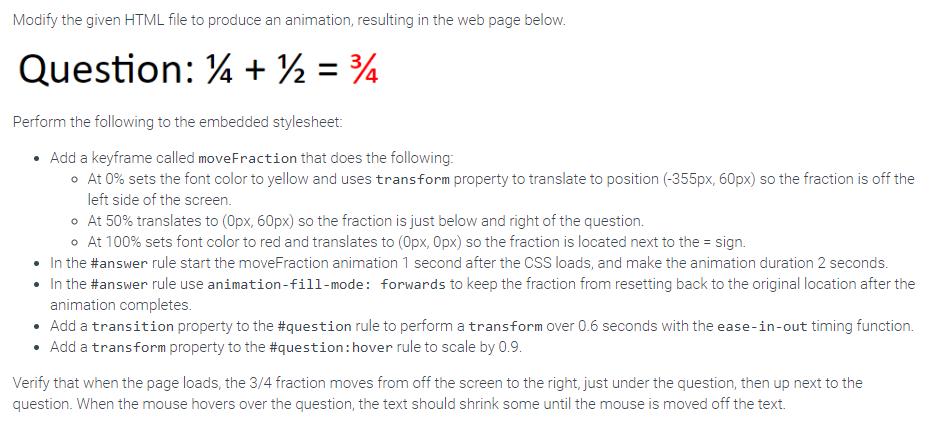
Modify the given HTML file to produce an animation, resulting in the web page below. Question: /4 + = Perform the following to the embedded stylesheet: Add a keyframe called moveFraction that does the following: o At 0% sets the font color to yellow and uses transform property to translate to position (-355px, 60px) so the fraction is off the left side of the screen. At 50% translates to (0px, 60px) so the fraction is just below and right of the question. At 100% sets font color to red and translates to (Opx, Opx) so the fraction is located next to the = sign. In the #answer rule start the moveFraction animation 1 second after the CSS loads, and make the animation duration 2 seconds. In the #answer rule use animation-fill-mode: forwards to keep the fraction from resetting back to the original location after the animation completes. Add a transition property to the #question rule to perform a transform over 0.6 seconds with the ease-in-out timing function. Add a transform property to the #question:hover rule to scale by 0.9. Verify that when the page loads, the 3/4 fraction moves from off the screen to the right, just under the question, then up next to the question. When the mouse hovers over the question, the text should shrink some until the mouse is moved off the text.
Step by Step Solution
3.40 Rating (150 Votes )
There are 3 Steps involved in it

Get step-by-step solutions from verified subject matter experts
 Study Help