







Question: Module 2: Analysing TLS Open your web browser and clear the browser's cache. Open the Wireshark packet sniffer and start the packet capture Enter
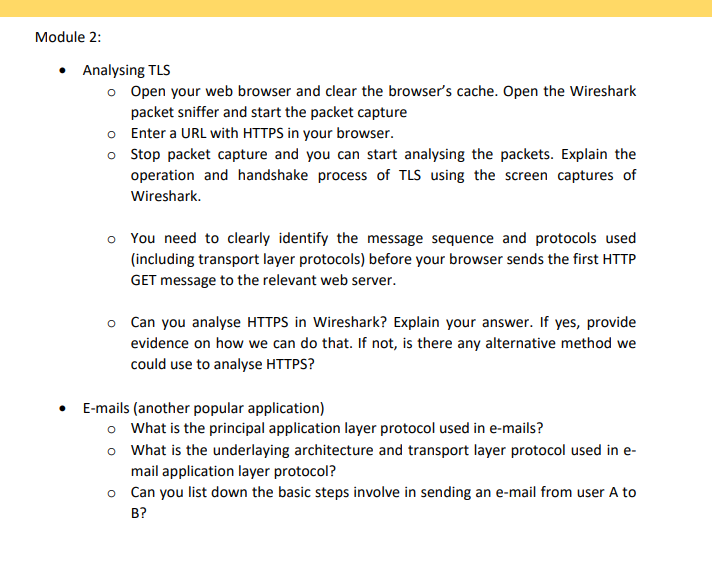
Module 2: Analysing TLS Open your web browser and clear the browser's cache. Open the Wireshark packet sniffer and start the packet capture Enter a URL with HTTPS in your browser. Stop packet capture and you can start analysing the packets. Explain the operation and handshake process of TLS using the screen captures of Wireshark. You need to clearly identify the message sequence and protocols used (including transport layer protocols) before your browser sends the first HTTP GET message to the relevant web server. Can you analyse HTTPS in Wireshark? Explain your answer. If yes, provide evidence on how we can do that. If not, is there any alternative method we could use to analyse HTTPS? E-mails (another popular application) What is the principal application layer protocol used in e-mails? What is the underlaying architecture and transport layer protocol used in e- mail application layer protocol? Can you list down the basic steps involve in sending an e-mail from user A to B?
Step by Step Solution
There are 3 Steps involved in it

Get step-by-step solutions from verified subject matter experts
 Study Help