







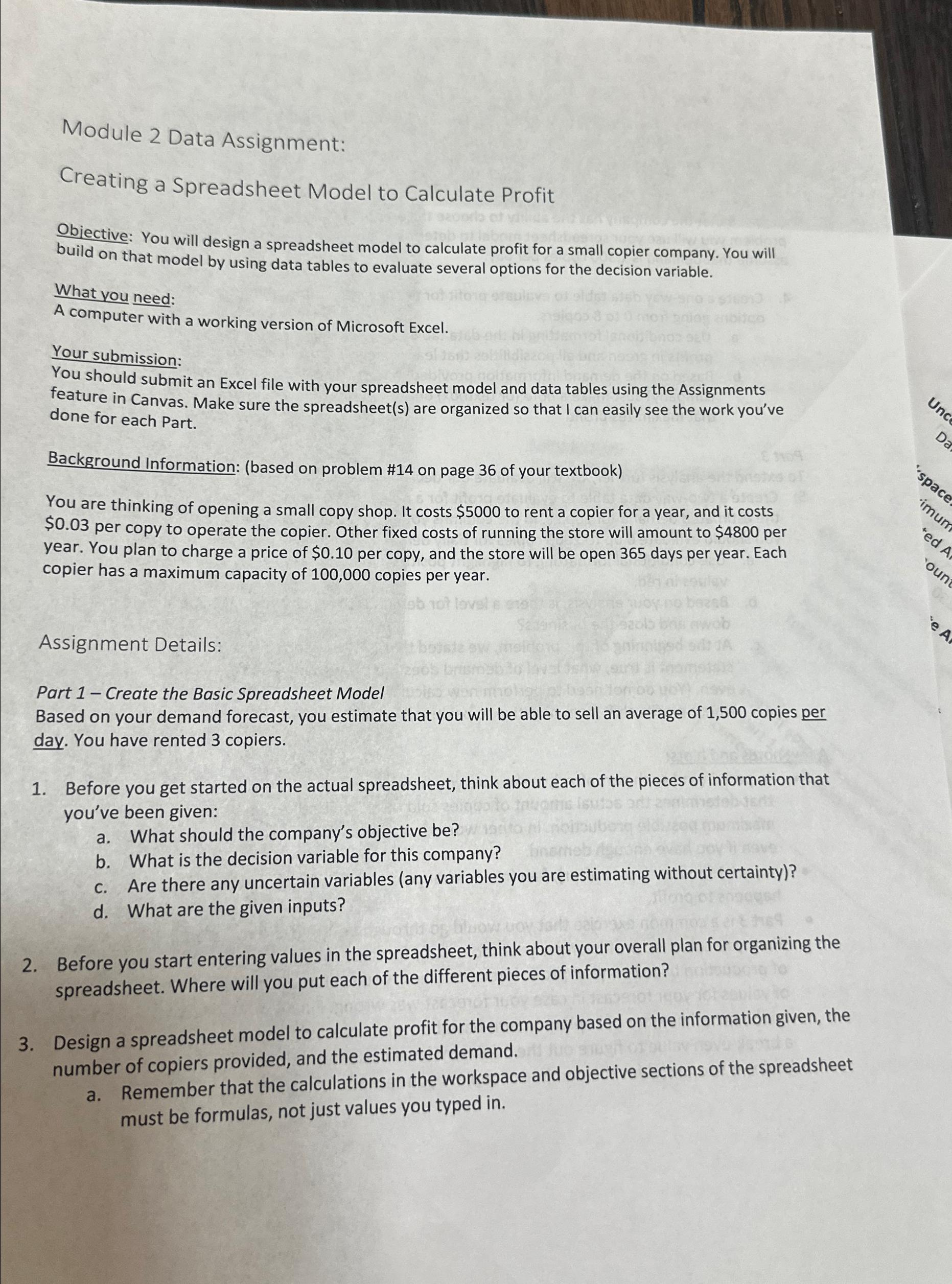
Question: Module 2 Data Assignment: Creating a Spreadsheet Model to Calculate Profit Objective: You will design a spreadsheet model to calculate profit for a small copier
Module Data Assignment:
Creating a Spreadsheet Model to Calculate Profit
Objective: You will design a spreadsheet model to calculate profit for a small copier company. You will build on that model by using data tables to evaluate several options for the decision variable.
What you need:
A computer with a working version of Microsoft Excel.
Your submission:
You should submit an Excel file with your spreadsheet model and data tables using the Assignments feature in Canvas. Make sure the spreadsheets are organized so that I can easily see the work you've done for each Part.
Background Information: based on problem # on page of your textbook
You are thinking of opening a small copy shop. It costs $ to rent a copier for a year, and it costs $ per copy to operate the copier. Other fixed costs of running the store will amount to $ per year. You plan to charge a price of $ per copy, and the store will be open days per year. Each copier has a maximum capacity of copies per year.
Assignment Details:
Part Create the Basic Spreadsheet Model
Based on your demand forecast, you estimate that you will be able to sell an average of copies per day. You have rented copiers.
Before you get started on the actual spreadsheet, think about each of the pieces of information that you've been given:
a What should the company's objective be
b What is the decision variable for this company?
c Are there any uncertain variables any variables you are estimating without certainty
d What are the given inputs?
Before you start entering values in the spreadsheet, think about your overall plan for organizing the spreadsheet. Where will you put each of the different pieces of information?
Design a spreadsheet model to calculate profit for the company based on the information given, the number of copiers provided, and the estimated demand.
a Remember that the calculations in the workspace and objective sections of the spreadsheet must be formulas, not just values you typed in
Step by Step Solution
There are 3 Steps involved in it
1 Expert Approved Answer
Step: 1 Unlock

Question Has Been Solved by an Expert!
Get step-by-step solutions from verified subject matter experts
Step: 2 Unlock
Step: 3 Unlock
 Study Help