







Question: Module 4 Required Coding Activity Introduction to Python Unit 1 The activity is based on modules 1 - 4 and is similar to the Jupyter
Module Required Coding Activity
Introduction to Python Unit
The activity is based on modules and is similar to the Jupyter Notebooks PracticeMODIntroPy.ipynb and PracticeMODIntroPy.ipynb which you may have completed as practice. This activity is a new version of the stranalysis function.
Some Assignment Requirements
This program requires the use of
while loop to get nonempty input
if else
if else nested
isdigit check for integer only input
isalpha check for alphabetic only input
The program should only use code syntax covered in modules
The program must result in printed message analysis of the input. Be sure to include your full name in the input prompt. See the sample input for more detail.
Program: stranalysis Function
Create the stranalysis function that takes string argument and returns a string message. The message will be an analysis of a test string that is passed as an argument to stranalysis The function should respond with messages such as:
"big number"
"small number"
"all alphabetic"
"multiple character types"
The program will call stranalysis with a string argument from input collected within a while loop. The while loop will test if input is empty an empty string and continue to loop and gather input until the user submits at least character input cannot be empty
The program then calls the stranalysis function and prints the return message.
Sample input and output:
enter nothing twice then enter a word
YOUR FULL NAME GOES HERE enter word or integer:
YOUR FULL NAME GOES HERE enter word or integer:
YOUR FULL NAME GOES HERE enter word or integer: Hello
"Hello" is all alphabetical characters!
alphabetical word input
YOUR FULL NAME GOES HERE enter word or integer: carbonization
"carbonization" is all alphabetical characters!
numeric inputs
YOUR FULL NAME GOES HERE enter word or integer:
is a smaller number than expected
YOUR FULL NAME GOES HERE enter word or integer:
is a pretty big number
Loop until nonempty input is submitted
In the input part of the assignment keep prompting the user for input until they submit some input nonempty
Once the user gives input with characters use the input in calling the stranalysis function.
Additional Details
In the body of the stranalysis function:
Check if string is digits
if digits: convert to int and check if greater than
if greater than print a message about a "big number"
if not greater than print message about "small number"
check if string isalpha then since not digits
if isalpha print message about being all alpha
if not isalpha print a message about being neither all alpha nor all digit
call the function with a string from user input
Run and test your code before submitting
# create, call and test the stranalysis function
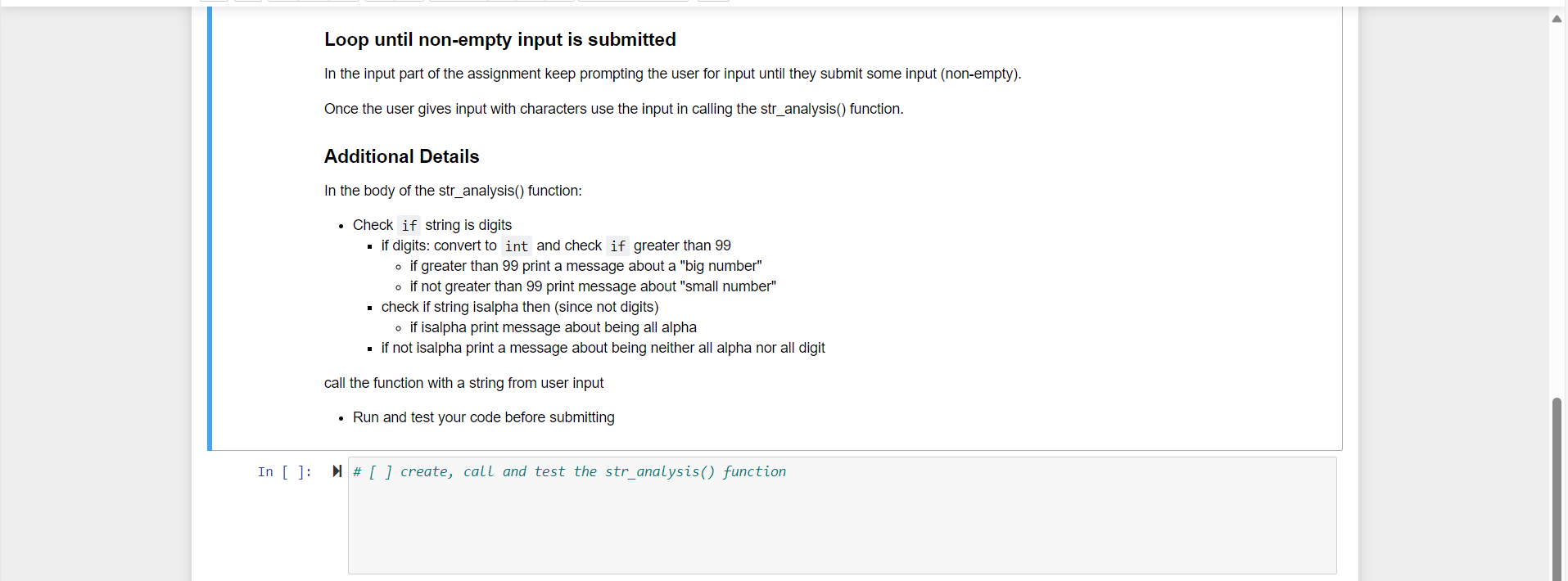
Loop until nonempty input is submitted
In the input part of the assignment keep prompting the user for input until they submit some input nonempty
Once the user gives input with characters use the input in calling the stranalysis function.
Additional Details
In the body of the stranalysis function:
Check if string is digits
if digits: convert to int and check if greater than
if greater than print a message about a "big number"
if not greater than print message about "small number"
check if string isalpha then since not digits
if isalpha print message about being all alpha
if not isalpha print a message about being neither all alpha nor all digit
call the function with a string from user input
Run and test your code before submitting
In : create, call and test the stranalysis function
Step by Step Solution
There are 3 Steps involved in it
1 Expert Approved Answer
Step: 1 Unlock

Question Has Been Solved by an Expert!
Get step-by-step solutions from verified subject matter experts
Step: 2 Unlock
Step: 3 Unlock
 Study Help