







Question: MS Project Basics - Entering Resources and Creating a Baseline Objective: The objective of this lab assignment is to provide students with hands-on experience using
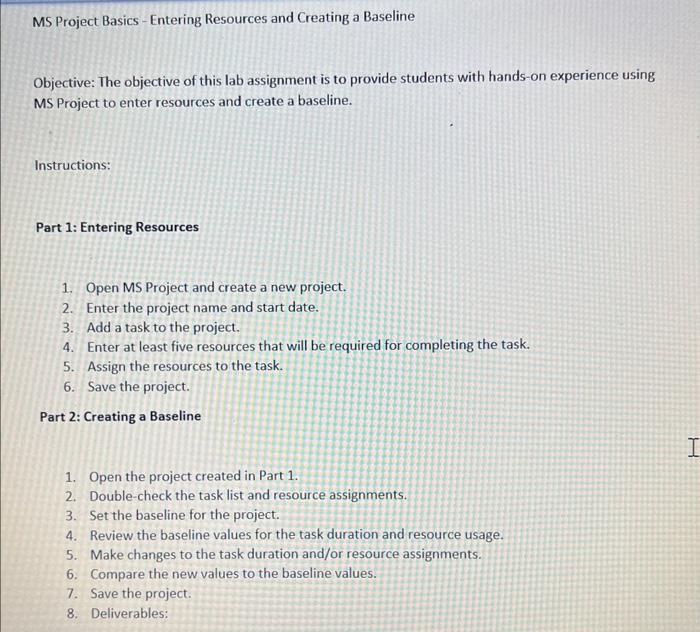
MS Project Basics - Entering Resources and Creating a Baseline Objective: The objective of this lab assignment is to provide students with hands-on experience using MS Project to enter resources and create a baseline. Instructions: Part 1: Entering Resources 1. Open MS Project and create a new project. 2. Enter the project name and start date. 3. Add a task to the project. 4. Enter at least five resources that will be required for completing the task. 5. Assign the resources to the task. 6. Save the project. Part 2: Creating a Baseline 1. Open the project created in Part 1. 2. Double-check the task list and resource assignments. 3. Set the baseline for the project. 4. Review the baseline values for the task duration and resource usage. 5. Make changes to the task duration and/or resource assignments. 6. Compare the new values to the baseline values. 7. Save the project. 8. Deliverables
Step by Step Solution
There are 3 Steps involved in it

Get step-by-step solutions from verified subject matter experts
 Study Help