







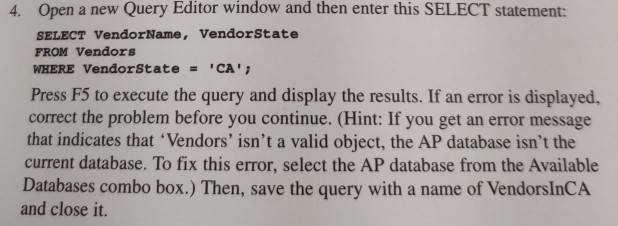
Question: murachs SQL server 2012 for developers 4. Open a new Query Editor window and then enter this SELECT statement: SELECT VendorName, Vendorstate FROM Vendors WHERE
murachs SQL server 2012 for developers
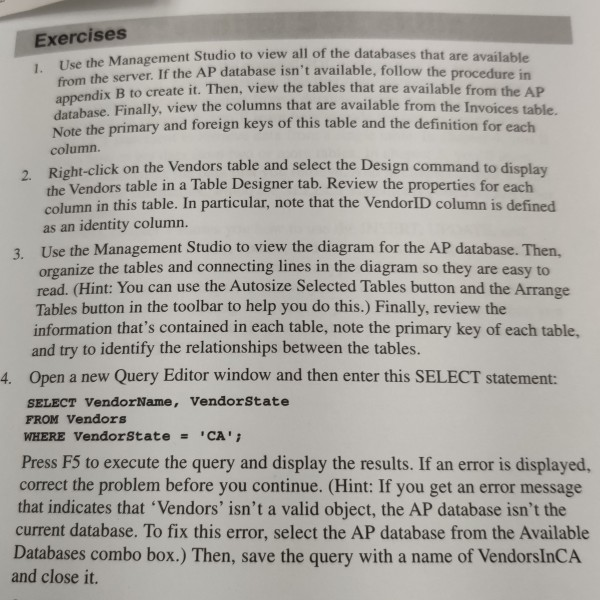
4. Open a new Query Editor window and then enter this SELECT statement: SELECT VendorName, Vendorstate FROM Vendors WHERE Vendor State = 'CA'; Press F5 to execute the query and display the results. If an error is displayed, correct the problem before you continue. (Hint: If you get an error message that indicates that 'Vendors' isn't a valid object, the AP database isn't the current database. To fix this error, select the AP database from the Available Databases combo box.) Then, save the query with a name of VendorsInCA and close it. Exercises 1. Use the Management Studio to vi from the server. If the AP database i appendix B to create it. Then, vi be Management Studio to view all of the databases that are available Server If the AP database isn't available, follow the procedure in dix B to create it. Then, view the tables that are available from the AP these. Finally, view the columns that are available from the Invoices table Note the primary and foreign keys of this table and the definition for each column. oht-click on the Vendors table and select the Design command to display the Vendors table in a Table Designer tab. Review the properties for each column in this table. In particular, note that the VendorID column is defined as an identity column. Use the Management Studio to view the diagram for the AP database. Then. organize the tables and connecting lines in the diagram so they are easy to read. (Hint: You can use the Autosize Selected Tables button and the Arrange Tables button in the toolbar to help you do this.) Finally, review the information that's contained in each table, note the primary key of each table. and try to identify the relationships between the tables. Open a new Query Editor window and then enter this SELECT statement: SELECT VendorName, Vendorstate FROM Vendors WHERE Vendor State = 'CA'; Press F5 to execute the query and display the results. If an error is displayed, correct the problem before you continue. (Hint: If you get an error message that indicates that 'Vendors' isn't a valid object, the AP database isn't the current database. To fix this error, select the AP database from the Available Databases combo box.) Then, save the query with a name of VendorsInCA and close it. 4. Open a new Query Editor window and then enter this SELECT statement: SELECT VendorName, Vendorstate FROM Vendors WHERE Vendor State = 'CA'; Press F5 to execute the query and display the results. If an error is displayed, correct the problem before you continue. (Hint: If you get an error message that indicates that 'Vendors' isn't a valid object, the AP database isn't the current database. To fix this error, select the AP database from the Available Databases combo box.) Then, save the query with a name of VendorsInCA and close it. Exercises 1. Use the Management Studio to vi from the server. If the AP database i appendix B to create it. Then, vi be Management Studio to view all of the databases that are available Server If the AP database isn't available, follow the procedure in dix B to create it. Then, view the tables that are available from the AP these. Finally, view the columns that are available from the Invoices table Note the primary and foreign keys of this table and the definition for each column. oht-click on the Vendors table and select the Design command to display the Vendors table in a Table Designer tab. Review the properties for each column in this table. In particular, note that the VendorID column is defined as an identity column. Use the Management Studio to view the diagram for the AP database. Then. organize the tables and connecting lines in the diagram so they are easy to read. (Hint: You can use the Autosize Selected Tables button and the Arrange Tables button in the toolbar to help you do this.) Finally, review the information that's contained in each table, note the primary key of each table. and try to identify the relationships between the tables. Open a new Query Editor window and then enter this SELECT statement: SELECT VendorName, Vendorstate FROM Vendors WHERE Vendor State = 'CA'; Press F5 to execute the query and display the results. If an error is displayed, correct the problem before you continue. (Hint: If you get an error message that indicates that 'Vendors' isn't a valid object, the AP database isn't the current database. To fix this error, select the AP database from the Available Databases combo box.) Then, save the query with a name of VendorsInCA and close it
Step by Step Solution
There are 3 Steps involved in it

Get step-by-step solutions from verified subject matter experts
 Study Help