



Question: My code in the IDE only outputs 12. Instead of the expected output. How can I correct my code to produce the expected output? Write
My code in the IDE only outputs 12. Instead of the expected output. How can I correct my code to produce the expected output?
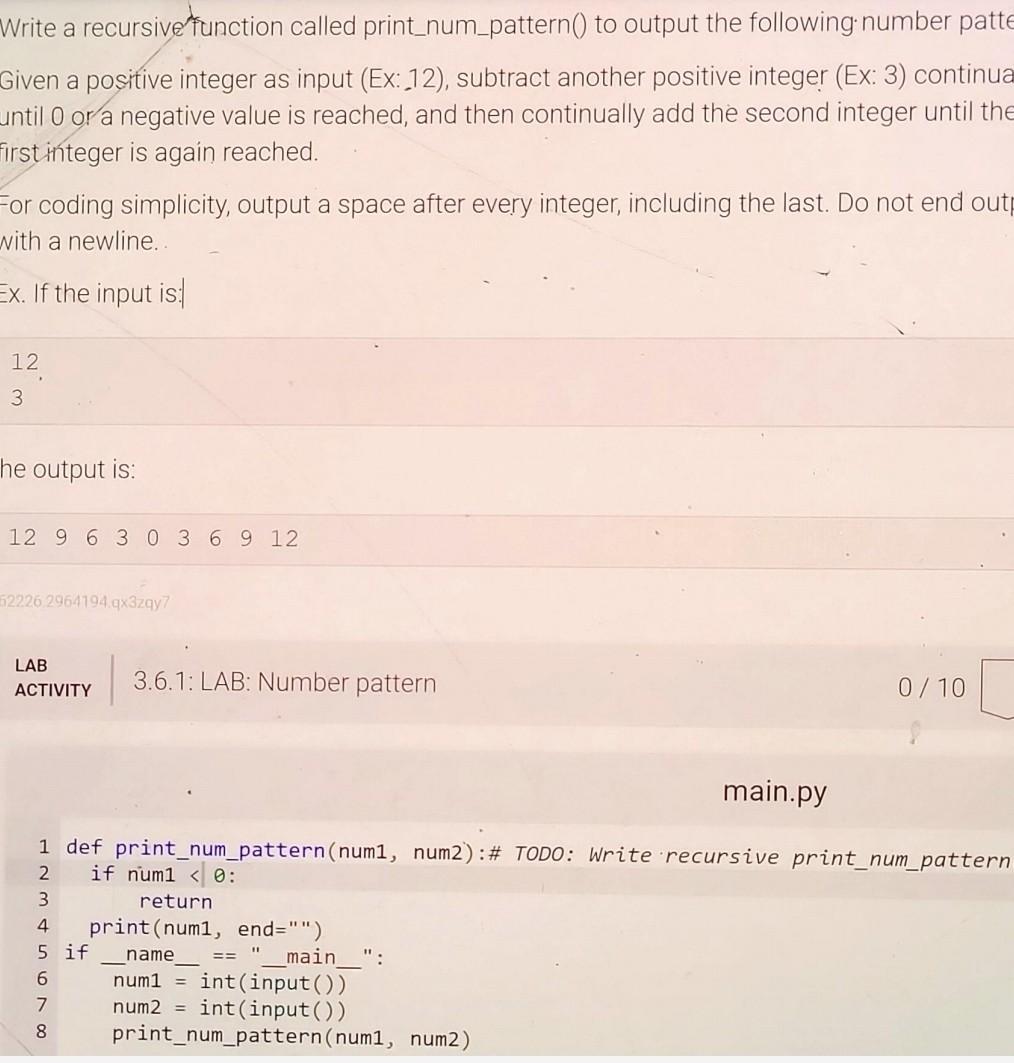
Write a recursive function called print_num_pattern() to output the following. number patte Given a positive integer as input (Ex: 12), subtract another positive integer (Ex: 3) continua until 0 or a negative value is reached, and then continually add the second integer until the irst integer is again reached. -or coding simplicity, output a space after every integer, including the last. Do not end out with a newline. Ex. If the input is: he output is: 12963036912 \begin{tabular}{l|l} LAB & 3.6.1: LAB: Number pattern \end{tabular} 0/10 main.py
Step by Step Solution
There are 3 Steps involved in it

Get step-by-step solutions from verified subject matter experts