







Question: My code so far that doesn't work: ***************************************************************************************************** // File: ThreeTemps.java // Author: // Description: A simple GUI that implements a slider, along with several
My code so far that doesn't work:
*****************************************************************************************************
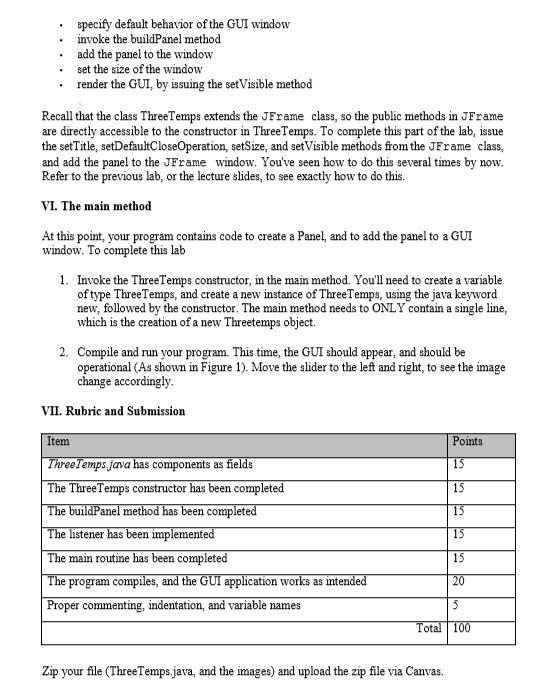
// File: ThreeTemps.java // Author: // Description: A simple GUI that implements a slider, along with several images import javax.swing.*; import javax.swing.event.*; import java.awt.event.*; public class ThreeTemps extends JFrame{
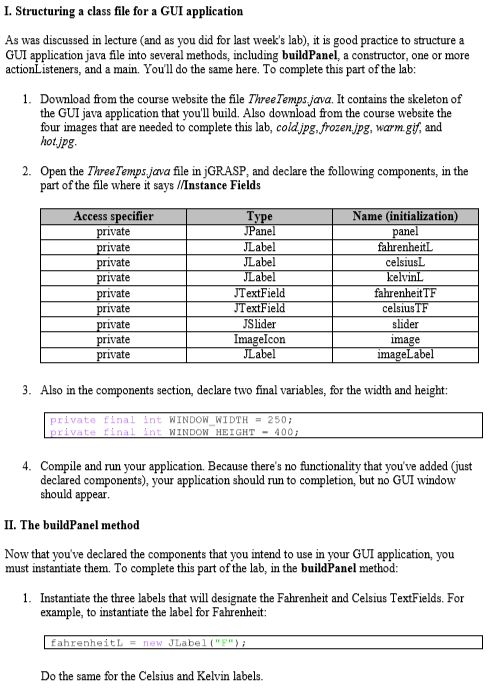
// Instance Fields private JPanel panel; private JLabel fahrenheitL; private JLabel celsiusL; private JLabel kelvinL; private JTextField fahrenheitTF; private JTextField celsiusTF; private JTextField slider; private ImageIcon image; private JLabel imageLabel; private final int WINDOW_WIDTH = 250; private final int WINDOW_HIEGHT = 400; // constructor public ThreeTemps() { // Set the title. // Specify what happens when the close button is clicked. // Build the panel that contains the other components. // Add the panel to the content pane. // Size and display the window. }
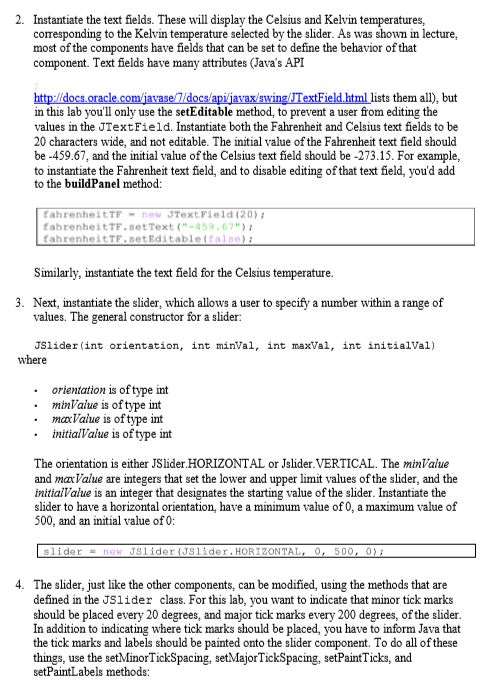
// the method that instantiates the components private void buildPanel() { // Create labels to display instructions. fahrenheitL = new JLabel("F"); celsiusL = new JLabel("C"); kelvinL = new JLabel("K"); // Create text fields fahrenheitTF = new JTextField(20); fahrenheitTF.setText("-459.67"); fahrenheitTF.setEditable(false); celsiusTF = new JTextField(20); celsiusTF.setText("-273.15"); celsiusTF.setEditable(false);
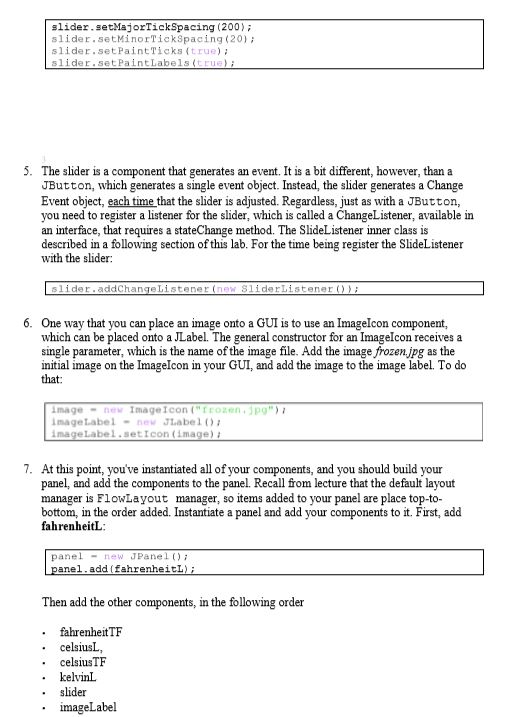
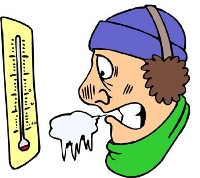
// create a slider JSlider(int orientation, int minVal, int maxVal, int initialVal); slider = new JSlider(JSlider.HORIZONTAL,0,500,0); slider.setMajorTickSpacing(200); slider.setMinTicks(20); slider.setPaintTicks(true); slider.setPaintLables(true); slider.addChangeListener(new SliderListener()); // create an image icon image = new ImageIcon("frozen.jpg"); imageLabel = new JLabel(); imageLabel.setIcon(image);
// Create a panel panel = new JPanel(); panel.add(fahrenheitL); // Add the components to the panel panel.add(fahrenheitTF); panel.add(celsiusL); panel.add(celsiusTF); panel.add(kelvinL); panel.add(slider); panel.add(imageLabel);
}
private class SliderListener implements ChangeListener {
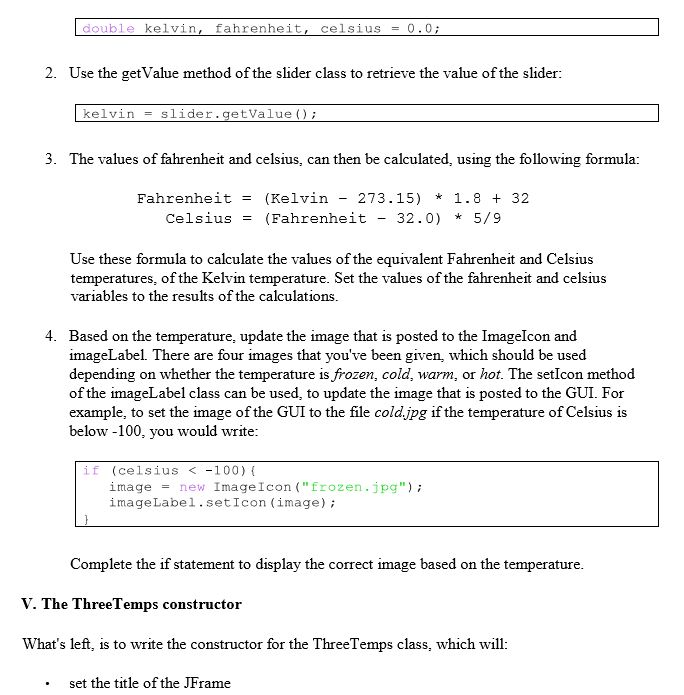
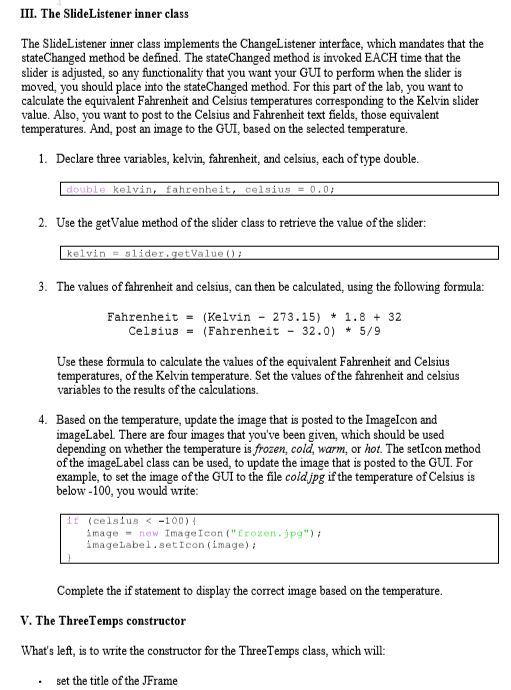
public void stateChanged(ChangeEvent e) { // declare variable to hold conversion double kelvin,fahrenheit,celsius = 0.0); // retrieve value from the slider kelvin = slider.getValue(); // convert kelvin to the different scales fahrenheit =(kelvin - 237.15) * 1.8 + 32; celsius = (fahrenheit - 32.0)*5/9 // set the celsius and fahrenheit text fields // based on the temperature, select which image // should be placed into the imageLabel
} }
// main routine
public static void main(String[] args) { // TODO Auto-generated method stub if(celsius=-101&=39&165){ image = new ImageIcon("hot.jpg"); imageLabel.setIcon(image); } }
}
//End Code
**********************************************************************************************************************
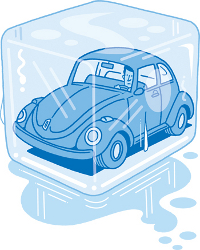
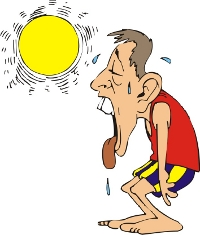
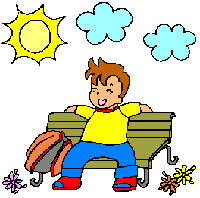
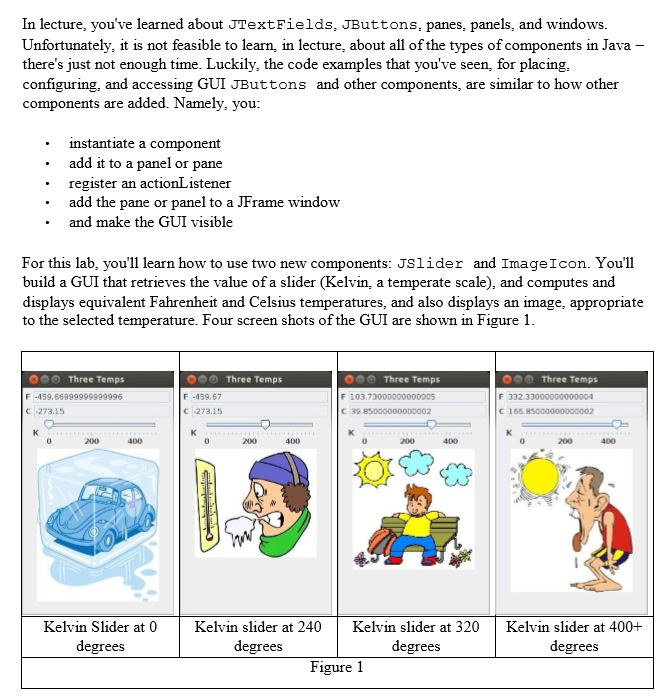
In lecture, you've learned about JTextFields, JButtons, panes, panels, and windows Unfortunately, it is not feasible to learn, in lecture, about all of the types of components in Java there's just not enough time. Luckily, the code examples that you've seen, for placing configuring, and accessing GUI JButtons and other components, are similar to how other components are added. Namely, you nstantiate a component register an actionListener and make the GUI visible .add it to a panel or pane add the pane or panel to a JFrame window For this lab, you'll learn how to use two new components: JSlider and ImageIcon. You'll build a GUI that retrieves the value of a slider (Kelvin, a temperate scale), and computes and displays equivalent Fahrenheit and Celsius temperatures, and also displays an image, appropriate to the selected temperature. Four screen shots of the GUI are shown in Figure 1 000 Three Temps F -459,67 C 273.15 Three Temps 006 Three Temps 000 Three Temps F -459,66999999999996 C-273.15 200 400 4DD Kelvin Slider at 0 degrees Kelvin slider at 240 Kelvin slider at 320 Kelvin slider at 400+ degrees degrees degrees Figure 1
Step by Step Solution
There are 3 Steps involved in it

Get step-by-step solutions from verified subject matter experts
 Study Help