







Question: my first initial is N , and last 4 digits are 0997. use the LC-3 virtual machine/ simulator. this uses the LC-3 simulator. first initial
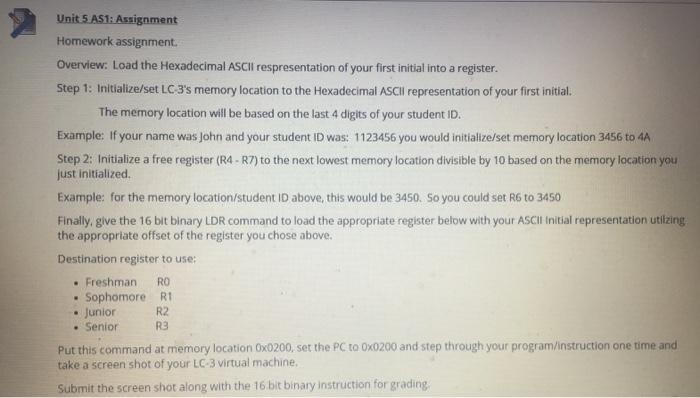
Unit 5. AS1: Assignment Homework assignment. Overview: Load the Hexadecimal ASCII respresentation of your first initial into a register. Step 1: Initialize/set LC 3's memory location to the Hexadecimal Scil representation of your first initial. The memory location will be based on the last 4 digits of your student ID. Example: If your name was John and your student ID was: 1123456 you would initialize/set memory location 3456 to 4A Step 2: Initialize a free register (R4 - R7) to the next lowest memory location divisible by 10 based on the memory location you just initialized Example: for the memory location/student ID above, this would be 3450. So you could set R6 to 3450 Finally, give the 16 bit binary LDR command to load the appropriate register below with your ASCII initial representation utilzing the appropriate offset of the register you chose above. Destination register to use: Freshman . Sophomore R1 Junior R2 Senior Put this command at memory location Ox0200, set the PC to Ox0200 and step through your program/instruction one time and take a screen shot of your LC-3 virtual machine. Submit the screen shot along with the 16 bit binary instruction for grading RO R3
Step by Step Solution
There are 3 Steps involved in it

Get step-by-step solutions from verified subject matter experts
 Study Help