







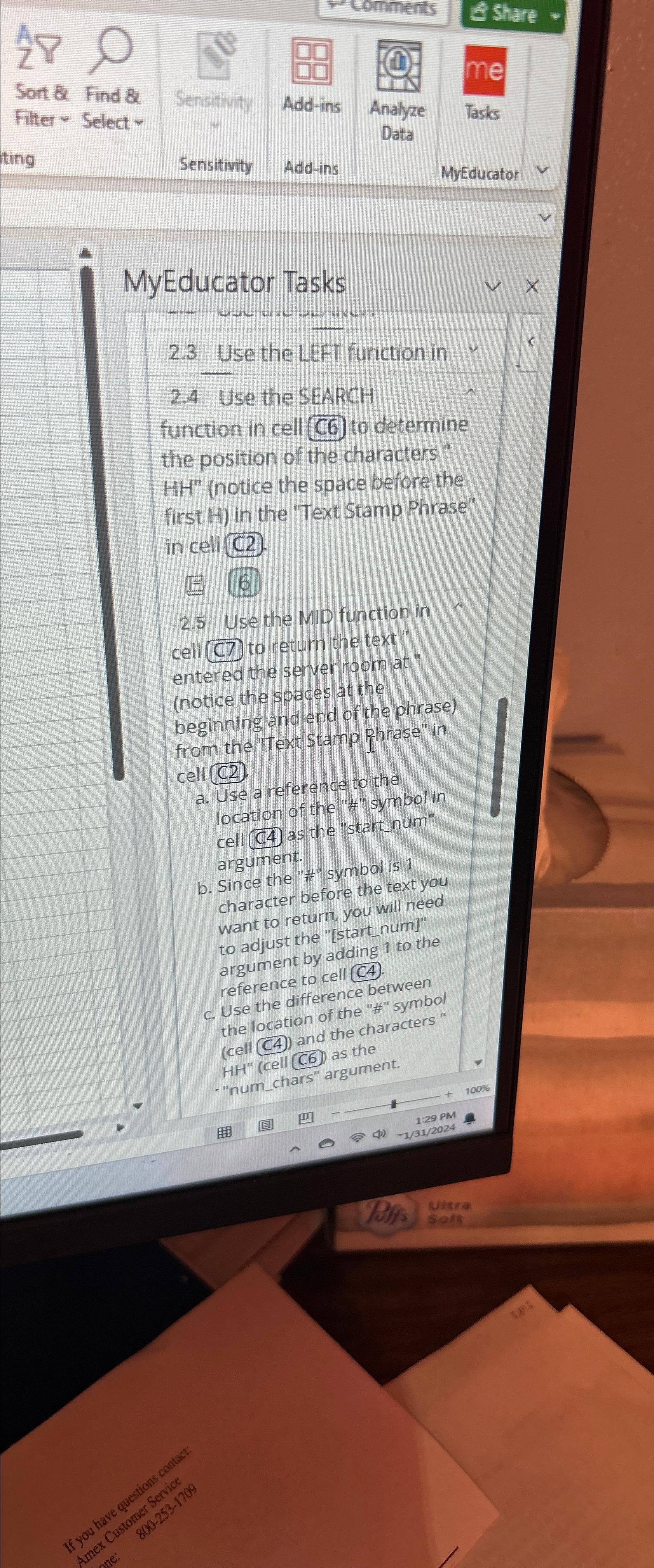
Question: MyEducator Tasks 2 . 3 Use the LEFT function in 2 . 4 Use the SEARCH function in cell C 6 to determine the position
MyEducator Tasks
Use the LEFT function in
Use the SEARCH function in cell C to determine the position of the characters notice the space before the first H in the "Text Stamp Phrase" in cell C
Use the MID function in cell to return the text entered the server room at notice the spaces at the beginning and end of the phrase from the "Text Stamp Phrase" in cell C
a Use a reference to the location of the # symbol in cell C as the "start num" argument.
b Since the # symbol is character before the text you want to return, you will need to adjust the startnum argument by adding to the reference to cell C
c Use the difference between the location of the # symbol cell C and the characters" cell C as the "numchars" argument.
Step by Step Solution
There are 3 Steps involved in it
1 Expert Approved Answer
Step: 1 Unlock

Question Has Been Solved by an Expert!
Get step-by-step solutions from verified subject matter experts
Step: 2 Unlock
Step: 3 Unlock
 Study Help