







Question: MySQL Table Constraints Activity: Employees Directions: USE the database activities (type directly into shell) for the following exercise. Always remember to create your table at
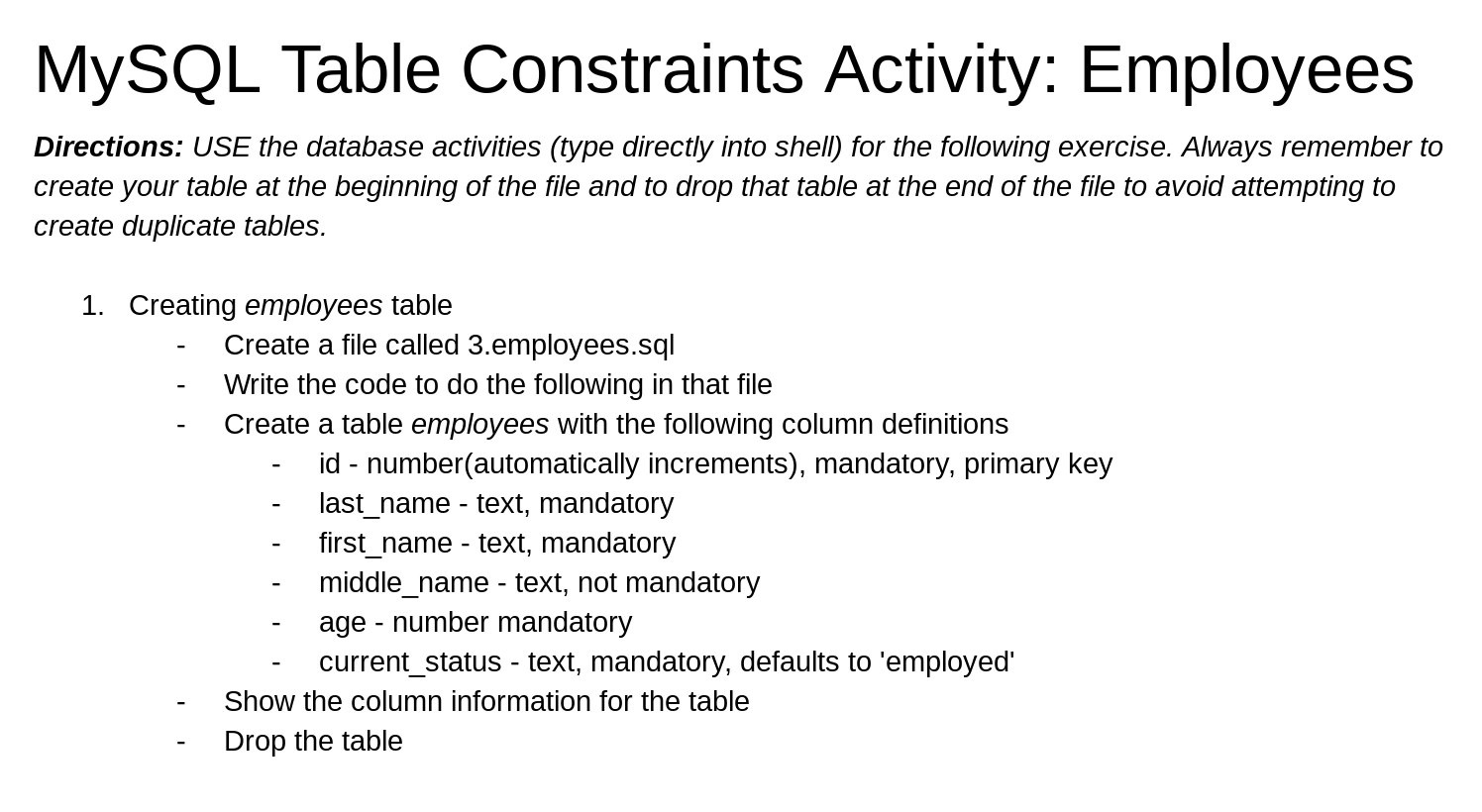
MySQL Table Constraints Activity: Employees Directions: USE the database activities (type directly into shell) for the following exercise. Always remember to create your table at the beginning of the file and to drop that table at the end of the file to avoid attempting to create duplicate tables. 1. Creating employees table Create a file called 3.employees.sql Write the code to do the following in that file Create a table employees with the following column definitions id - number(automatically increments), mandatory, primary key last_name - text, mandatory first_name - text, mandatory middle_name - text, not mandatory age - number mandatory current_status - text, mandatory, defaults to 'employed' Show the column information for the table Drop the table
Step by Step Solution
There are 3 Steps involved in it

Get step-by-step solutions from verified subject matter experts
 Study Help