







Question: Name Create a java class (yourLastNameExam1.java) in a NetBeans project called YourLastName, that prompts for and reads the user's first name and last name separately.
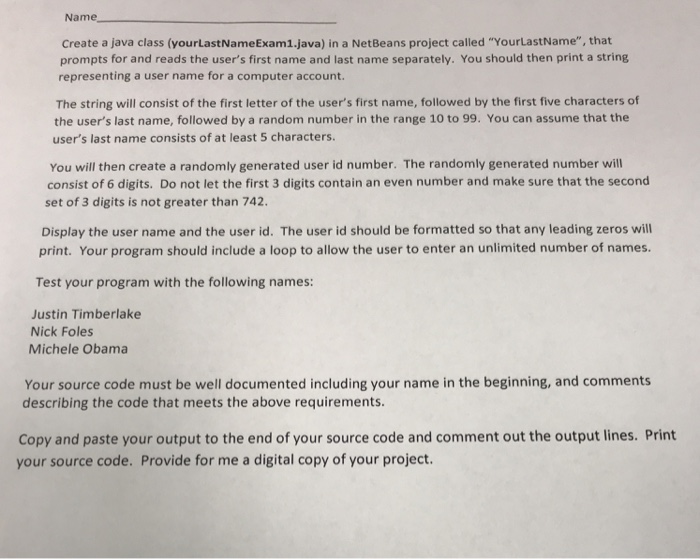
Name Create a java class (yourLastNameExam1.java) in a NetBeans project called "YourLastName", that prompts for and reads the user's first name and last name separately. You should then print a string representing a user name for a computer account. The string will consist of the first letter of the user's first name, followed by the first five characters of the user's last name, followed by a random number in the range 10 to 99. You can assume that the user's last name consists of at least 5 characters. You will then create a randomly generated user id number. The randomly generated number will consist of 6 digits. Do not let the first 3 digits contain an even number and make sure that the second set of 3 digits is not greater than 742 Display the user name and the user id. The user id should be formatted so that any leading zeros will print. Your program should include a loop to allow the user to enter an unlimited number of names. Test your program with the following names: Justin Timberlake Nick Foles Michele Obama Your source code must be well documented including your name in the beginning, and comments describing the code that meets the above requirements Copy and paste your output to the end of your source code and comment out the output lines. Print your source code. Provide for me a digital copy of your project
Step by Step Solution
There are 3 Steps involved in it

Get step-by-step solutions from verified subject matter experts
 Study Help