







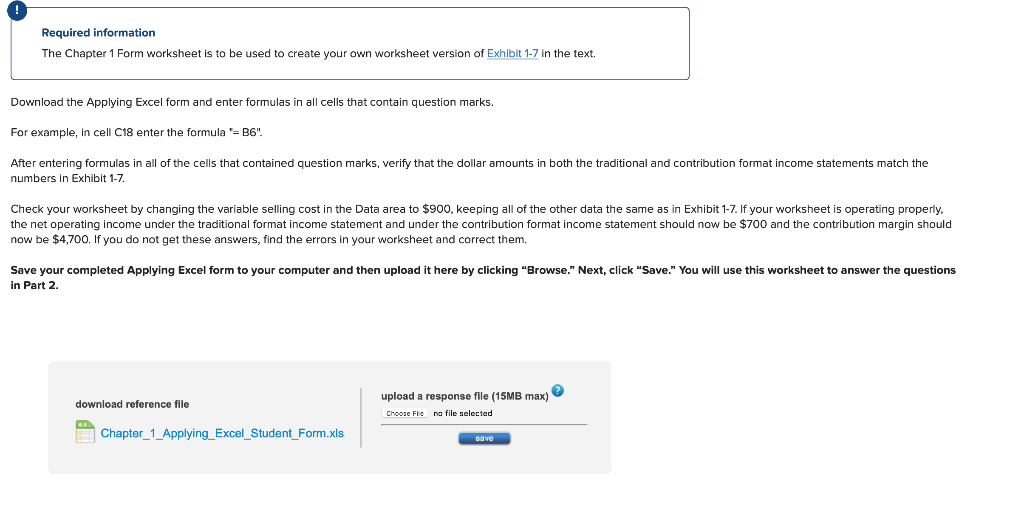
Question: need formulas too please Required information The Chapter 1 Form worksheet is to be used to create your own worksheet version of in the text.
need formulas too please
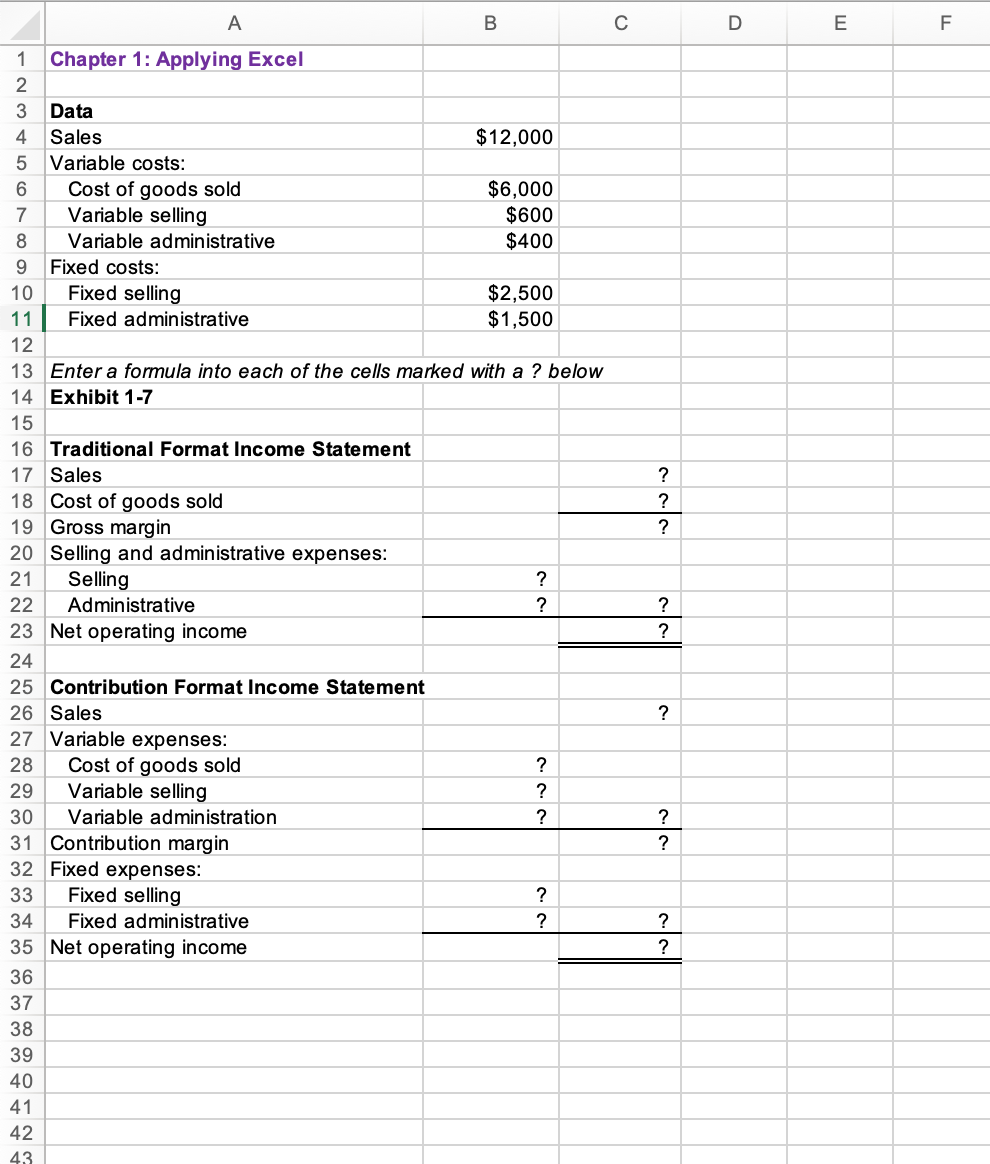
Required information The Chapter 1 Form worksheet is to be used to create your own worksheet version of in the text. Download the Applying Excel form and enter formulas in all cells that contain question marks. For example, in cell C18 enter the formula "= B6". numbers in Exhibit 1-7. now be $4,700. If you do not get these answers, find the errors in your worksheet and correct them. in Part 2. \begin{tabular}{l|l} download reference file & upload a response file (15MB max) choose Fis na file selected \\ Chapter_1_Applying_Excel_Student_Form.xls \end{tabular} 13 Enter a formula into each of the cells marked with a ? below 14 Exhibit 1-7
Step by Step Solution
There are 3 Steps involved in it

Get step-by-step solutions from verified subject matter experts
 Study Help