







Question: Need help filling out this Project Plan provided Project Title: Implementing a Telemedicine Program in a Rural CommunityProject Manager: Me Project Manager: Name Project Title-Detailed
Need help filling out this Project Plan provided Project Title: Implementing a Telemedicine Program in a Rural CommunityProject Manager: Me
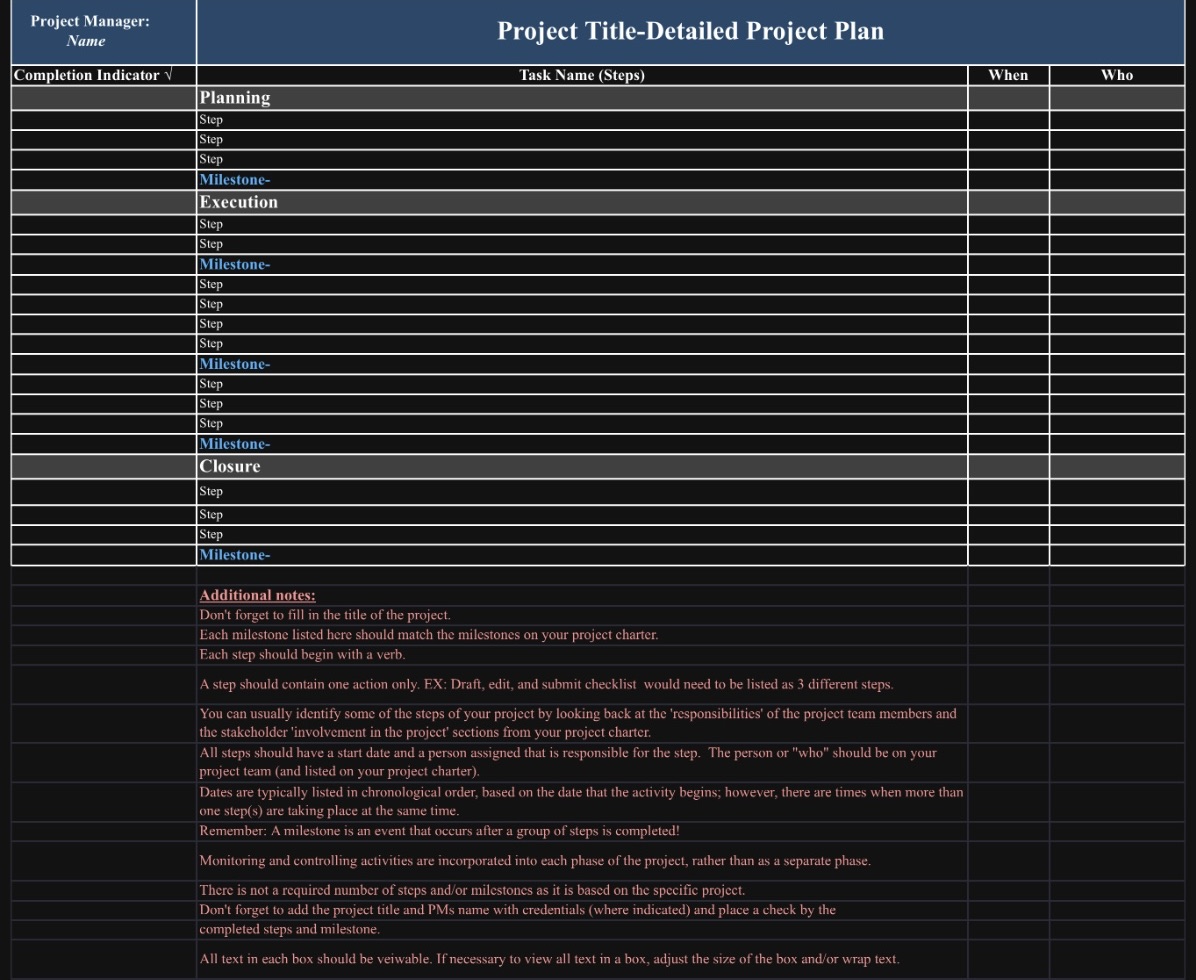
Project Manager: Name Project Title-Detailed Project Plan Completion Indicator v Task Name (Steps) When Who Planning Step Step Step Milestone- Execution Step Step Milestone- Step Step Step Step Milestone- Step Step Step Milestone- Closure Step Step Step Milestone- Additional notes: Don't forget to fill in the title of the project. Each milestone listed here should match the milestones on your project charter. Each step should begin with a verb. A step should contain one action only. EX: Draft, edit, and submit checklist would need to be listed as 3 different steps. You can usually identify some of the steps of your project by looking back at the 'responsibilities' of the project team members and the stakeholder 'involvement in the project' sections from your project charter. All steps should have a start date and a person assigned that is responsible for the step. The person or "who" should be on your project team (and listed on your project charter). Dates are typically listed in chronological order, based on the date that the activity begins; however, there are times when more than one step(s) are taking place at the same time. Remember: A milestone is an event that occurs after a group of steps is completed! Monitoring and controlling activities are incorporated into each phase of the project, rather than as a separate phase. There is not a required number of steps and/or milestones as it is based on the specific project. Don't forget to add the project title and PMs name with credentials (where indicated) and place a check by the completed steps and milestone. All text in each box should be veiwable. If necessary to view all text in a box, adjust the size of the box and/or wrap text
Step by Step Solution
There are 3 Steps involved in it

Get step-by-step solutions from verified subject matter experts
 Study Help