







Question: Need help in 12 , 13 , 17 and 18. I was also wondering if you could check my other answers 12. You have now
Need help in 12 , 13 , 17 and 18. I was also wondering if you could check my other answers
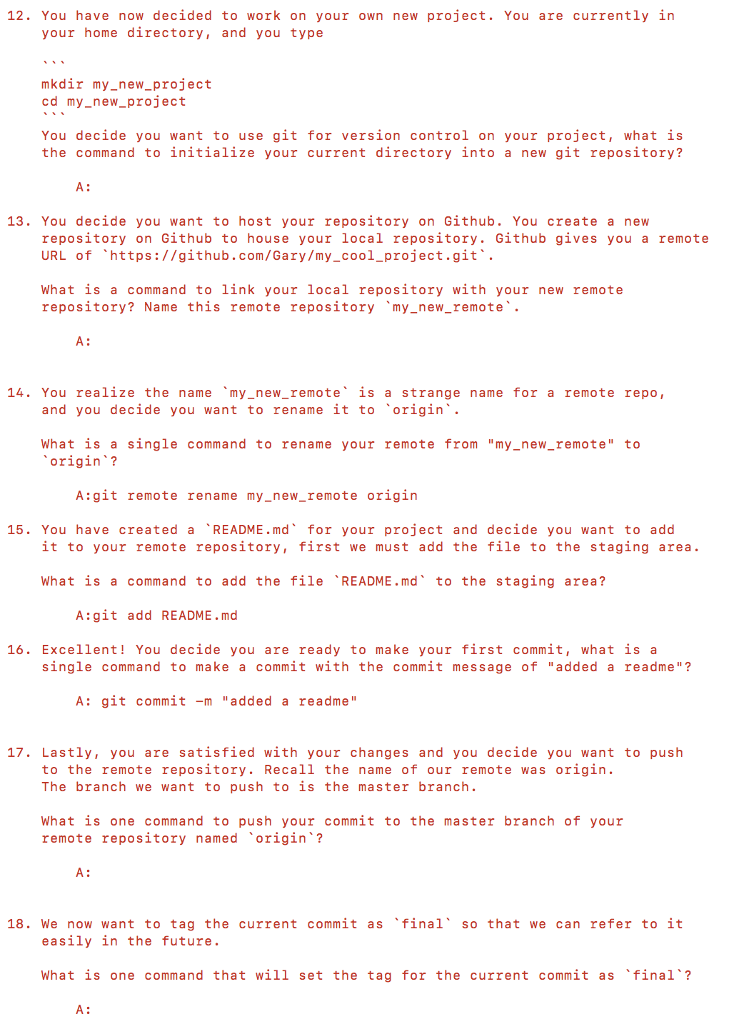
12. You have now decided to work on your own new project. You are currently in your home directory, and you type mkdir my_new project cd my_new project You decide you want to use git for version control on your project, what is the command to initialize your current directory into a new git repository? 13. You decide you want to host your repository on Github. You create a new repository on Github to house your local repository. Github gives you a remote URL of https://github.com/Gary/my_cool_project.git. What is a command to link your local repository with your new remote repository? Name this remote repository my_new_remote. 14. You realize the name my-new-remote is a strange name for a remote repo, and you decide you want to rename it to origin. What is a single command to rename your remote from "my_new_remote" to origin ? A:git remote rename my_new_remote origin 15. You have created a README.md' for your project and decide you want to add it to your remote repository, first we must add the file to the staging area What is a command to add the file 'README md' to the staging area? A:git add README.md 16. Excellent! You decide you are ready to make your first commit, what is a single command to make a commit with the commit message of "added a readme"? A: git commit-m "added a readme" 17. Lastly, you are satisfied with your changes and you decide you want to push to the remote repository. Recall the name of our remote was origin. The branch we want to push to is the master branch What is one command to push your commit to the master branch of your remote repository named origin? 18. We now want to tag the current commit as final so that we can refer to it easily in the future. what is one command that will set the tag for the current commit as final A
Step by Step Solution
There are 3 Steps involved in it

Get step-by-step solutions from verified subject matter experts
 Study Help