







Question: Need help nesting IMPT and PPMT functions into an IF function, please. Scroll down to period 61 , what does the #NUM! error mean? Determine
Need help nesting IMPT and PPMT functions into an IF function, please.
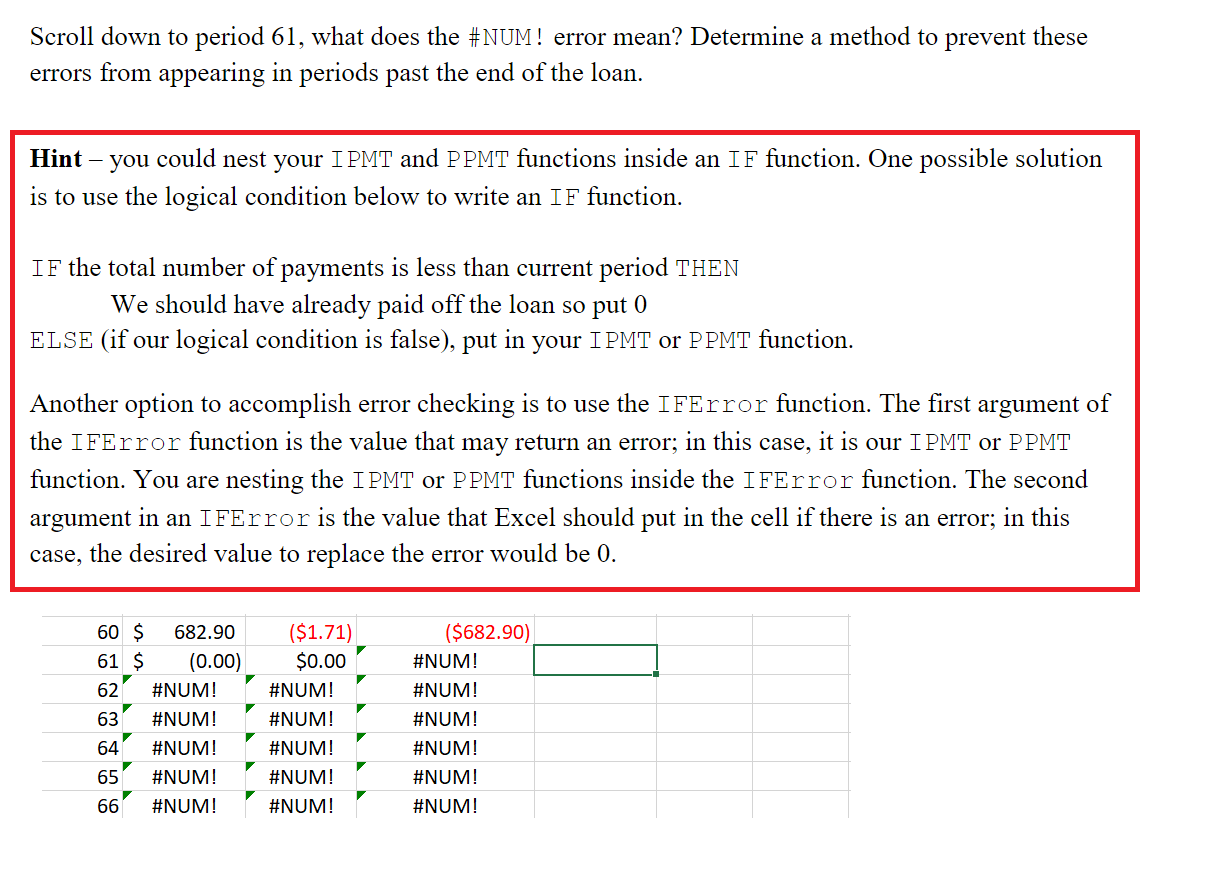
Scroll down to period 61 , what does the \#NUM! error mean? Determine a method to prevent these errors from appearing in periods past the end of the loan. Hint - you could nest your IPMT and PPMT functions inside an IF function. One possible solution is to use the logical condition below to write an IF function. IF the total number of payments is less than current period THEN We should have already paid off the loan so put 0 ELSE (if our logical condition is false), put in your IPMT or PPMT function. Another option to accomplish error checking is to use the IFError function. The first argument of the IFError function is the value that may return an error; in this case, it is our IPMT or PPMT function. You are nesting the IPMT or PPMT functions inside the IFError function. The second argument in an IfError is the value that Excel should put in the cell if there is an error; in this case, the desired value to replace the error would be 0 . Scroll down to period 61 , what does the \#NUM! error mean? Determine a method to prevent these errors from appearing in periods past the end of the loan. Hint - you could nest your IPMT and PPMT functions inside an IF function. One possible solution is to use the logical condition below to write an IF function. IF the total number of payments is less than current period THEN We should have already paid off the loan so put 0 ELSE (if our logical condition is false), put in your IPMT or PPMT function. Another option to accomplish error checking is to use the IFError function. The first argument of the IFError function is the value that may return an error; in this case, it is our IPMT or PPMT function. You are nesting the IPMT or PPMT functions inside the IFError function. The second argument in an IfError is the value that Excel should put in the cell if there is an error; in this case, the desired value to replace the error would be 0
Step by Step Solution
There are 3 Steps involved in it

Get step-by-step solutions from verified subject matter experts
 Study Help