







Question: Need help to wrtie java code for these steps add(T anEntry) Build a new Node containing the T entry as a parameter. Prepend your node
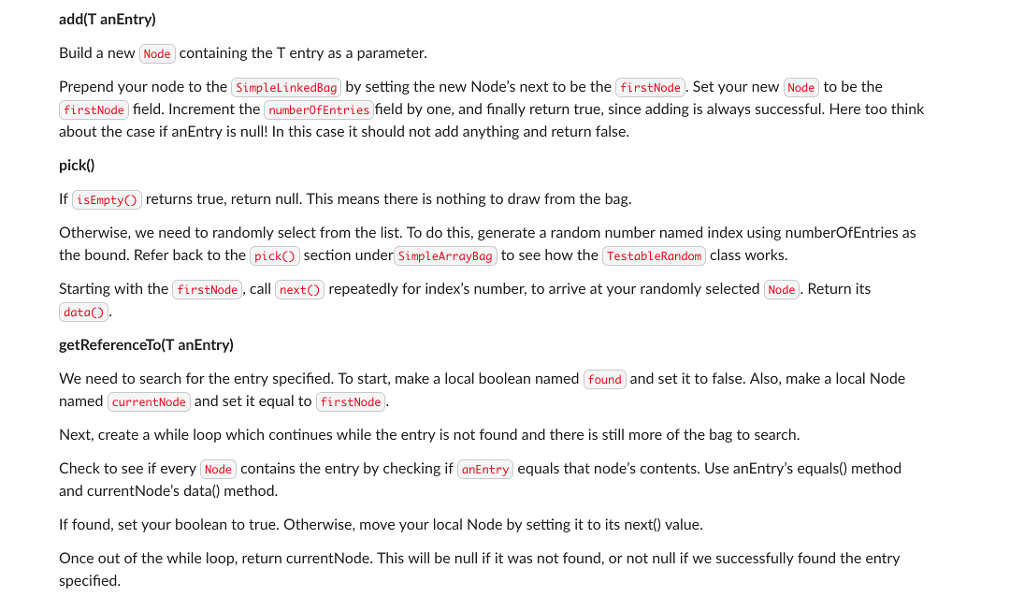
Need help to wrtie java code for these steps
add(T anEntry) Build a new Node containing the T entry as a parameter. Prepend your node to the SimpleLinkedBag by setting the new Node's next to be the firstNode. Set your new (Node to be the firstNode field. Increment the numberOfEntries field by one, and finally return true, since adding is always successful. Here too think about the case if anEntry is null! In this case it should not add anything and return false. pick0 If isEmptyO returns true, return null. This means there is nothing to draw from the bag. Otherwise, we need to randomly select from the list. To do this, generate a random number named index using numberOfEntries as the bound. Refer back to the pickO section under SimpleArrayBag to see how the TestableRandom class works Starting with the firstNode, call nextO repeatedly for index's number, to arrive at your randomly selected Node. Return its data) getReferenceTo(T anEntry) We need to search for the entry specified. To start, make a local boolean named found and set it to false. Also, make a local Node named currentNode and set it equal to firstNode Next, create a while loop which continues while the entry is not found and there is still more of the bag to search. Check to see if every Node contains the entry by checking if anEntry equals that node's contents. Use anEntry's equals0 method and currentNode's data) method. If found, set your boolean to true. Otherwise, move your local Node by setting it to its next0 value Once out of the while loop, return currentNode. This will be null if it was not found, or not null if we successfully found the entry specified
Step by Step Solution
There are 3 Steps involved in it

Get step-by-step solutions from verified subject matter experts
 Study Help