







Question: need help with 1 and 3 11 Questions 1. You plan to do a clean install of Windows 11 Pro onto a computer that currently
need help with 1 and 3
11
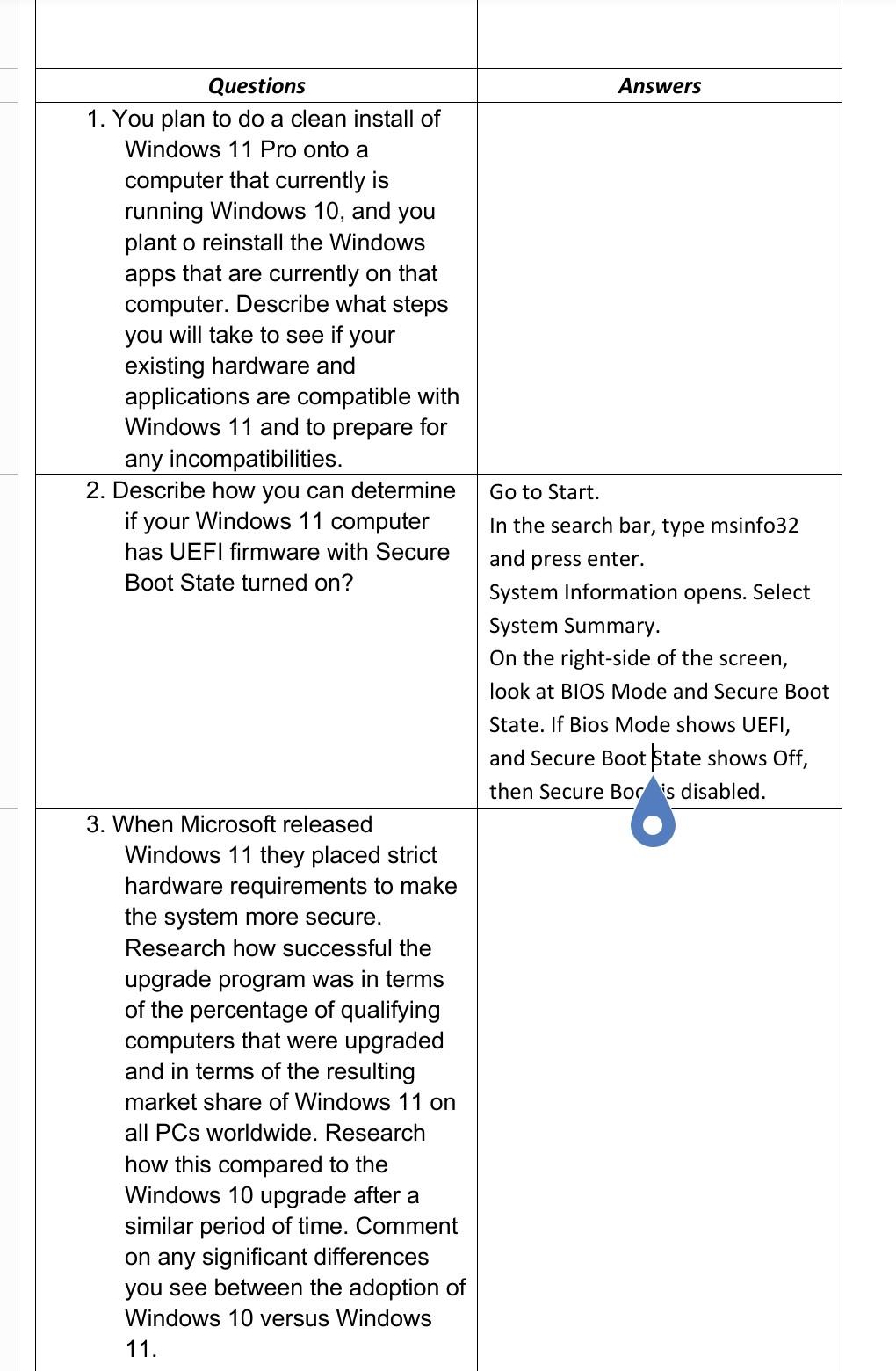
Questions 1. You plan to do a clean install of Windows 11 Pro onto a computer that currently is running Windows 10, and you plant o reinstall the Windows apps that are currently on that computer. Describe what steps you will take to see if your existing hardware and applications are compatible with Windows 11 and to prepare for any incompatibilities. 2. Describe how you can determine if your Windows 11 computer has UEFI firmware with Secure Boot State turned on? 3. When Microsoft released Windows 11 they placed strict hardware requirements to make the system more secure. Research how successful the upgrade program was in terms of the percentage of qualifying computers that were upgraded and in terms of the resulting market share of Windows 11 on all PCs worldwide. Research how this compared to the Windows 10 upgrade after a similar period of time. Comment on any significant differences you see between the adoption of Windows 10 versus Windows 11. Answers Go to Start. In the search bar, type msinf032 and press enter. System Information opens. Select System Summary. On the right-side of the screen, look at BIOS Mode and Secure Boot State. If Bios Mode shows UEFI, and Secure Boot state shows Off, then Secure Boc 7s disabled.
Step by Step Solution
There are 3 Steps involved in it

Get step-by-step solutions from verified subject matter experts
 Study Help