







Question: Need help with these 10 MS Excel questions. Will leave a like after. Aiming for 100%. Thank you!! Cell references enables Excel to automatically recalculate
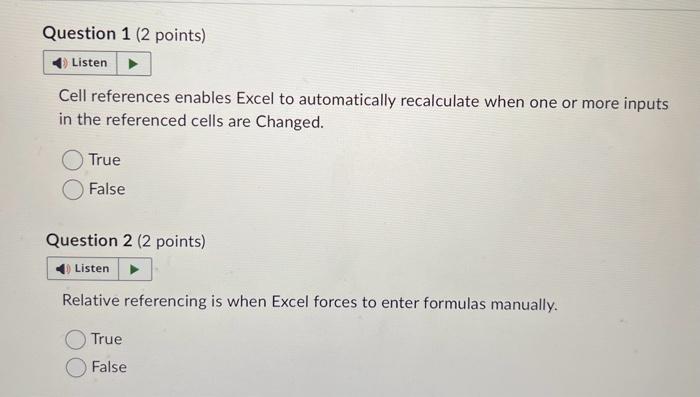
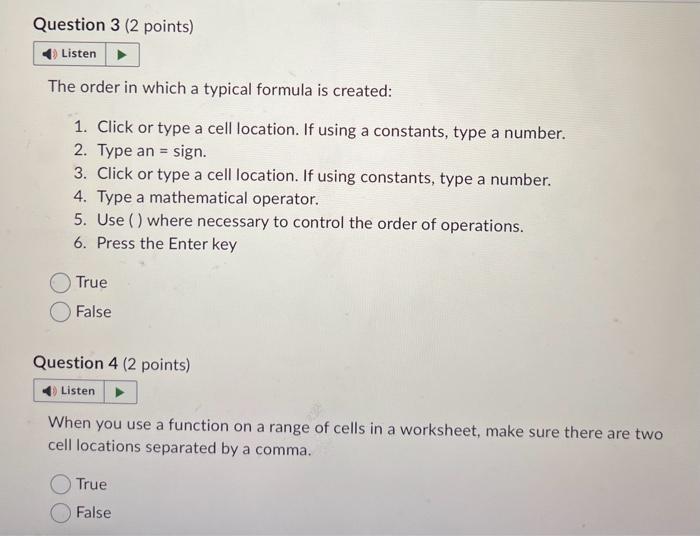
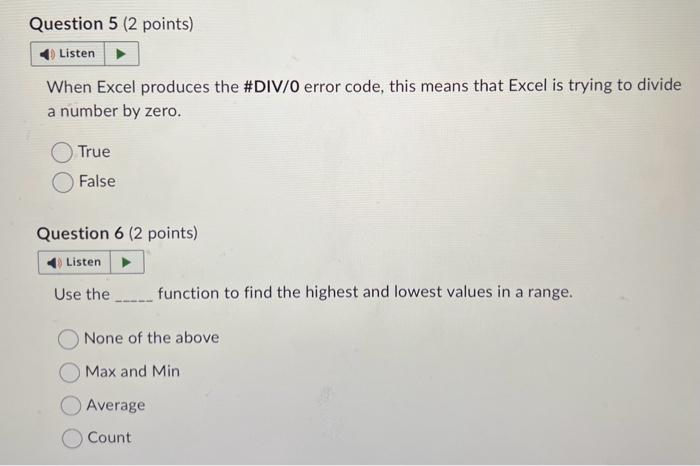
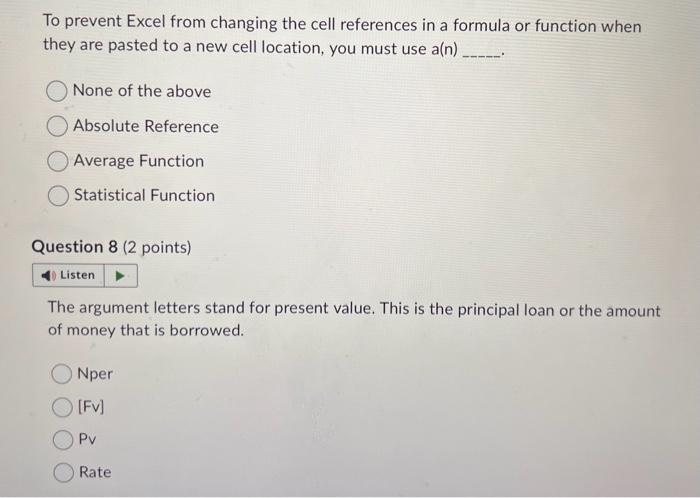
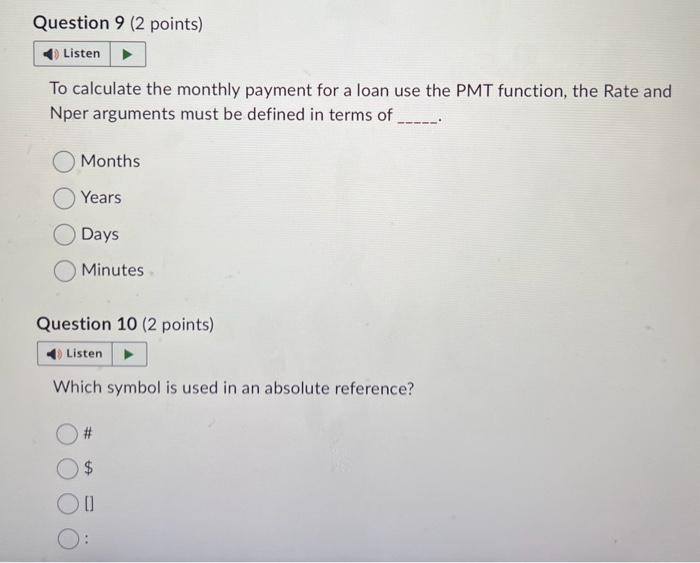
Cell references enables Excel to automatically recalculate when one or more inputs in the referenced cells are Changed. True False Question 2 (2 points) Relative referencing is when Excel forces to enter formulas manually. True False The order in which a typical formula is created: 1. Click or type a cell location. If using a constants, type a number. 2. Type an = sign. 3. Click or type a cell location. If using constants, type a number. 4. Type a mathematical operator. 5. Use () where necessary to control the order of operations. 6. Press the Enter key True False Question 4 (2 points) When you use a function on a range of cells in a worksheet, make sure there are two cell locations separated by a comma. True False When Excel produces the \#DIV/0 error code, this means that Excel is trying to divide a number by zero. True False Question 6 ( 2 points) Use the function to find the highest and lowest values in a range. None of the above Max and Min Average Count To prevent Excel from changing the cell references in a formula or function when they are pasted to a new cell location, you must use a(n) None of the above Absolute Reference Average Function Statistical Function Question 8 ( 2 points) The argument letters stand for present value. This is the principal loan or the amount of money that is borrowed. Nper [Fv] PV Rate To calculate the monthly payment for a loan use the PMT function, the Rate and Nper arguments must be defined in terms of Months Years Days Minutes Question 10 ( 2 points) Which symbol is used in an absolute reference
Step by Step Solution
There are 3 Steps involved in it

Get step-by-step solutions from verified subject matter experts
 Study Help