







Question: Need help with this java program please, if you can type it in it really help. thank you! Class Rectangle below public class Rectangle_Velez extends
Need help with this java program please, if you can type it in it really help. thank you!
Class Rectangle below
public class Rectangle_Velez extends Shape_Velez { private float side2;
public Rectangle_Velez() { side2 = 0.0f; }
/** * @param side2 */ public Rectangle_Velez(float len, float w) { super(len); this.side2 = w; }
public float area() { return getSide()*side2; } /* * (non-Javadoc) * * @see java.lang.Object#toString() */ @Override public String toString() { return super.toString() + " RECTANGLE - Length = " + getSide() + " Width = " + side2; }
}
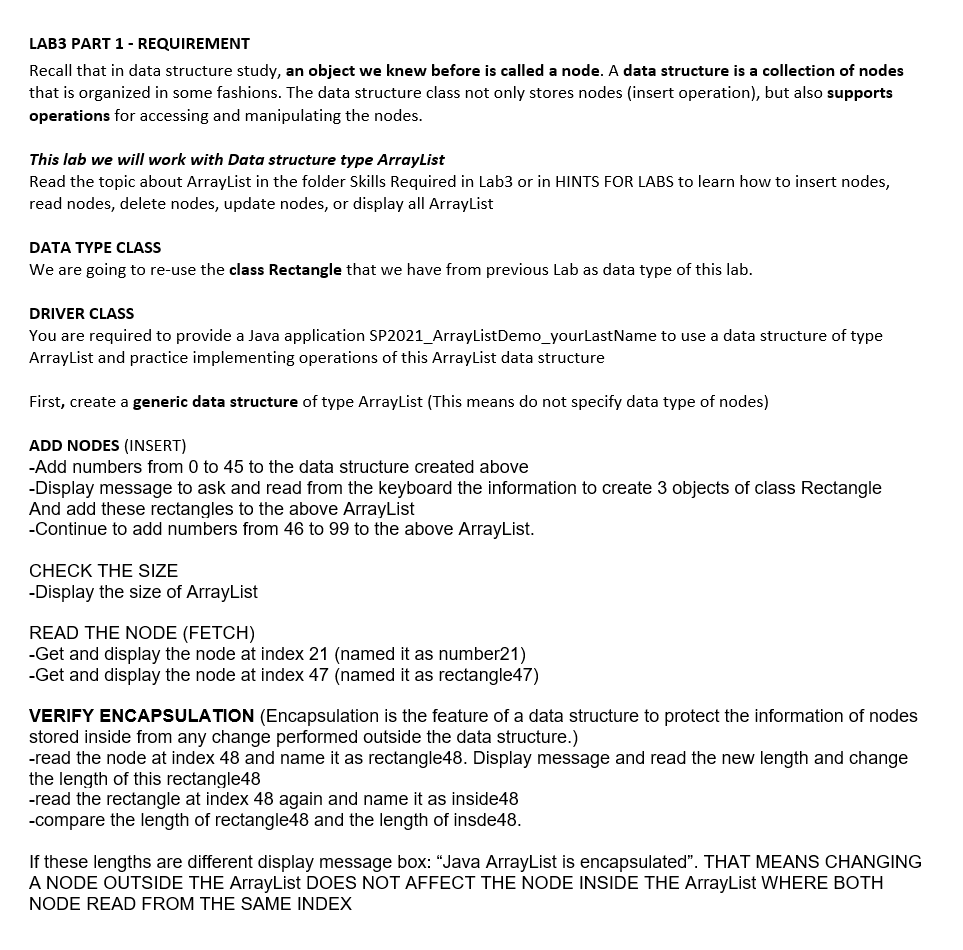
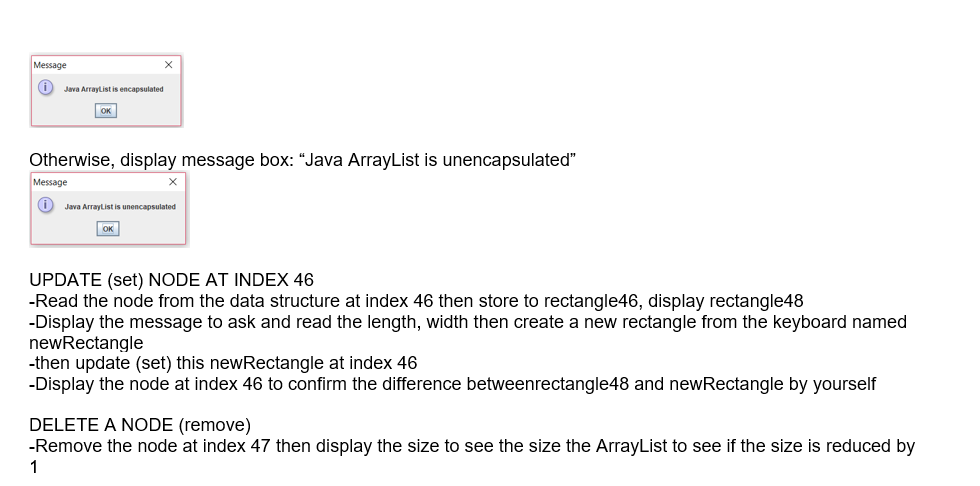
LAB3 PART 1 - REQUIREMENT Recall that in data structure study, an object we knew before is called a node. A data structure is a collection of nodes that is organized in some fashions. The data structure class not only stores nodes (insert operation), but also supports operations for accessing and manipulating the nodes. This lab we will work with Data structure type ArrayList Read the topic about ArrayList in the folder Skills Required in Lab3 or in HINTS FOR LABS to learn how to insert nodes, read nodes, delete nodes, update nodes, or display all ArrayList DATA TYPE CLASS We are going to re-use the class Rectangle that we have from previous Lab as data type of this lab. DRIVER CLASS You are required to provide a Java application SP2021_ArrayListDemo_yourLastName to use a data structure of type ArrayList and practice implementing operations of this ArrayList data structure First, create a generic data structure of type ArrayList (This means do not specify data type of nodes) ADD NODES (INSERT) -Add numbers from 0 to 45 to the data structure created above -Display message to ask and read from the keyboard the information to create 3 objects of class Rectangle And add these rectangles to the above ArrayList -Continue to add numbers from 46 to 99 to the above ArrayList. CHECK THE SIZE -Display the size of ArrayList READ THE NODE (FETCH) -Get and display the node at index 21 (named it as number21) -Get and display the node at index 47 (named it as rectangle47) VERIFY ENCAPSULATION (Encapsulation is the feature of a data structure to protect the information of nodes stored inside from any change performed outside the data structure.) -read the node at index 48 and name it as rectangle48. Display message and read the new length and change the length of this rectangle48 -read the rectangle at index 48 again and name it as inside48 -compare the length of rectangle48 and the length of insde48. If these lengths are different display message box: "Java ArrayList is encapsulated". THAT MEANS CHANGING A NODE OUTSIDE THE ArrayList DOES NOT AFFECT THE NODE INSIDE THE ArrayList WHERE BOTH NODE READ FROM THE SAME INDEX Message 0 Java ArrayListis encapsulated TOK Otherwise, display message box: Java ArrayList is unencapsulated" Message i Java ArrayList is unencapsulated OK UPDATE (set) NODE AT INDEX 46 -Read the node from the data structure at index 46 then store to rectangle46, display rectangle48 -Display the message to ask and read the length, width then create a new rectangle from the keyboard named newRectangle -then update (set) this new Rectangle at index 46 -Display the node at index 46 to confirm the difference betweenrectangle48 and new Rectangle by yourself DELETE A NODE (remove) -Remove the node at index 47 then display the size to see the size the ArrayList to see if the size is reduced by 1 LAB3 PART 1 - REQUIREMENT Recall that in data structure study, an object we knew before is called a node. A data structure is a collection of nodes that is organized in some fashions. The data structure class not only stores nodes (insert operation), but also supports operations for accessing and manipulating the nodes. This lab we will work with Data structure type ArrayList Read the topic about ArrayList in the folder Skills Required in Lab3 or in HINTS FOR LABS to learn how to insert nodes, read nodes, delete nodes, update nodes, or display all ArrayList DATA TYPE CLASS We are going to re-use the class Rectangle that we have from previous Lab as data type of this lab. DRIVER CLASS You are required to provide a Java application SP2021_ArrayListDemo_yourLastName to use a data structure of type ArrayList and practice implementing operations of this ArrayList data structure First, create a generic data structure of type ArrayList (This means do not specify data type of nodes) ADD NODES (INSERT) -Add numbers from 0 to 45 to the data structure created above -Display message to ask and read from the keyboard the information to create 3 objects of class Rectangle And add these rectangles to the above ArrayList -Continue to add numbers from 46 to 99 to the above ArrayList. CHECK THE SIZE -Display the size of ArrayList READ THE NODE (FETCH) -Get and display the node at index 21 (named it as number21) -Get and display the node at index 47 (named it as rectangle47) VERIFY ENCAPSULATION (Encapsulation is the feature of a data structure to protect the information of nodes stored inside from any change performed outside the data structure.) -read the node at index 48 and name it as rectangle48. Display message and read the new length and change the length of this rectangle48 -read the rectangle at index 48 again and name it as inside48 -compare the length of rectangle48 and the length of insde48. If these lengths are different display message box: "Java ArrayList is encapsulated". THAT MEANS CHANGING A NODE OUTSIDE THE ArrayList DOES NOT AFFECT THE NODE INSIDE THE ArrayList WHERE BOTH NODE READ FROM THE SAME INDEX Message 0 Java ArrayListis encapsulated TOK Otherwise, display message box: Java ArrayList is unencapsulated" Message i Java ArrayList is unencapsulated OK UPDATE (set) NODE AT INDEX 46 -Read the node from the data structure at index 46 then store to rectangle46, display rectangle48 -Display the message to ask and read the length, width then create a new rectangle from the keyboard named newRectangle -then update (set) this new Rectangle at index 46 -Display the node at index 46 to confirm the difference betweenrectangle48 and new Rectangle by yourself DELETE A NODE (remove) -Remove the node at index 47 then display the size to see the size the ArrayList to see if the size is reduced by 1
Step by Step Solution
There are 3 Steps involved in it

Get step-by-step solutions from verified subject matter experts
 Study Help