







Question: Need help writing VBA code for the following: 2. Inside the same file, copy the code below into a new module named Task2: Sub OpenAFile()
Need help writing VBA code for the following:
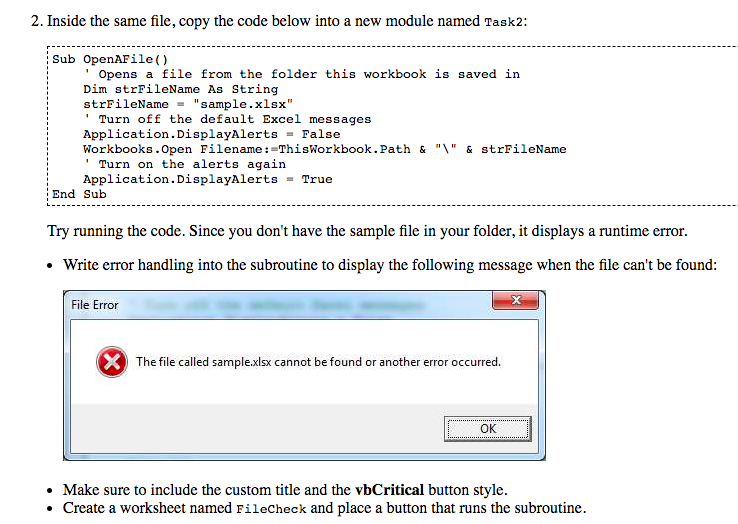
2. Inside the same file, copy the code below into a new module named Task2: Sub OpenAFile() Opens a file from the folder this workbook is saved in Dim strFileName As String strFileName = "sample.xlsx" Turn off the default Excel messages Application.DisplayAlerts = False workbooks.Open Filename : =ThisWorkbook.Path & "\" & strFileName 'Turn on the alerts again Application.DisplayAlerts = True End Sub Try running the code. Since you don't have the sample file in your folder, it displays a runtime error. or etle un e ound File Error The file called sample.xlsx cannot be found or another error occurred. Make sure to include the custom title and the vbCritical button style. Create a worksheet named FileCheck and place a button that runs the subroutine
Step by Step Solution
There are 3 Steps involved in it

Get step-by-step solutions from verified subject matter experts
 Study Help