







Question: Need instructions or screen captures for questions 1-5 for Apple/Mac OS Lesson 1 - Operating System Orientation Perform the following activities and record your results.
Need instructions or screen captures for questions 1-5 for Apple/Mac OS
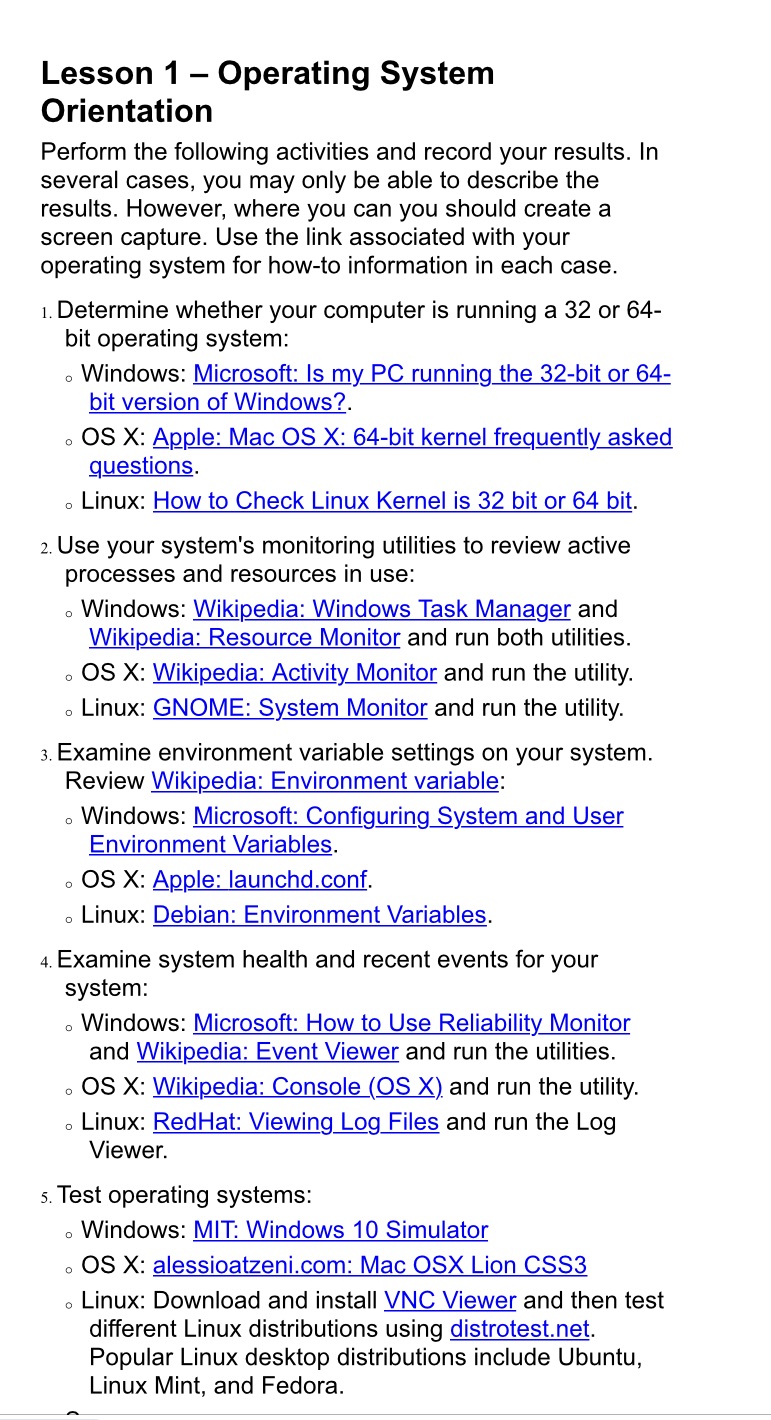
Lesson 1 - Operating System Orientation Perform the following activities and record your results. In several cases, you may only be able to describe the results. However, where you can you should create a screen capture. Use the link associated with your operating system for how-to information in each case. 1. Determine whether your computer is running a 32 or 64- bit operating system: Windows: Microsoft: Is my PC running the 32-bit or 64- bit version of Windows?. OS X: Apple: Mac OS X: 64-bit kernel frequently asked questions. Linux: How to Check Linux Kernel is 32 bit or 64 bit. 2. Use your system's monitoring utilities to review active processes and resources in use: O 0 Windows: Wikipedia: Windows Task Manager and Wikipedia: Resource Monitor and run both utilities. OS X: Wikipedia: Activity Monitor and run the utility. Linux: GNOME: System Monitor and run the utility. 0 0 3. Examine environment variable settings on your system. Review Wikipedia: Environment variable: Windows: Microsoft: Configuring System and User Environment Variables. 0 . OS X: Apple: launchd.conf. . Linux: Debian: Environment Variables. 4. Examine system health and recent events for your system: Windows: Microsoft: How to Use Reliability Monitor and Wikipedia: Event Viewer and run the utilities. OS X: Wikipedia: Console (OS X) and run the utility. . Linux: RedHat: Viewing Log Files and run the Log Viewer. O 5. Test operating systems: Windows: MIT: Windows 10 Simulator . OS X: alessioatzeni.com: Mac OSX Lion CSS3 O Linux: Download and install VNC Viewer and then test different Linux distributions using distrotest.net. Popular Linux desktop distributions include Ubuntu, Linux Mint, and Fedora.
Step by Step Solution
There are 3 Steps involved in it

Get step-by-step solutions from verified subject matter experts
 Study Help