







Question: need it all in psuedocode Modularisation Steps In Modularisation 1. Define the problem using the IPO chart. 2. Group activites into subtasks or functions. 3.
need it all in psuedocode
Modularisation
Steps In Modularisation
1. Define the problem using the IPO chart. 2. Group activites into subtasks or functions. 3. Construct a hierarchy chart. 4. Establish the mainline algorithm. 5. Develope the algorithms for each successive modules. 6. Desk check the solution algorithm.
Some really helpful tips from Microsoft:
http://msdn.microsoft.com/en-us/library/gg405479(v=pandp.40).aspx (Links to an external site.)Links to an external site.
http://msdn.microsoft.com/en-us/library/windows/apps/hh986964.aspx (Links to an external site.)Links to an external site.
Problems to Solve in Groups
1) For those of us with a mobile device, we know what that sending a data (in whatever form) from app to app can be challenging. On both iOS and Android platforms, you are returned a list of apps that will accept your data... But that list in unrefined. I want App selection to drive what apps are made available as a go to list - think of it as page rank for apps. The more you use an app as you are sharing from app - to -app, the higher (or sooner) it will display in the Share -With - App - List.
Develop an IPO chart, a hierarchy chart, and mainline / subtask algorithms. You can use Google Docs to create those charts using the Drawing App in conjunction with the Document App.
Here's what they look like now to help you start:
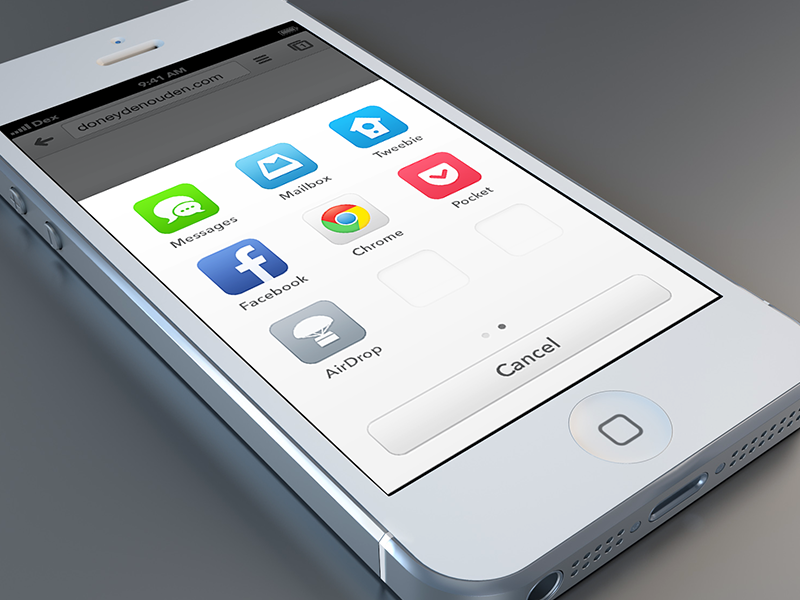
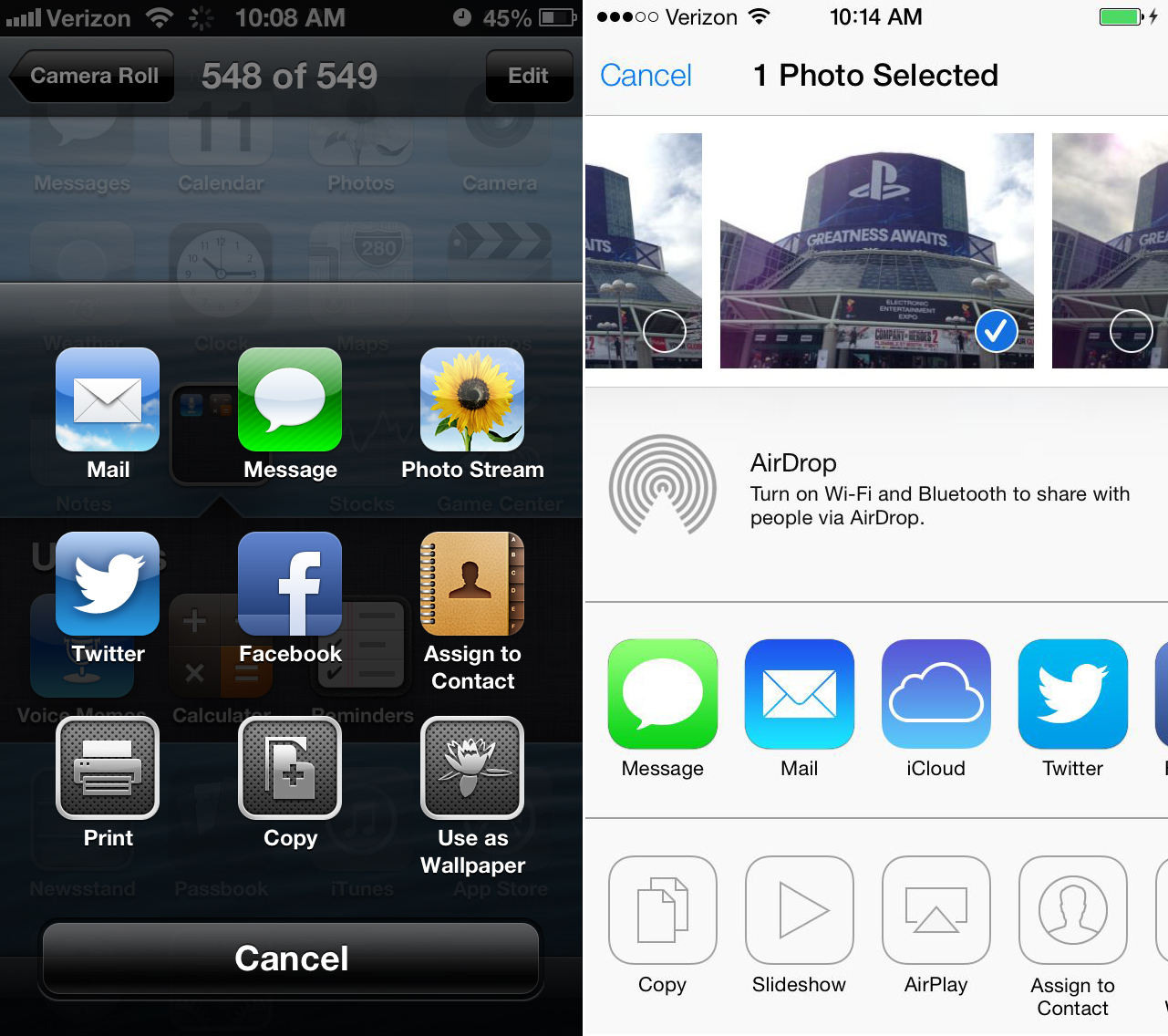
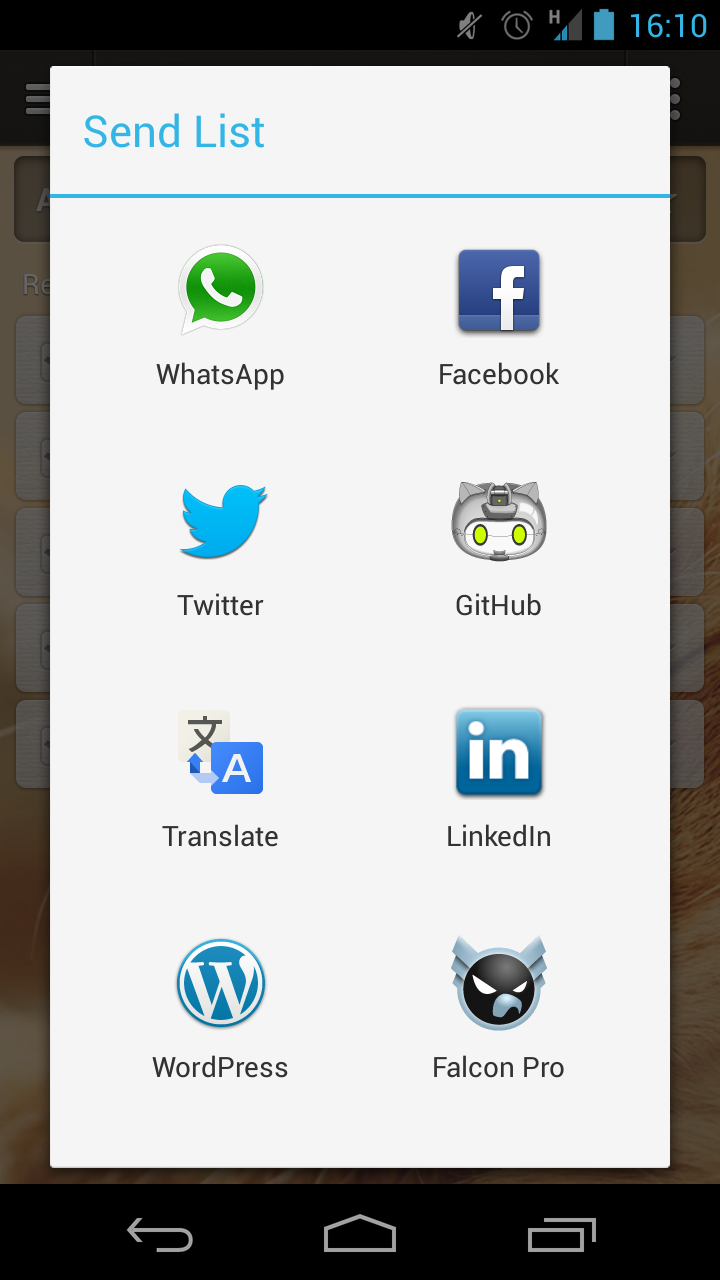
Here's what you'll need to deliver:
Modules! (40 points) :
module called to get app names
module called to sort the apps based on rank (number of times clicked increases rank)
bubble sort is the way to go on this
module called to display the apps (one set to display vertical and another horizontal)
module to search for new apps (have to add to the list some time!)
Arrays! (20 points):
Paired arrays for names of the apps and click rank (# times chosen)
Array for names / icon for display purpose
And here's how it actually happens:
http://developer.android.com/training/sharing/send.html (Links to an external site.)Links to an external site.
------- Design Your Solution Modularly ---------
Chrome AirDrop Cance Chrome AirDrop CanceStep by Step Solution
There are 3 Steps involved in it

Get step-by-step solutions from verified subject matter experts
 Study Help