







Question: Need Mblock code. o ZOOM + Lab #05: mBot Programming - Line Follower In this lab, we will use the mBot to follow a black
Need Mblock code.
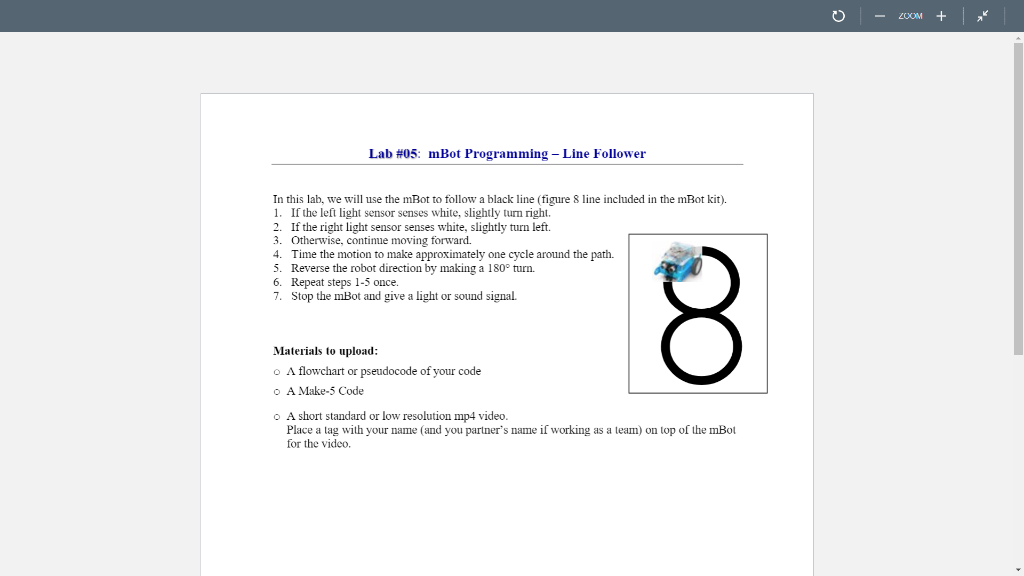
o ZOOM + Lab #05: mBot Programming - Line Follower In this lab, we will use the mBot to follow a black line (figure 8 line included in the mBot kit). 1. If the left light sensor senses white, slightly turn right. 2. If the right light sensor senses white, slightly turn left. 3. Otherwise, continue moving forward. 4. Time the motion to make approximately one cycle around the path. 5. Reverse the robot direction by making a 180 turn. 6. Repeat steps 1-5 once. 7. Stop the mBot and give a light or sound signal. 8 Materials to upload: O A flowchart or pseudocode of your code O A Make-5 Code o A short standard or low resolution mp4 video. Place a lag with your name and you partner's name i working as a team) on top of the mBot for the video. o ZOOM + Lab #05: mBot Programming - Line Follower In this lab, we will use the mBot to follow a black line (figure 8 line included in the mBot kit). 1. If the left light sensor senses white, slightly turn right. 2. If the right light sensor senses white, slightly turn left. 3. Otherwise, continue moving forward. 4. Time the motion to make approximately one cycle around the path. 5. Reverse the robot direction by making a 180 turn. 6. Repeat steps 1-5 once. 7. Stop the mBot and give a light or sound signal. 8 Materials to upload: O A flowchart or pseudocode of your code O A Make-5 Code o A short standard or low resolution mp4 video. Place a lag with your name and you partner's name i working as a team) on top of the mBot for the video
Step by Step Solution
There are 3 Steps involved in it

Get step-by-step solutions from verified subject matter experts
 Study Help