







Question: Need Pearson Custom Computer Science Textbook Programming project 10 on page 46. please help. First thing you should do, open the file called ImageOrientation from
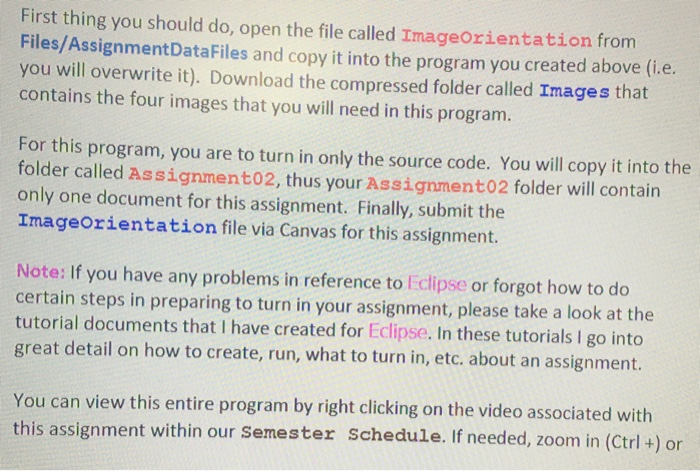

First thing you should do, open the file called ImageOrientation from Files/AssignmentDataFiles and copy it into the program you created above (i.e. you will overwrite it). Download the compressed folder called Images that contains the four images that you will need in this program. For this program, you are to turn in only the source code. You will copy it into the folder called Assignment02, thus your Assignment02 folder will contain only one document for this assignment. Finally, submit the ImageOrientation file via Canvas for this assignment. Note: If you have any problems in reference to Eclipse or forgot how to do certain steps in preparing to turn in your assignment, please take a look at the tutorial documents that I have created for Eclipse. In these tutorials I go into great detail on how to create, run, what to turn in, etc. about an assignment. You can view this entire program by right clicking on the video associated with this assignment within our Semester Schedule. If needed, zoom in (Ctrl +) or zoom out (Ctrl-) to get a better view of the video. You may download the entire video on to your computer if you wish or simply view it online. First thing you should do, open the file called ImageOrientation from Files/AssignmentDataFiles and copy it into the program you created above (i.e. you will overwrite it). Download the compressed folder called Images that contains the four images that you will need in this program. For this program, you are to turn in only the source code. You will copy it into the folder called Assignment02, thus your Assignment02 folder will contain only one document for this assignment. Finally, submit the ImageOrientation file via Canvas for this assignment. Note: If you have any problems in reference to Eclipse or forgot how to do certain steps in preparing to turn in your assignment, please take a look at the tutorial documents that I have created for Eclipse. In these tutorials I go into great detail on how to create, run, what to turn in, etc. about an assignment. You can view this entire program by right clicking on the video associated with this assignment within our Semester Schedule. If needed, zoom in (Ctrl +) or zoom out (Ctrl-) to get a better view of the video. You may download the entire video on to your computer if you wish or simply view it online
Step by Step Solution
There are 3 Steps involved in it

Get step-by-step solutions from verified subject matter experts
 Study Help