







Question: Need some help with this assembly language program or this assignment you will create a combination lock simulation. The combination lock has four buttons, numbered
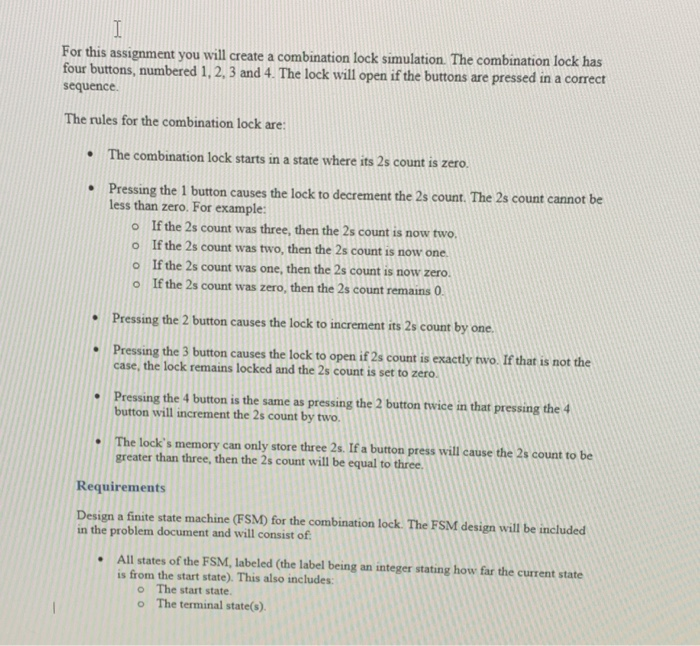
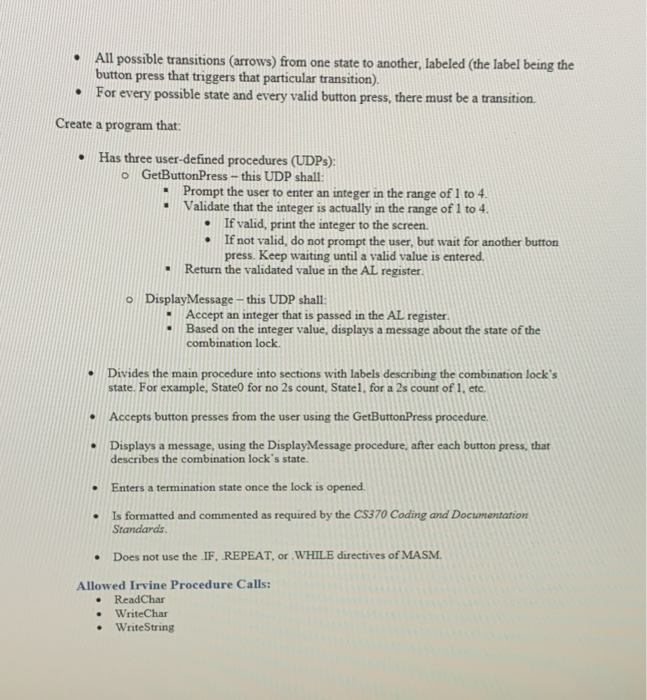
or this assignment you will create a combination lock simulation. The combination lock has four buttons, numbered 1.2. 3 and 4. The lock will open if the buttons are pressed in a correct sequence. The rules for the combination lock are: The combination lock starts in a state where its 2s count is zero. Pressing the 1 button causes the lock to decrement the 2s count. The 2s count cannot be less than zero. For example: o If the 2s count was three, then the 2s count is now two o If the 2s count was two, then the 2s count is now one o If the 2s count was one, then the 2s count is now zero o If the 2s count was zero, then the 2s count remains 0 Pressing the 2 button causes the lock to increment its 2s count by one Pressing the 3 button causes the lock to open if 2s count is exactly two. If that is not the case, the lock remains locked and the 2s count is set to zero Pressing the 4 button is the same as pressing the 2 button wice in that pressing the 4 button will increment the 2s count by two. The lock's memory can only store three 2s. If a button press will cause the 2s count to be greater than three, then the 2s count will be equal to three Requirements Design a finite state machine (FSM) for the combination lock. The FSM design will be included in the problem document and will consist of All states of the FSM, labeled (the label being an integer stating how far the current state is from the start state). This also includes: o The start state. o The terminal state(s). . All possible transitions (arrows) from one state to another, labeled (the label being the button press that triggers that particular transition). For every possible state and every valid button press, there must be a transition . Create a program that Has three user-defined procedures (UDPs): o GetButtonPress - this UDP shall . Prompt the user to enter an integer in the range of 1 to 4. Validate that the integer is actually in the range of 1 to 4. - If valid, print the integer to the screen If not valid, do not prompt the user, but wait for another button press. Keep waiting until a valid value is entered . Return the validated value in the AL register. DisplayMessage -this UDP shall: o Accept an integer that is passed in the AL register. Based on the integer value, displays a message about the state of the combination lock .Divides the main procedure into sections with labels deseribing the combination lock's state. For example, State0 for no 2s count, Statel, for a 2s count of 1, etc. Accepts button presses from the user using the GetButtonPress procedure Displays a message, using the DisplayMessage procedure, after each button press, that describes the combination lock's state - Enters a termination state once the lock is opened . Is formatted and commented as required by the C$370 Coding and Documentation Standards . Does not use the IF, REPEAT, or.WHILE directives of MASM Allowed Irvine Procedure Calls ReadChar - WriteChar WriteString
Step by Step Solution
There are 3 Steps involved in it

Get step-by-step solutions from verified subject matter experts
 Study Help