







Question: Need to write an assembly code to do the following for a Pic16f84a chip Write an Assembly program that will count the number of logic
Need to write an assembly code to do the following for a Pic16f84a chip
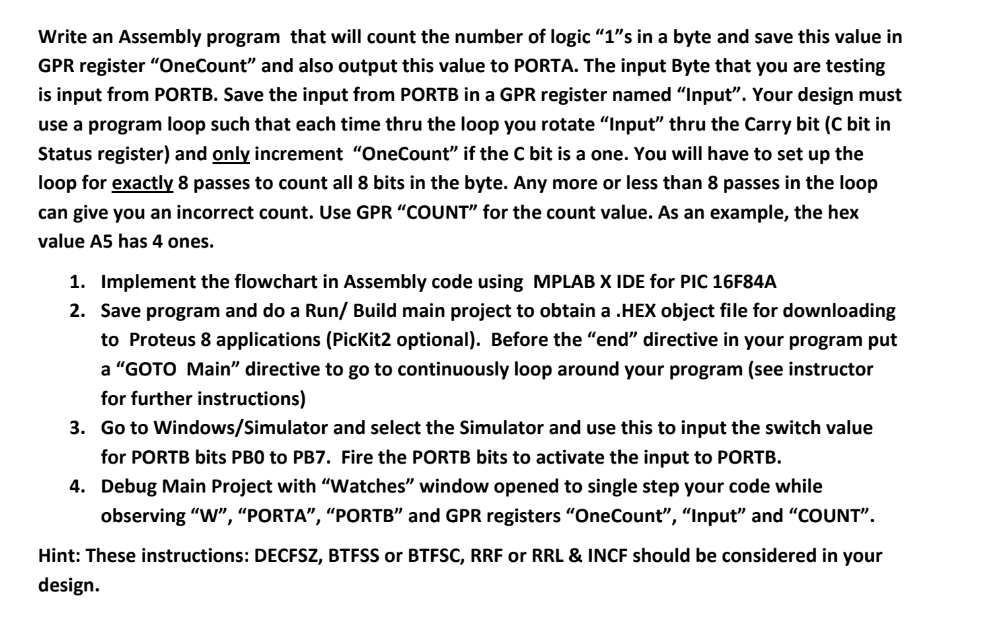
Write an Assembly program that will count the number of logic "1"s in a byte and save this value in GPR register "OneCount" and also output this value to PORTA. The input Byte that you are testing is input from PORTB. Save the input from PORTB in a GPR register named "Input". Your design must use a program loop such that each time thru the loop you rotate "Input" thru the Carry bit (C bit in Status register) and only increment "OneCount" if the C bit is a one. You will have to set up the loop for exactly 8 passes to count all 8 bits in the byte. Any more or less than 8 passes in the loop can give you an incorrect count. Use GPR "COUNT" for the count value. As an example, the hex value A5 has 4 ones. Implement the flowchart in Assembly code using MPLAB X IDE for PIC 16F84A Save program and do a Run/ Build main project to obtain a . HEX object file for downloading to Proteus 8 applications (PicKit2 optional). Before the "end" directive in your program put a "GOTO Main" directive to go to continuously loop around your program (see instructor for further instructions) Go to Windows/Simulator and select the Simulator and use this to input the switch value for PORTB bits PBO to PB7. Fire the PORTB bits to activate the input to PORTB. Debug Main Project with watches" window opened to single step your code while observing "W", "PORTA", "PORTB" and GPR registers "OneCount", "Input" and "COUNT". 1. 2. 3. 4. Hint: These instructions: DECFSZ, BTFSS or BTFSC, RRF or RRL & INCF should be considered in your design. Write an Assembly program that will count the number of logic "1"s in a byte and save this value in GPR register "OneCount" and also output this value to PORTA. The input Byte that you are testing is input from PORTB. Save the input from PORTB in a GPR register named "Input". Your design must use a program loop such that each time thru the loop you rotate "Input" thru the Carry bit (C bit in Status register) and only increment "OneCount" if the C bit is a one. You will have to set up the loop for exactly 8 passes to count all 8 bits in the byte. Any more or less than 8 passes in the loop can give you an incorrect count. Use GPR "COUNT" for the count value. As an example, the hex value A5 has 4 ones. Implement the flowchart in Assembly code using MPLAB X IDE for PIC 16F84A Save program and do a Run/ Build main project to obtain a . HEX object file for downloading to Proteus 8 applications (PicKit2 optional). Before the "end" directive in your program put a "GOTO Main" directive to go to continuously loop around your program (see instructor for further instructions) Go to Windows/Simulator and select the Simulator and use this to input the switch value for PORTB bits PBO to PB7. Fire the PORTB bits to activate the input to PORTB. Debug Main Project with watches" window opened to single step your code while observing "W", "PORTA", "PORTB" and GPR registers "OneCount", "Input" and "COUNT". 1. 2. 3. 4. Hint: These instructions: DECFSZ, BTFSS or BTFSC, RRF or RRL & INCF should be considered in your design
Step by Step Solution
There are 3 Steps involved in it

Get step-by-step solutions from verified subject matter experts
 Study Help