







Question: Network Layer IPv4 and ICMP Do and explain how to do the following tasks by steps or photos Start network traffic capturing using Wireshark and
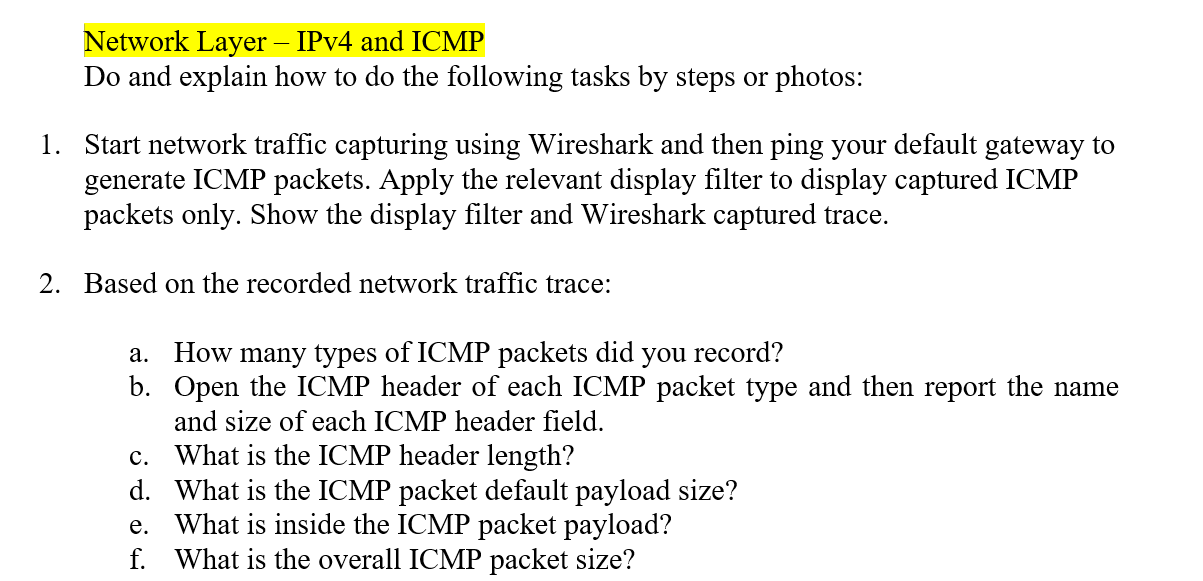
Network Layer IPv4 and ICMP Do and explain how to do the following tasks by steps or photos Start network traffic capturing using Wireshark and then ping your default gateway to generate ICMP packets. Apply the relevant display filter to display captured ICMP packets only. Show the display filter and Wireshark captured trace. 1. 2. Based on the recorded network traffic trace: a. How many types of ICMP packets did you record? b. Open the ICMP header of each ICMP packet type and then report the name and size of each ICMP header field. c. What is the ICMP header length? d. What is the ICMP packet default payload size? e. What is inside the ICMP packet payload? f. What is the overall ICMP packet size
Step by Step Solution
There are 3 Steps involved in it

Get step-by-step solutions from verified subject matter experts
 Study Help