







Question: Network Security and Forensics - Task with Wireshark. I need help ASAP, I will give thumbs up. Please, provide screenshots of each step. 3.2 Geolocating
Network Security and Forensics - Task with Wireshark. I need help ASAP, I will give thumbs up. Please, provide screenshots of each step.
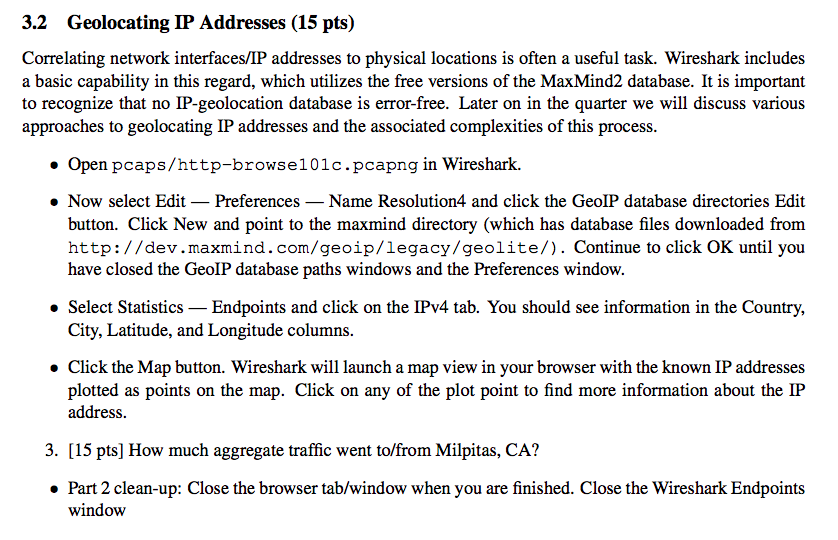
3.2 Geolocating IP Addresses (15 pts) Correlating network interfaces/IP addresses to physical locations is often a useful task. Wireshark includes a basic capability in this regard, which utilizes the free versions of the MaxMind2 database. It is important to recognize that no IP-geolocation database is error-free. Later on in the quarter we will discuss various approaches to geolocating IP addresses and the associated complexities of this process. Open pcaps/http-browse101c.pcapng in Wireshark. . Now select Edit Preferences - Name Resolution4 and click the GeoIP database directories Edit button. Click New and point to the maxmind directory (which has database files downloaded from http://dev.maxmind.com/geoip/legacy/geolite/). Continue to click OK until you have closed the GeoIP database paths windows and the Preferences window. Select Statistics Endpoints and click on the IPv4 tab. You should see information in the Country, City, Latitude, and Longitude columns. Click the Map button. Wireshark will launch a map view in your browser with the known IP addresses plotted as points on the map. Click on any of the plot point to find more information about the IP address. 3. [15 pts] How much aggregate traffic went to/from Milpitas, CA? Part 2 clean-up: Close the browser tab/window when you are finished. Close the Wireshark Endpoints window
Step by Step Solution
There are 3 Steps involved in it

Get step-by-step solutions from verified subject matter experts
 Study Help