







Question: No 3 Microsoft Excel spreadsheets 1. Enter the table headings 2. For the range of cells C3: E7, select the menu Data Verification, in the
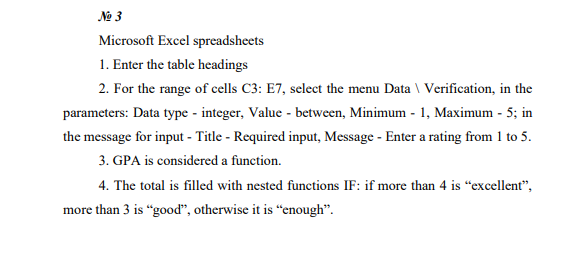
No 3 Microsoft Excel spreadsheets 1. Enter the table headings 2. For the range of cells C3: E7, select the menu Data Verification, in the parameters: Data type - integer, Value - between, Minimum - 1, Maximum - 5; in the message for input - Title - Required input, Message - Enter a rating from 1 to 5. 3. GPA is considered a function. 4. The total is filled with nested functions IF: if more than 4 is "excellent, more than 3 is good, otherwise it is enough. No 3 Microsoft Excel spreadsheets 1. Enter the table headings 2. For the range of cells C3: E7, select the menu Data Verification, in the parameters: Data type - integer, Value - between, Minimum - 1, Maximum - 5; in the message for input - Title - Required input, Message - Enter a rating from 1 to 5. 3. GPA is considered a function. 4. The total is filled with nested functions IF: if more than 4 is "excellent, more than 3 is good, otherwise it is enough
Step by Step Solution
There are 3 Steps involved in it

Get step-by-step solutions from verified subject matter experts
 Study Help