







Question: Normalize Grades Write a function normalizeGrades that receives a row array of test scores (arbitrary length, and positive values) and produces two outputs: 1. A
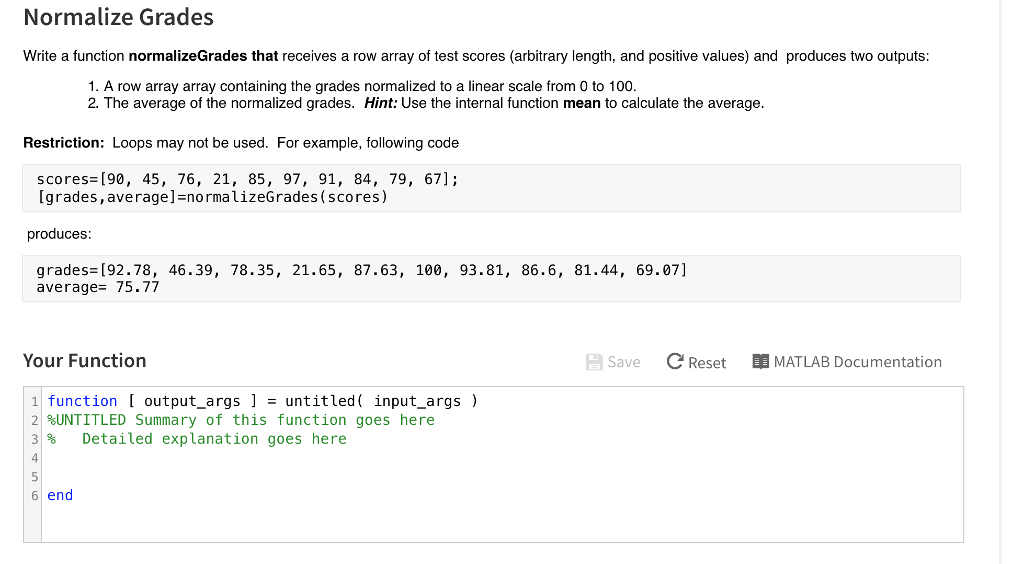
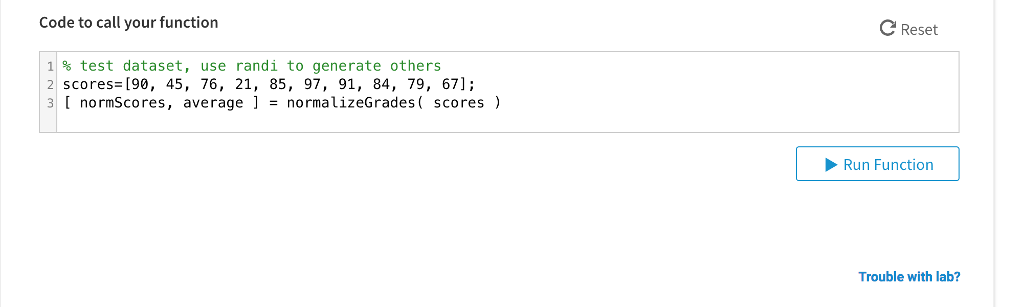
Normalize Grades Write a function normalizeGrades that receives a row array of test scores (arbitrary length, and positive values) and produces two outputs: 1. A row array array containing the grades normalized to a linear scale from 0 to 100. 2. The average of the normalized grades. Hint: Use the internal function mean to calculate the average. Restriction: Loops may not be used. For example, following code scores= [90, 45, 76, 21, 85, 97, 91, 84, 79, [grades, average-normalizeG rades (scores) 67]; produces grades= [92.78, average- 75.77 46.39, 78.35, 21.65, 87.63, 100, 93.81, 86.6, 81.44, 69.07] Your Function Save Reset MATLAB Documentation 1 function [ output-args ] -untitled ( input-args ) 2 %UNTITLED Summary of this function goes here 3 % Detailed explanation goes here 4 5 6 end
Step by Step Solution
There are 3 Steps involved in it

Get step-by-step solutions from verified subject matter experts
 Study Help