







Question: Not y! alp It War y cs10 CS E CS1 Vu CSI X E CS1 s doc CS *New Text Document (2) - Notepad File
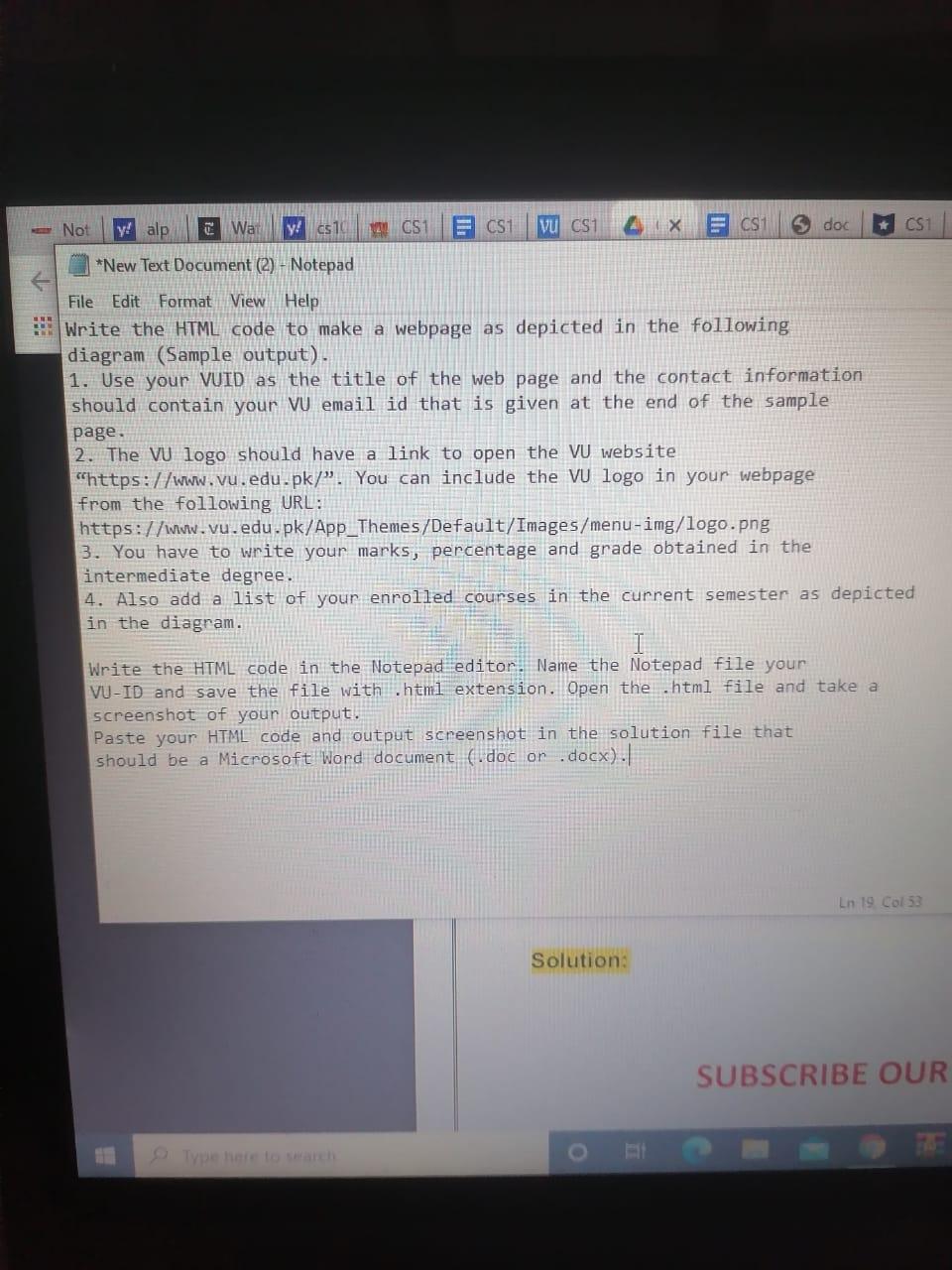
Not y! alp It War y cs10 CS E CS1 Vu CSI X E CS1 s doc CS *New Text Document (2) - Notepad File Edit Format View Help Write the HTML code to make a webpage as depicted in the following diagram (Sample output). 1. Use your VID as the title of the web page and the contact information should contain your V email id that is given at the end of the sample page. 2. The VU logo should have a link to open the VU website "https://www.vu.edu.pk/. You can include the VU logo in your webpage from the following URL: https://www.vu.edu.pk/App_Themes/Default/Images/menu-img/logo.png 3. You have to write your marks, percentage and grade obtained in the intermediate degree. 4. Also add a list of your enrolled courses in the current semester as depicted in the diagram. Write the HTML code in the Notepad editor. Name the Notepad file your VU-ID and save the file with .html extension. Open the .html file and take a screenshot of your output. Paste your HTML code and output screenshot in the solution file that should be a Microsoft Word document (.doc or .docx). Ln 19 Col 53 Solution: SUBSCRIBE OUR Not y! alp It War y cs10 CS E CS1 Vu CSI X E CS1 s doc CS *New Text Document (2) - Notepad File Edit Format View Help Write the HTML code to make a webpage as depicted in the following diagram (Sample output). 1. Use your VID as the title of the web page and the contact information should contain your V email id that is given at the end of the sample page. 2. The VU logo should have a link to open the VU website "https://www.vu.edu.pk/. You can include the VU logo in your webpage from the following URL: https://www.vu.edu.pk/App_Themes/Default/Images/menu-img/logo.png 3. You have to write your marks, percentage and grade obtained in the intermediate degree. 4. Also add a list of your enrolled courses in the current semester as depicted in the diagram. Write the HTML code in the Notepad editor. Name the Notepad file your VU-ID and save the file with .html extension. Open the .html file and take a screenshot of your output. Paste your HTML code and output screenshot in the solution file that should be a Microsoft Word document (.doc or .docx). Ln 19 Col 53 Solution: SUBSCRIBE OUR
Step by Step Solution
There are 3 Steps involved in it

Get step-by-step solutions from verified subject matter experts
 Study Help