







Question: note: change strings(characters)s into characters Given an input array of strings (characters) s, pick out the second column of data and convert it into a
note: change "strings(characters)s" into "characters"
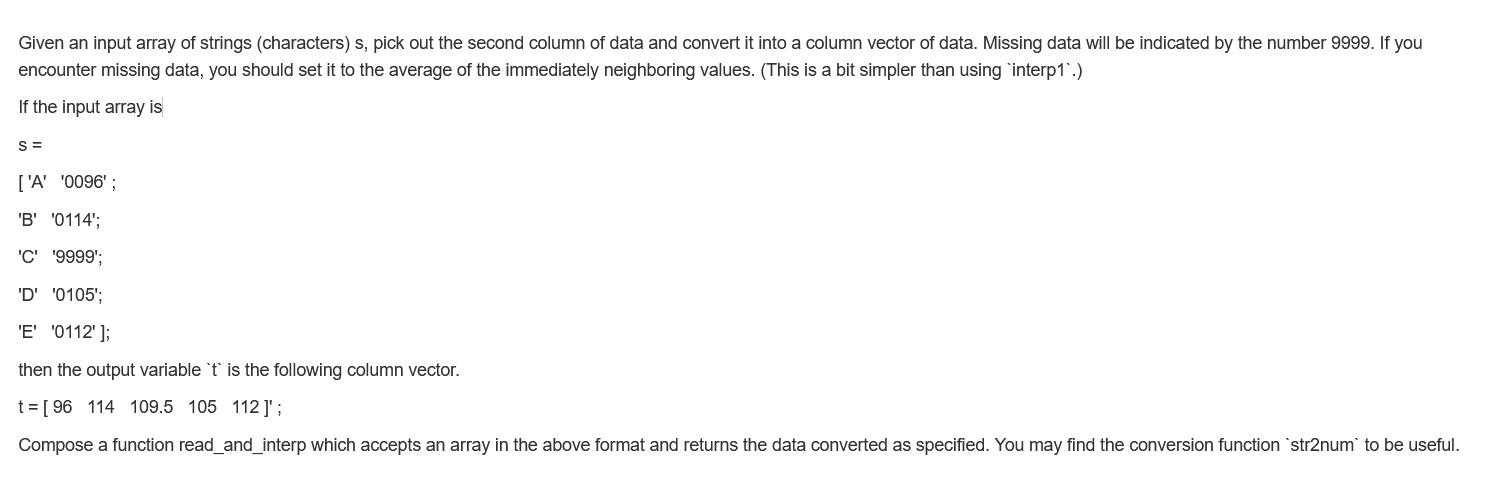
Given an input array of strings (characters) s, pick out the second column of data and convert it into a column vector of data. Missing data will be indicated by the number 9999. If you encounter missing data, you should set it to the average of the immediately neighboring values. (This is a bit simpler than using interp1.) If the input array is S = ['A '0096'; 'B' '0114'; 'C' '9999; 'D' '0105'; 'E' '0112']; then the output variable 't is the following column vector. t = [ 96 114 109.5 105 112)'; Compose a function read_and_interp which accepts an array in the above format and returns the data converted as specified. You may find the conversion function 'str2num to be useful. Given an input array of strings (characters) s, pick out the second column of data and convert it into a column vector of data. Missing data will be indicated by the number 9999. If you encounter missing data, you should set it to the average of the immediately neighboring values. (This is a bit simpler than using interp1.) If the input array is S = ['A '0096'; 'B' '0114'; 'C' '9999; 'D' '0105'; 'E' '0112']; then the output variable 't is the following column vector. t = [ 96 114 109.5 105 112)'; Compose a function read_and_interp which accepts an array in the above format and returns the data converted as specified. You may find the conversion function 'str2num to be useful
Step by Step Solution
There are 3 Steps involved in it

Get step-by-step solutions from verified subject matter experts
 Study Help