



Question: Note the following: . Cells A1:D7 (input area) lists the different tasks that are performed in the production of the shoe and the rates at
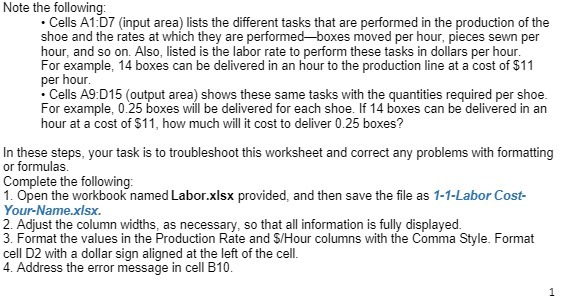
Note the following: . Cells A1:D7 (input area) lists the different tasks that are performed in the production of the shoe and the rates at which they are performed-boxes moved per hour, pieces sewn per hour, and so on. Also, listed is the labor rate to perform these tasks in dollars per hour. For example, 14 boxes can be delivered in an hour to the production line at a cost of $11 per hour. . Cells A9:D15 (output area) shows these same tasks with the quantities required per shoe. For example, 0.25 boxes will be delivered for each shoe. If 14 boxes can be delivered in an hour at a cost of $11, how much will it cost to deliver 0.25 boxes? In these steps, your task is to troubleshoot this worksheet and correct any problems with formatting or formulas. Complete the following: 1. Open the workbook named Labor.xlsx provided, and then save the file as 1-1-Labor Cost- Your-Name.xlsx. 2. Adjust the column widths, as necessary, so that all information is fully displayed. 3. Format the values in the Production Rate and $/Hour columns with the Comma Style. Format cell D2 with a dollar sign aligned at the left of the cell. 4. Address the error message in cell B10. 1
Step by Step Solution
There are 3 Steps involved in it

Get step-by-step solutions from verified subject matter experts