







Question: NOTE: To create a random number you must declared the random object ex private Random random Number - new RandomO. Then create the number ex:
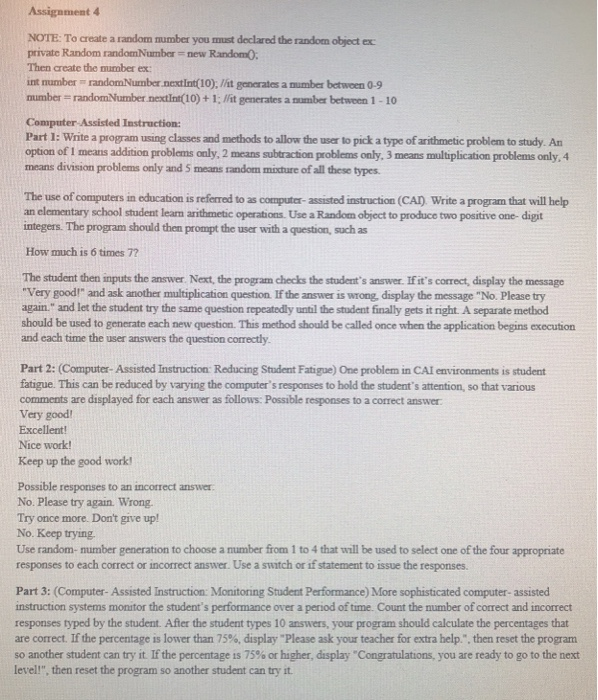
NOTE: To create a random number you must declared the random object ex private Random random Number - new RandomO. Then create the number ex: int number randomNumbernextint(10); / it generates a number between 0-9 number randomNumber nextint(10) + 1; lfit generates a number between 1-10 Computer Assisted Instruction: Part I: Write a program using classes and methods to allow the user to pick a type of arithmetic problem to study. An option of I means addition problems only, 2 means subtraction problems only, 3 means multiplication problems only, 4 means division problems only and 5 means random mithure of all these types The use of computers in education is referred to as computer- assisted instruction (CAl) Write a program that will help an elementary school student learn arithmetic operations. Use a Random object to produce two positive one- digit integers. The program should then prompt the user with a question, such as How much is 6 times 7? The student then imputs the answer. Next, the program checks the student's answer. If it's correct, display the message "Very good!" and ask another multiplication question. If the answer is wrong, display the message "No. Please try again." and let the student try the same question repeatedly until the student finally gets it right. A separate method should be used to generate each new question. This method should be called once when the application begins execution and each time the user answers the question correcty Part 2: (Computer-Assisted Instruction: Reducing Student Fatigue) One problem in CAI environments is student fatigue. This can be reduced by varying the computer's responses to hold the student's attention, so that various comments are displayed for each answer as follows: Possible responses to a correct answer Very good Excellent! Nice work Keep up the good work Possible responses to an incorrect answer No. Please try again. Wrong. Try once more. Don't give up! No. Keep trying Use random- number generation to choose a number from 1 to 4 that will be used to select one of the four appropriate responses to each correct or incorrect answer. Use a switch or if statement to issue the responses. Part 3: (Computer- Assisted Instruction: Monitoring Student Performance) More sophisticated computer- assisted instruction systems monitor the student's performance over a period of time. Count the number of correct and incorrect responses typed by the student. After the student types 10 answers, your program should calculate the percentages that are correct. If the percentage is lower than 75%, display "Please ask your teacher for extra help.", then reset the program so another student can try it. If the percentage is 75% or higher, display "Congratulations, you are ready to go to the next level!", then reset the program so another student can try it
Step by Step Solution
There are 3 Steps involved in it

Get step-by-step solutions from verified subject matter experts
 Study Help