







Question: Notes: - You will create a web site and deploy it to Netlify - Create a directory for the site. - You will zip this
Notes:
You will create a web site and deploy it to Netlify
Create a directory for the site.
You will zip this directory and submit it via Canvas
Name the zipped file as follows:
yourLastnamehwzip eg asherhwzip
What to submit?
The above zipped file
URL for the published site on Netlify WordPDF document submission and Canvas comment
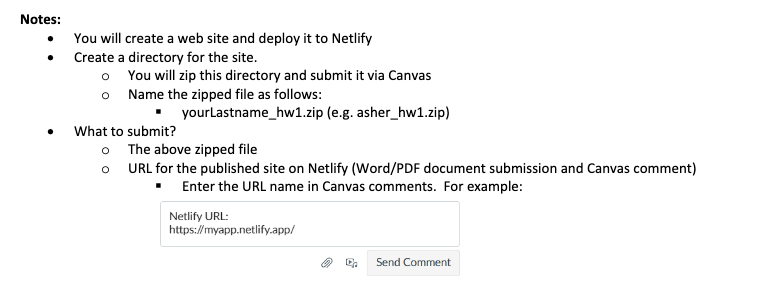
Enter the URL name in Canvas comments. For example: Question
What is your website Netlify URL?
HTML Exercise
Create a web site for a fictitious company consisting of two simple pages
Introductory Page indexhtml
a Name this page index.html so Netlify uses it as the start page
Form Page
Requirements:
Introductory Page This page is to contain the following:
A link to the form page use relative links
Title to appear in the window title Title is to contain your name.
Three Headings sizes and
A horizontal rule shadow line
Any image make sure to use a relative path
Bold text
Italicized text
An ordered list
An unordered list
A table with at least columns and rows
An internal link make sure the page has enough information on it so that the internal link moves to the top Form Page This page is to include
Note: the form does not need to work, display only:
A link to the Introductory Page use relative link
Headings size and
Text Input
Password input
Radio buttons at least
Checkbox at least
A multiple select box at least options
Date input HTML validation
Submit button
Step by Step Solution
There are 3 Steps involved in it
1 Expert Approved Answer
Step: 1 Unlock

Question Has Been Solved by an Expert!
Get step-by-step solutions from verified subject matter experts
Step: 2 Unlock
Step: 3 Unlock
 Study Help