







Question: Now it's time for you to add some operating activities (purchases, credit card charges, and cash payments) to your company. Based on what you learned
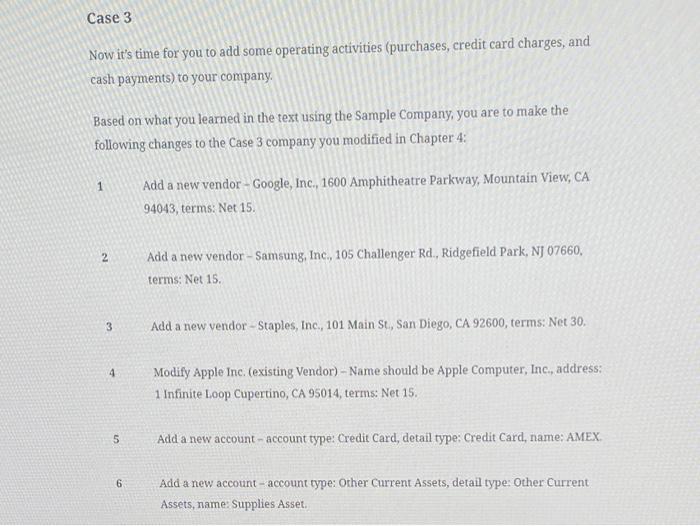
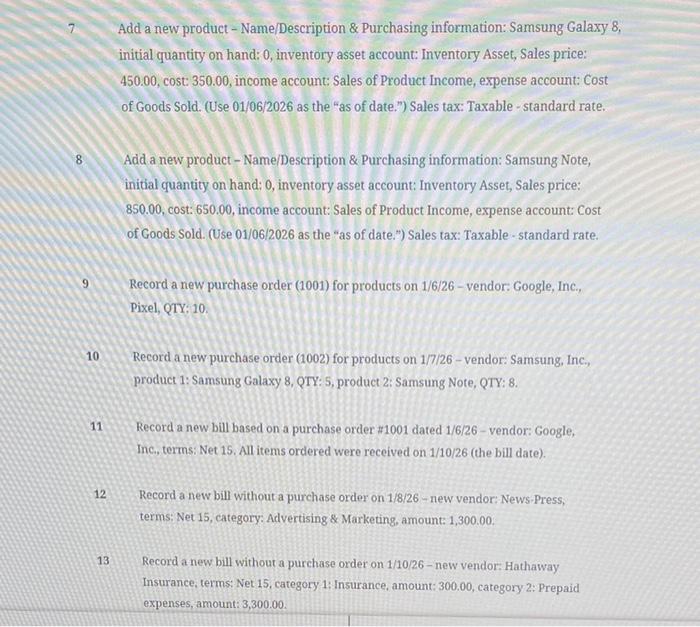
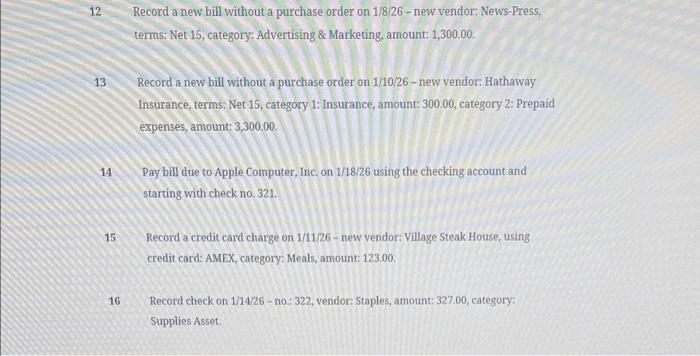
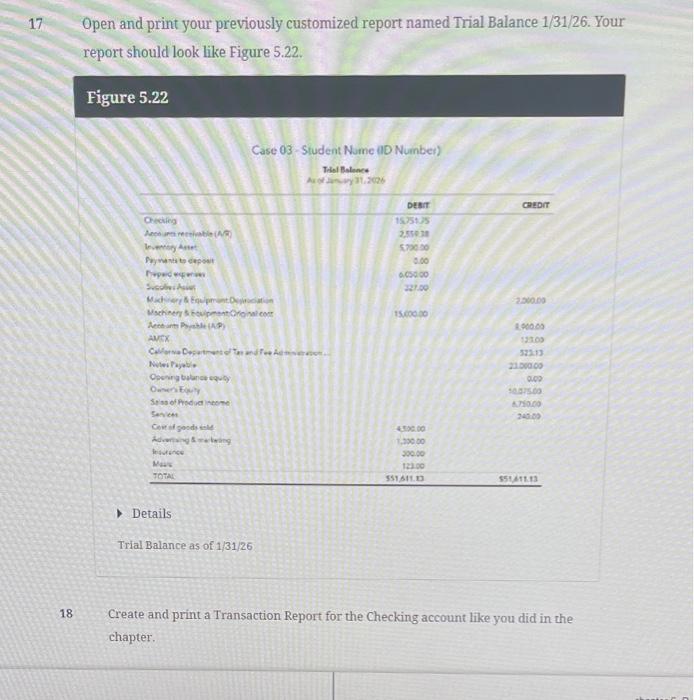
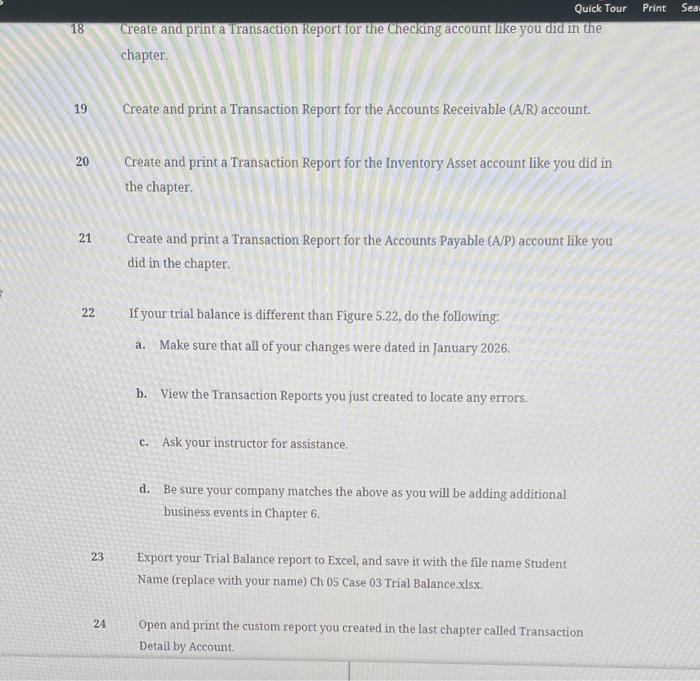
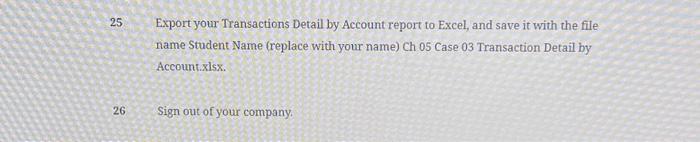
Now it's time for you to add some operating activities (purchases, credit card charges, and cash payments) to your company. Based on what you learned in the text using the Sample Company, you are to make the following changes to the Case 3 company you modified in Chapter 4 : 1 Add a new vendor-Google, Inc., 1600 Amphitheatre Parkway, Mountain View, CA 94043 , terms: Net 15. 2 Add a new vendor-Samsung, Inc, 105 Challenger Rd., Ridgefield Park, NJ 07660 , terms: Net 15. 3 Add a new vendor - Staples, Inc., 101 Main St, San Diego, CA 92600, terms: Net 30. 4 Modify Apple Inc. (existing Vendor) - Name should be Apple Computer, Inc, address: 1 Infinite Loop Cupertino, CA 95014, terms: Net 15. 5 Add a new account - account type: Credit Card, detail type: Credit Card, name: AMEX. 6 Add a new account- account type: Orher current Assets, detail type: Other Current Assets, name: Supplies Asset. Add a new product - Name/Description \& Purchasing information: Samsung Galaxy 8, initial quantity on hand: 0 , inventory asset account: Inventory Asset, Sales price: 450.00, cost: 350.00, income account: Sales of Product Income, expense account: Cost of Goods Sold. (Use 01/06/2026 as the "as of date.") Sales tax: Taxable - standard rate. 8 Add a new product - Name/Description \& Purchasing information: Samsung Note, initial quantity on hand: 0 , inventory asset account: Inventory Asset, Sales price: 850.00, cost: 650.00, income account: Sales of Product Income, expense account: Cost of Goods Sold. (Use 01/06/2026 as the "as of date.") Sales tax: Taxable-standard rate. 9 Record a new purchase order (1001) for products on 1/6/26 - vendor: Google, Inc., Pixel, QTY: 10 . 10 Record a new purchase order (1002) for products on 1/7/26 - vendor: Samsung, Inc., product 1: Samsung Galaxy 8, QTY: 5, product 2 : Samsung Note, QTY: 8. 11 Record a new bill based on a purchase order \#1001 dated 1/6/26 - vendor: Google, Inc., terms: Net 15. All items ordered were received on 1/10/26 (the bill date). 12 Record a new bill without a purchase order on 1/8/26 - new vendor: News.Press, terms: Net 15, category: Advertising \& Marketing, amount: 1,300.00. 13 Record a new bill without a purchase order on 1/10/26 - new vendor: Hathaway Insurance, terms: Net 15, category 1: Insurance, amount: 300,00 , category 2: Prepaid expenses, amount: 3,300.00. 12 Record a new bill without a purchase order on 1/8/26 - new vendor: News-Press, terms: Net 15, category: Advertising \& Marketing, amount: 1,300.00. 13 Record a new bill without a purchase order on 1/10/26 - new vendor: Hathaway Insurance, terms: Net 15, category 1: Insurance, amount: 300.00, category 2: Prepaid expenses, amount: 3,300.00. 14 Pay bill due to Apple Computer, Inc. on 1/18/26 using the checking account and starting with check no, 321 . 15 Record a credit card charge on 1/11/26 - new vendor: Village Steak House, using credit card: AMEX, category: Meals, amount: 123,00. 16 Record check on 1/14/26 - no:: 322, vendor: Staples, amount: 327.00, category: Supplies Asset. Open and print your previously customized report named Trial Balance 1/31/26. Your report should look like Figure 5.22. Figure 5.22 Details Trial Balance as of 1/31/26 18 Create and print a Transaction Report for the Checking account like you did in the chapter. Quick Tour Print 18 Create and print a Transaction keport for the Checking account like you did in the chapter. 19 Create and print a Transaction Report for the Accounts Receivable (A/R) account. 20 Create and print a Transaction Report for the Inventory Asset account like you did in the chapter. 21 Create and print a Transaction Report for the Accounts Payable (A/P) account like you did in the chapter. 22 If your trial balance is different than Figure 5.22, do the following: a. Make sure that all of your changes were dated in January 2026. b. View the Transaction Reports you just created to locate any errors. c. Ask your instructor for assistance. d. Be sure your company matches the above as you will be adding additional business events in Chapter 6. 23 Export your Trial Balance report to Excel, and save it with the file name Student Name (replace with your name) Ch 05 Case 03 Trial Balance x lsx. 24 Open and print the custom report you created in the last chapter called Transaction Detail by Account. 25 Export your Transactions Detail by Account report to Excel, and save it with the file name Student Name (replace with your name) Ch 05 Case 03 Transaction Detail by Account.xlsx. 26 Sign out of your company. Now it's time for you to add some operating activities (purchases, credit card charges, and cash payments) to your company. Based on what you learned in the text using the Sample Company, you are to make the following changes to the Case 3 company you modified in Chapter 4 : 1 Add a new vendor-Google, Inc., 1600 Amphitheatre Parkway, Mountain View, CA 94043 , terms: Net 15. 2 Add a new vendor-Samsung, Inc, 105 Challenger Rd., Ridgefield Park, NJ 07660 , terms: Net 15. 3 Add a new vendor - Staples, Inc., 101 Main St, San Diego, CA 92600, terms: Net 30. 4 Modify Apple Inc. (existing Vendor) - Name should be Apple Computer, Inc, address: 1 Infinite Loop Cupertino, CA 95014, terms: Net 15. 5 Add a new account - account type: Credit Card, detail type: Credit Card, name: AMEX. 6 Add a new account- account type: Orher current Assets, detail type: Other Current Assets, name: Supplies Asset. Add a new product - Name/Description \& Purchasing information: Samsung Galaxy 8, initial quantity on hand: 0 , inventory asset account: Inventory Asset, Sales price: 450.00, cost: 350.00, income account: Sales of Product Income, expense account: Cost of Goods Sold. (Use 01/06/2026 as the "as of date.") Sales tax: Taxable - standard rate. 8 Add a new product - Name/Description \& Purchasing information: Samsung Note, initial quantity on hand: 0 , inventory asset account: Inventory Asset, Sales price: 850.00, cost: 650.00, income account: Sales of Product Income, expense account: Cost of Goods Sold. (Use 01/06/2026 as the "as of date.") Sales tax: Taxable-standard rate. 9 Record a new purchase order (1001) for products on 1/6/26 - vendor: Google, Inc., Pixel, QTY: 10 . 10 Record a new purchase order (1002) for products on 1/7/26 - vendor: Samsung, Inc., product 1: Samsung Galaxy 8, QTY: 5, product 2 : Samsung Note, QTY: 8. 11 Record a new bill based on a purchase order \#1001 dated 1/6/26 - vendor: Google, Inc., terms: Net 15. All items ordered were received on 1/10/26 (the bill date). 12 Record a new bill without a purchase order on 1/8/26 - new vendor: News.Press, terms: Net 15, category: Advertising \& Marketing, amount: 1,300.00. 13 Record a new bill without a purchase order on 1/10/26 - new vendor: Hathaway Insurance, terms: Net 15, category 1: Insurance, amount: 300,00 , category 2: Prepaid expenses, amount: 3,300.00. 12 Record a new bill without a purchase order on 1/8/26 - new vendor: News-Press, terms: Net 15, category: Advertising \& Marketing, amount: 1,300.00. 13 Record a new bill without a purchase order on 1/10/26 - new vendor: Hathaway Insurance, terms: Net 15, category 1: Insurance, amount: 300.00, category 2: Prepaid expenses, amount: 3,300.00. 14 Pay bill due to Apple Computer, Inc. on 1/18/26 using the checking account and starting with check no, 321 . 15 Record a credit card charge on 1/11/26 - new vendor: Village Steak House, using credit card: AMEX, category: Meals, amount: 123,00. 16 Record check on 1/14/26 - no:: 322, vendor: Staples, amount: 327.00, category: Supplies Asset. Open and print your previously customized report named Trial Balance 1/31/26. Your report should look like Figure 5.22. Figure 5.22 Details Trial Balance as of 1/31/26 18 Create and print a Transaction Report for the Checking account like you did in the chapter. Quick Tour Print 18 Create and print a Transaction keport for the Checking account like you did in the chapter. 19 Create and print a Transaction Report for the Accounts Receivable (A/R) account. 20 Create and print a Transaction Report for the Inventory Asset account like you did in the chapter. 21 Create and print a Transaction Report for the Accounts Payable (A/P) account like you did in the chapter. 22 If your trial balance is different than Figure 5.22, do the following: a. Make sure that all of your changes were dated in January 2026. b. View the Transaction Reports you just created to locate any errors. c. Ask your instructor for assistance. d. Be sure your company matches the above as you will be adding additional business events in Chapter 6. 23 Export your Trial Balance report to Excel, and save it with the file name Student Name (replace with your name) Ch 05 Case 03 Trial Balance x lsx. 24 Open and print the custom report you created in the last chapter called Transaction Detail by Account. 25 Export your Transactions Detail by Account report to Excel, and save it with the file name Student Name (replace with your name) Ch 05 Case 03 Transaction Detail by Account.xlsx. 26 Sign out of your company
Step by Step Solution
There are 3 Steps involved in it

Get step-by-step solutions from verified subject matter experts
 Study Help