







Question: nsert a slicer for # Bed so that you can filter the dataset by number of bedrooms. Change the slicer caption to # of Bedrooms.
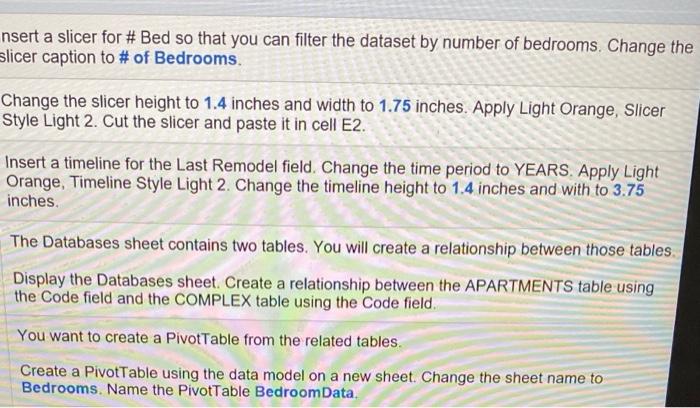
nsert a slicer for # Bed so that you can filter the dataset by number of bedrooms. Change the slicer caption to # of Bedrooms. Change the slicer height to 1.4 inches and width to 1.75 inches. Apply Light Orange, Slicer Style Light 2. Cut the slicer and paste it in cell E2. Insert a timeline for the Last Remodel field. Change the time period to YEARS. Apply Light Orange, Timeline Style Light 2. Change the timeline height to 1.4 inches and with to 3.75 inches. The Databases sheet contains two tables. You will create a relationship between those tables. Display the Databases sheet. Create a relationship between the APARTMENTS table using the Code field and the COMPLEX table using the Code field. You want to create a PivotTable from the related tables. Create a PivotTable using the data model on a new sheet. Change the sheet name to Bedrooms. Name the PivotTable BedroomData. nsert a slicer for # Bed so that you can filter the dataset by number of bedrooms. Change the slicer caption to # of Bedrooms. Change the slicer height to 1.4 inches and width to 1.75 inches. Apply Light Orange, Slicer Style Light 2. Cut the slicer and paste it in cell E2. Insert a timeline for the Last Remodel field. Change the time period to YEARS. Apply Light Orange, Timeline Style Light 2. Change the timeline height to 1.4 inches and with to 3.75 inches. The Databases sheet contains two tables. You will create a relationship between those tables. Display the Databases sheet. Create a relationship between the APARTMENTS table using the Code field and the COMPLEX table using the Code field. You want to create a PivotTable from the related tables. Create a PivotTable using the data model on a new sheet. Change the sheet name to Bedrooms. Name the PivotTable BedroomData
Step by Step Solution
There are 3 Steps involved in it

Get step-by-step solutions from verified subject matter experts
 Study Help