







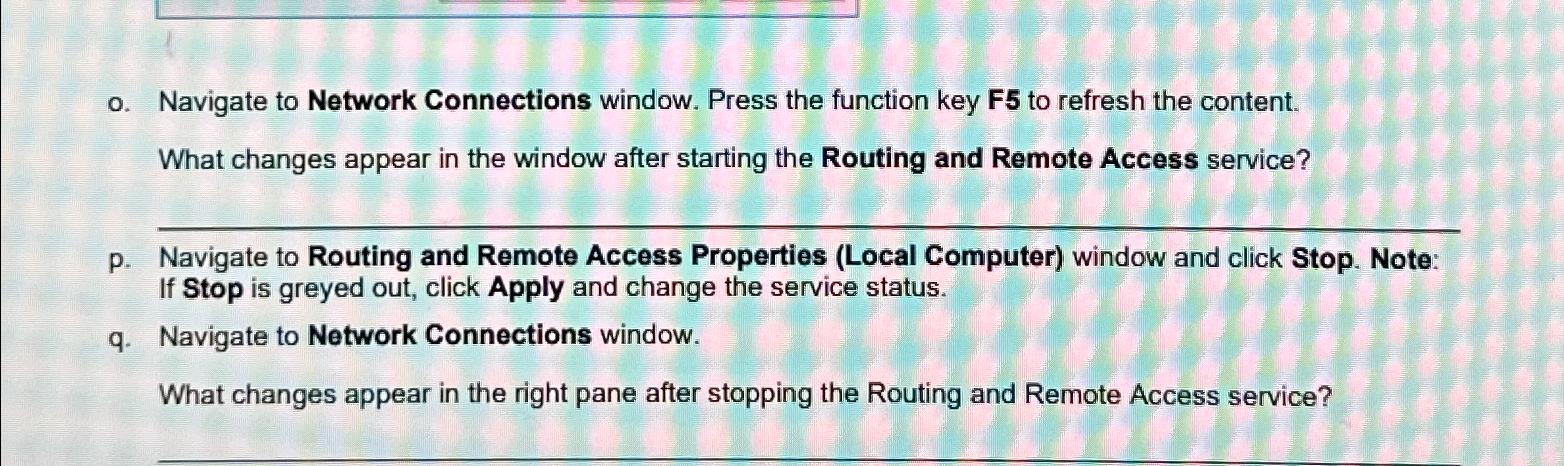
Question: o . Navigate to Network Connections window. Press the function key F 5 to refresh the content. What changes appear in the window after starting
o Navigate to Network Connections window. Press the function key F to refresh the content.
What changes appear in the window after starting the Routing and Remote Access service?
p Navigate to Routing and Remote Access Properties Local Computer window and click Stop. Note: If Stop is greyed out, click Apply and change the service status.
q Navigate to Network Connections window.
What changes appear in the right pane after stopping the Routing and Remote Access service?
Step by Step Solution
There are 3 Steps involved in it
1 Expert Approved Answer
Step: 1 Unlock

Question Has Been Solved by an Expert!
Get step-by-step solutions from verified subject matter experts
Step: 2 Unlock
Step: 3 Unlock
 Study Help