







Question: Objective: Create each of the control systems described below in ladder diagram. Use the symbols that you have seen and use the symbol handout as
Objective:\ Create each of the control systems described below in ladder diagram. Use the symbols that you have seen and use the symbol handout as needed.\ For each of the following functional requirements or systems, develop the correct ladder diagram in the space provided.\ When pushbutton PB2 is pressed and switch SW2 is closed, pilot light PL2A will turn on.\ When pushbutton PB2 is pressed or limit switch LS1 is closed, pilot light PL2 will turn on.\ If inductive proximity switches
SW1,SW2, and
SW3all sense a target, motor
M1will start.\ If any of the four doors of an automobile are open, the dome light will come on.\ If limit switch SW1 and limit switch SW2 or limit switch SW3 are true, the full case is in position energize the glue gun to apply glue to the case flaps.
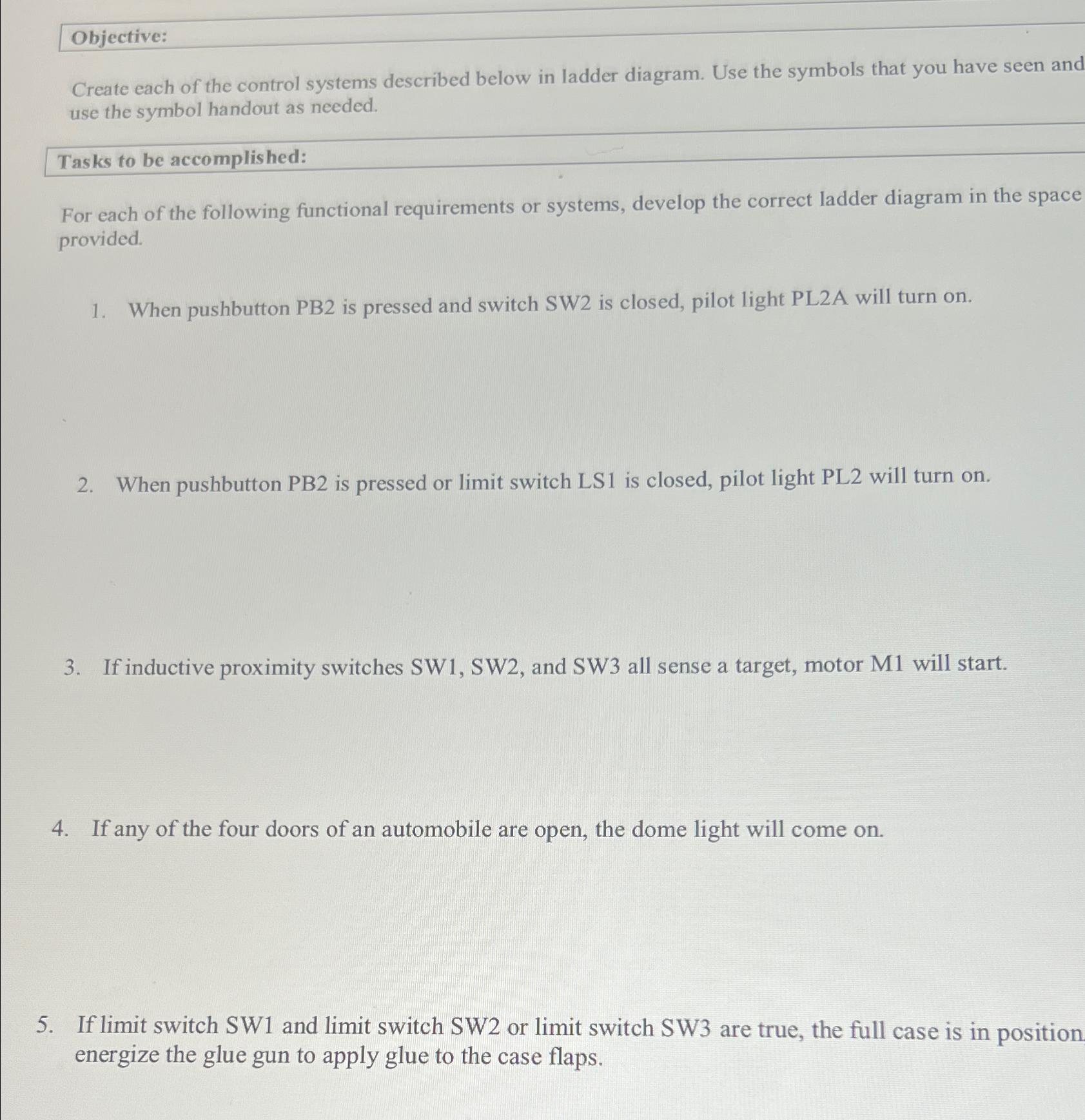
Create each of the control systems described below in ladder diagram. Use the symbols that you have seen an use the symbol handout as needed. Tasks to be accomplished: For each of the following functional requirements or systems, develop the correct ladder diagram in the spac provided. 1. When pushbutton PB2 is pressed and switch SW2 is closed, pilot light PL2A will turn on. 2. When pushbutton PB2 is pressed or limit switch LS1 is closed, pilot light PL2 will turn on. 3. If inductive proximity switches SW1,SW2, and SW3 all sense a target, motor M1 will start. 4. If any of the four doors of an automobile are open, the dome light will come on. 5. If limit switch SW1 and limit switch SW2 or limit switch SW3 are true, the full case is in positio energize the glue gun to apply glue to the case flaps
Step by Step Solution
There are 3 Steps involved in it

Get step-by-step solutions from verified subject matter experts
 Study Help