







Question: Objective In this exercise, you are provided with four sets of environment assertions and an iTrust use case for each set to provide some background
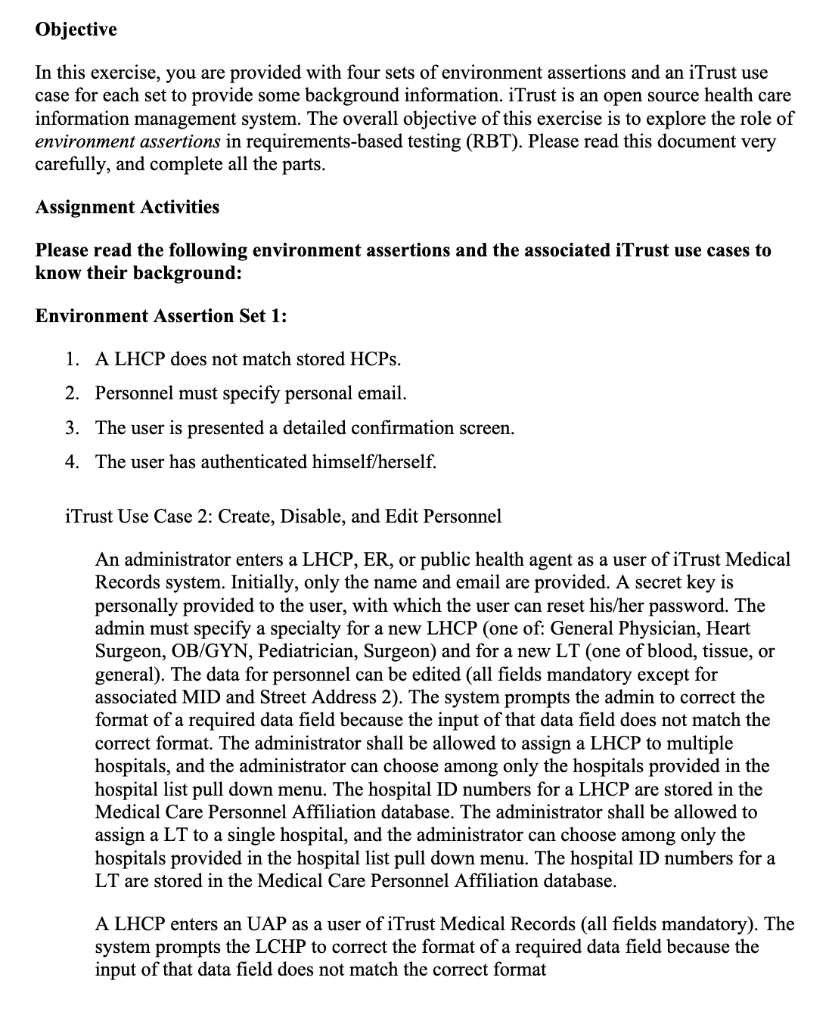
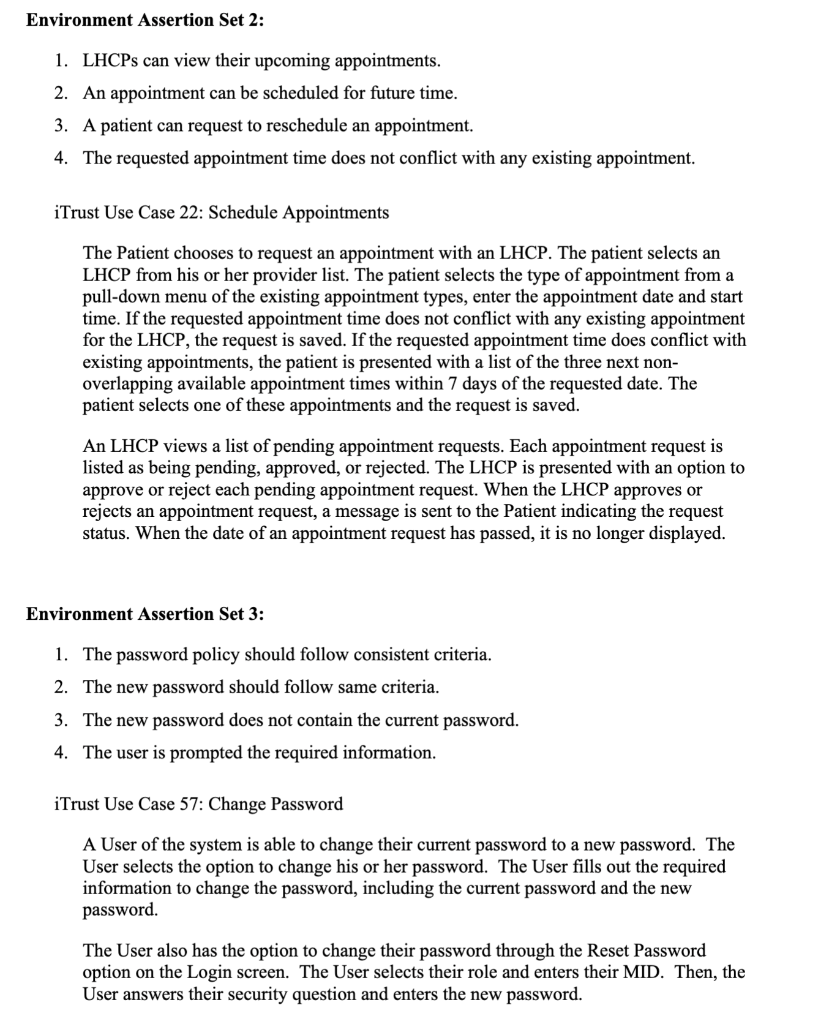
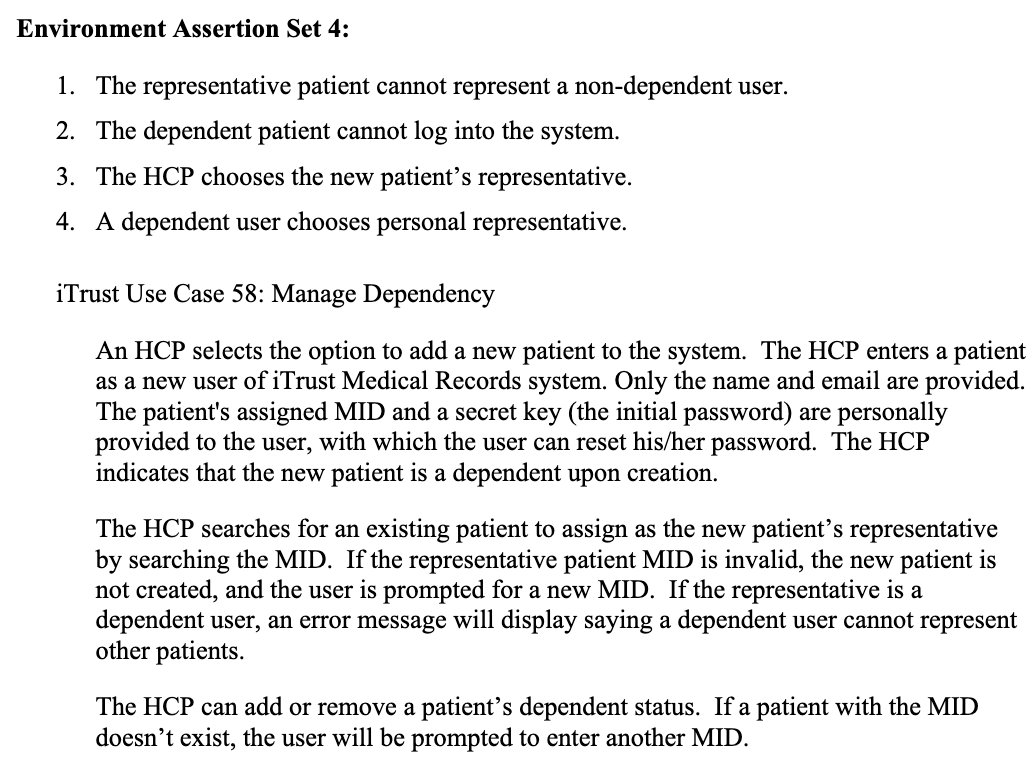
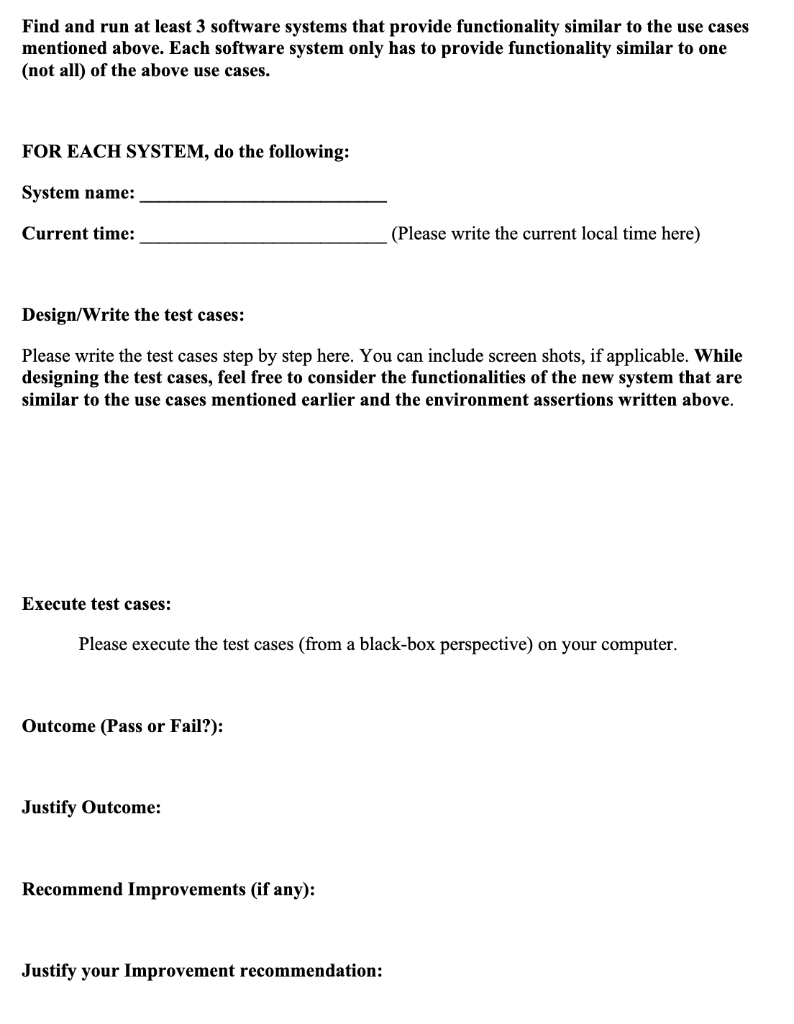
Objective In this exercise, you are provided with four sets of environment assertions and an iTrust use case for each set to provide some background information. iTrust is an open source health care information management system. The overall objective of this exercise is to explore the role of environment assertions in requirements-based testing (RBT). Please read this document very carefully, and complete all the parts. Assignment Activities Please read the following environment assertions and the associated iTrust use cases to know their background: Environment Assertion Set 1: 1. A LHCP does not match stored HCPs. 2. Personnel must specify personal email. 3. The user is presented a detailed confirmation screen. 4. The user has authenticated himself/herself. iTrust Use Case 2: Create, Disable, and Edit Personnel An administrator enters a LHCP, ER, or public health agent as a user of iTrust Medical Records system. Initially, only the name and email are provided. A secret key is personally provided to the user, with which the user can reset his/her password. The admin must specify a specialty for a new LHCP (one of: General Physician, Heart Surgeon, OB/GYN, Pediatrician, Surgeon) and for a new LT (one of blood, tissue, or general). The data for personnel can be edited (all fields mandatory except for associated MID and Street Address 2). The system prompts the admin to correct the format of a required data field because the input of that data field does not match the correct format. The administrator shall be allowed to assign a LHCP to multiple hospitals, and the administrator can choose among only the hospitals provided in the hospital list pull down menu. The hospital ID numbers for a LHCP are stored in the Medical Care Personnel Affiliation database. The administrator shall be allowed to assign a LT to a single hospital, and the administrator can choose among only the hospitals provided in the hospital list pull down menu. The hospital ID numbers for a LT are stored in the Medical Care Personnel Affiliation database. A LHCP enters an UAP as a user of iTrust Medical Records (all fields mandatory). The system prompts the LCHP to correct the format of a required data field because the input of that data field does not match the correct format Environment Assertion Set 2: 1. LHCPs can view their upcoming appointments. 2. An appointment can be scheduled for future time. 3. A patient can request to reschedule an appointment. 4. The requested appointment time does not conflict with any existing appointment. iTrust Use Case 22: Schedule Appointments The Patient chooses to request an appointment with an LHCP. The patient selects an LHCP from his or her provider list. The patient selects the type of appointment from a pull-down menu of the existing appointment types, enter the appointment date and start time. If the requested appointment time does not conflict with any existing appointment for the LHCP, the request is saved. If the requested appointment time does conflict with existing appointments, the patient is presented with a list of the three next non- overlapping available appointment times within 7 days of the requested date. The patient selects one of these appointments and the request is saved. An LHCP views a list of pending appointment requests. Each appointment request is listed as being pending, approved, or rejected. The LHCP is presented with an option to approve or reject each pending appointment request. When the LHCP approves or rejects an appointment request, a message is sent to the Patient indicating the request status. When the date of an appointment request has passed, it is no longer displayed. Environment Assertion Set 3: 1. The password policy should follow consistent criteria. 2. The new password should follow same criteria. 3. The new password does not contain the current password. 4. The user is prompted the required information. iTrust Use Case 57: Change Password A User of the system is able to change their current password to a new password. The User selects the option to change his or her password. The User fills out the required information to change the password, including the current password and the new password. The User also has the option to change their password through the Reset Password option on the Login screen. The User selects their role and enters their MID. Then, the User answers their security question and enters the new password. Environment Assertion Set 4: 1. The representative patient cannot represent a non-dependent user. 2. The dependent patient cannot log into the system. 3. The HCP chooses the new patient's representative. 4. A dependent user chooses personal representative. iTrust Use Case 58: Manage Dependency An HCP selects the option to add a new patient to the system. The HCP enters a patient as a new user of iTrust Medical Records system. Only the name and email are provided. The patient's assigned MID and a secret key (the initial password) are personally provided to the user, with which the user can reset his/her password. The HCP indicates that the new patient is a dependent upon creation. The HCP searches for an existing patient to assign as the new patient's representative by searching the MID. If the representative patient MID is invalid, the new patient is not created, and the user is prompted for a new MID. If the representative is a dependent user, an error message will display saying a dependent user cannot represent other patients. The HCP can add or remove a patient's dependent status. If a patient with the MID doesn't exist, the user will be prompted to enter another MID. Find and run at least 3 software systems that provide functionality similar to the use cases mentioned above. Each software system only has to provide functionality similar to one (not all) of the above use cases. FOR EACH SYSTEM, do the following: System name: Current time: (Please write the current local time here) Design/Write the test cases: Please write the test cases step by step here. You can include screen shots, if applicable. While designing the test cases, feel free to consider the functionalities of the new system that are similar to the use cases mentioned earlier and the environment assertions written above. Execute test cases: Please execute the test cases (from a black-box perspective) on your computer. Outcome (Pass or Fail?): Justify Outcome: Recommend Improvements (if any): Justify your Improvement recommendation: Objective In this exercise, you are provided with four sets of environment assertions and an iTrust use case for each set to provide some background information. iTrust is an open source health care information management system. The overall objective of this exercise is to explore the role of environment assertions in requirements-based testing (RBT). Please read this document very carefully, and complete all the parts. Assignment Activities Please read the following environment assertions and the associated iTrust use cases to know their background: Environment Assertion Set 1: 1. A LHCP does not match stored HCPs. 2. Personnel must specify personal email. 3. The user is presented a detailed confirmation screen. 4. The user has authenticated himself/herself. iTrust Use Case 2: Create, Disable, and Edit Personnel An administrator enters a LHCP, ER, or public health agent as a user of iTrust Medical Records system. Initially, only the name and email are provided. A secret key is personally provided to the user, with which the user can reset his/her password. The admin must specify a specialty for a new LHCP (one of: General Physician, Heart Surgeon, OB/GYN, Pediatrician, Surgeon) and for a new LT (one of blood, tissue, or general). The data for personnel can be edited (all fields mandatory except for associated MID and Street Address 2). The system prompts the admin to correct the format of a required data field because the input of that data field does not match the correct format. The administrator shall be allowed to assign a LHCP to multiple hospitals, and the administrator can choose among only the hospitals provided in the hospital list pull down menu. The hospital ID numbers for a LHCP are stored in the Medical Care Personnel Affiliation database. The administrator shall be allowed to assign a LT to a single hospital, and the administrator can choose among only the hospitals provided in the hospital list pull down menu. The hospital ID numbers for a LT are stored in the Medical Care Personnel Affiliation database. A LHCP enters an UAP as a user of iTrust Medical Records (all fields mandatory). The system prompts the LCHP to correct the format of a required data field because the input of that data field does not match the correct format Environment Assertion Set 2: 1. LHCPs can view their upcoming appointments. 2. An appointment can be scheduled for future time. 3. A patient can request to reschedule an appointment. 4. The requested appointment time does not conflict with any existing appointment. iTrust Use Case 22: Schedule Appointments The Patient chooses to request an appointment with an LHCP. The patient selects an LHCP from his or her provider list. The patient selects the type of appointment from a pull-down menu of the existing appointment types, enter the appointment date and start time. If the requested appointment time does not conflict with any existing appointment for the LHCP, the request is saved. If the requested appointment time does conflict with existing appointments, the patient is presented with a list of the three next non- overlapping available appointment times within 7 days of the requested date. The patient selects one of these appointments and the request is saved. An LHCP views a list of pending appointment requests. Each appointment request is listed as being pending, approved, or rejected. The LHCP is presented with an option to approve or reject each pending appointment request. When the LHCP approves or rejects an appointment request, a message is sent to the Patient indicating the request status. When the date of an appointment request has passed, it is no longer displayed. Environment Assertion Set 3: 1. The password policy should follow consistent criteria. 2. The new password should follow same criteria. 3. The new password does not contain the current password. 4. The user is prompted the required information. iTrust Use Case 57: Change Password A User of the system is able to change their current password to a new password. The User selects the option to change his or her password. The User fills out the required information to change the password, including the current password and the new password. The User also has the option to change their password through the Reset Password option on the Login screen. The User selects their role and enters their MID. Then, the User answers their security question and enters the new password. Environment Assertion Set 4: 1. The representative patient cannot represent a non-dependent user. 2. The dependent patient cannot log into the system. 3. The HCP chooses the new patient's representative. 4. A dependent user chooses personal representative. iTrust Use Case 58: Manage Dependency An HCP selects the option to add a new patient to the system. The HCP enters a patient as a new user of iTrust Medical Records system. Only the name and email are provided. The patient's assigned MID and a secret key (the initial password) are personally provided to the user, with which the user can reset his/her password. The HCP indicates that the new patient is a dependent upon creation. The HCP searches for an existing patient to assign as the new patient's representative by searching the MID. If the representative patient MID is invalid, the new patient is not created, and the user is prompted for a new MID. If the representative is a dependent user, an error message will display saying a dependent user cannot represent other patients. The HCP can add or remove a patient's dependent status. If a patient with the MID doesn't exist, the user will be prompted to enter another MID. Find and run at least 3 software systems that provide functionality similar to the use cases mentioned above. Each software system only has to provide functionality similar to one (not all) of the above use cases. FOR EACH SYSTEM, do the following: System name: Current time: (Please write the current local time here) Design/Write the test cases: Please write the test cases step by step here. You can include screen shots, if applicable. While designing the test cases, feel free to consider the functionalities of the new system that are similar to the use cases mentioned earlier and the environment assertions written above. Execute test cases: Please execute the test cases (from a black-box perspective) on your computer. Outcome (Pass or Fail?): Justify Outcome: Recommend Improvements (if any): Justify your Improvement recommendation
Step by Step Solution
There are 3 Steps involved in it

Get step-by-step solutions from verified subject matter experts
 Study Help