







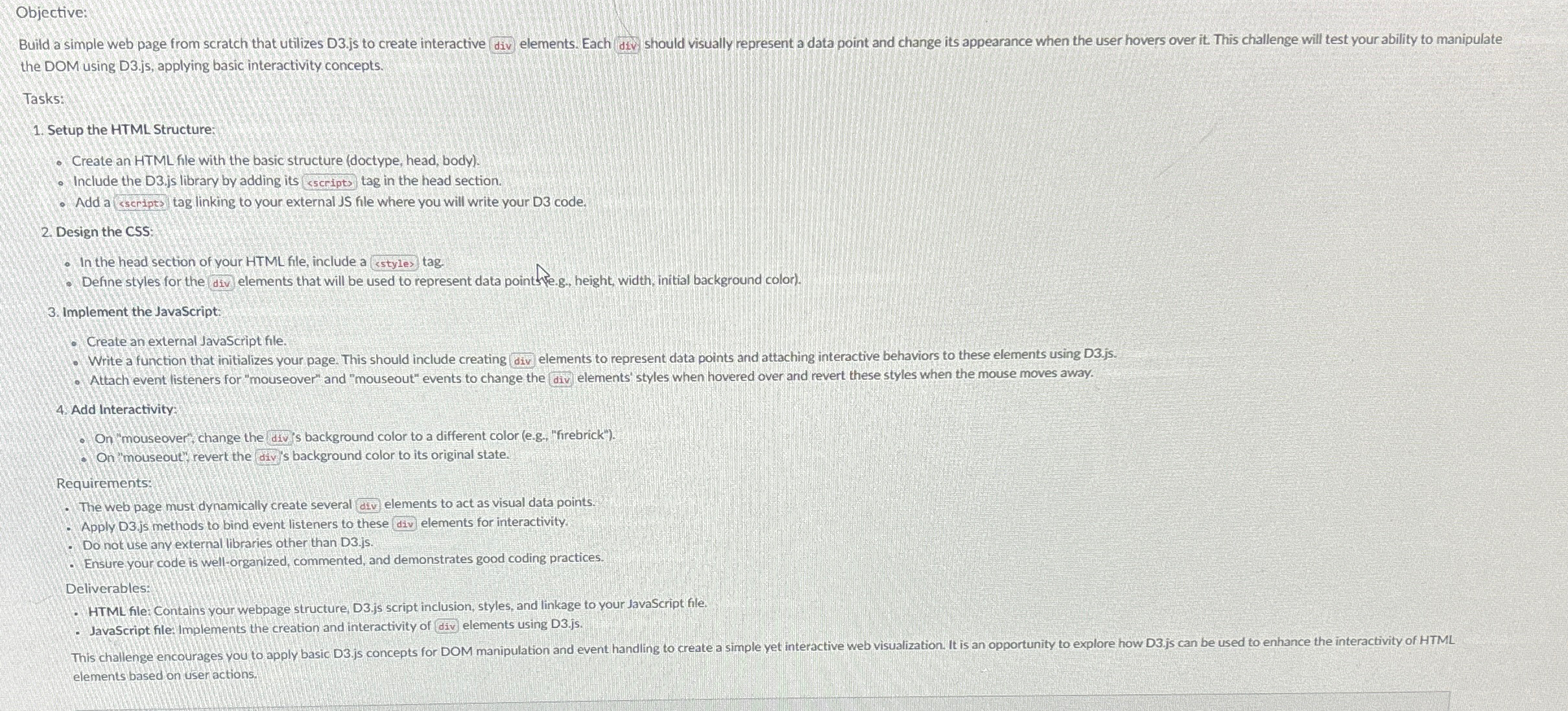
Question: Objective: the DOM using D 3 . js , applying basic interactivity concepts. Tasks: Setup the HTML Structure: Create an HTML file with the basic
Objective: the DOM using Djs applying basic interactivity concepts.
Tasks:
Setup the HTML Structure:
Create an HTML file with the basic structure doctype head, body
Include the Djs library by adding its sscripts tag in the head section
Add a sscripts tag linking to your external JS file where you will write your D code.
Design the
In the head section of your HTML file, include a sstyles tag.
Define styles for the div elements that will be used to represent data point ske.g height, width, initial background color
Implement the Javascript:
Create an external JavaScript file.
Write a function that initializes your page. This should include creating div elements to represent data points and attaching interactive behaviors to these elements using Djs
Attach event listeners for "mouseover" and "mouseout" events to change the div elements' styles when hovered over and revert these styles when the mouse moves away.
Add Interactivity:
On mouseover', change the div's background color to a different color eg "firebrick"
On 'mouseout', revert the div's background color to its original state.
Requirements:
The web page must dynamically create several div elements to act as visual data points.
Apply Djs methods to bind event listeners to these div elements for interactivity.
Do not use any external libraries other than Djs
Ensure your code is wellorganized, commented, and demonstrates good coding practices.
Deliverables:
HTML fle Contains your webpage structure, Djs script inclusion, styles, and linkage to your JavaScript file.
Javascript file implements the creation and interactivity of div elements using Djs elements based on user actions
Step by Step Solution
There are 3 Steps involved in it
1 Expert Approved Answer
Step: 1 Unlock

Question Has Been Solved by an Expert!
Get step-by-step solutions from verified subject matter experts
Step: 2 Unlock
Step: 3 Unlock
 Study Help