







Question: okmarks Window Helgp rite a program that allows you to return the current time from your system in Eastern Standard Time (EST) and in the
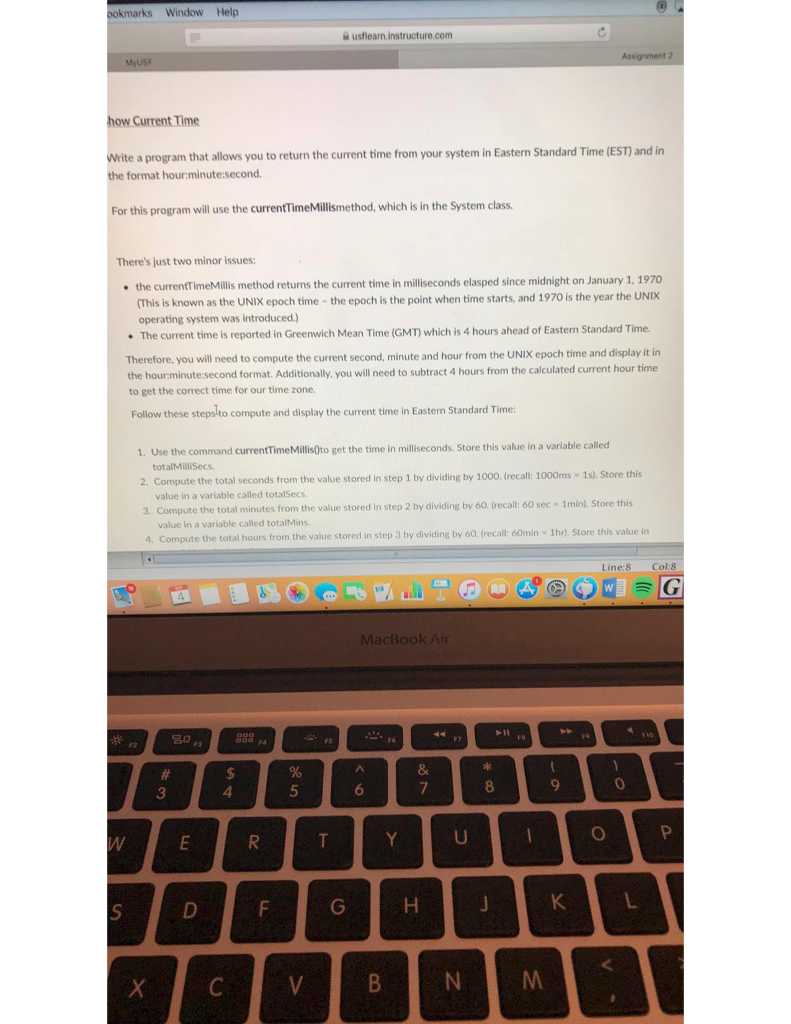
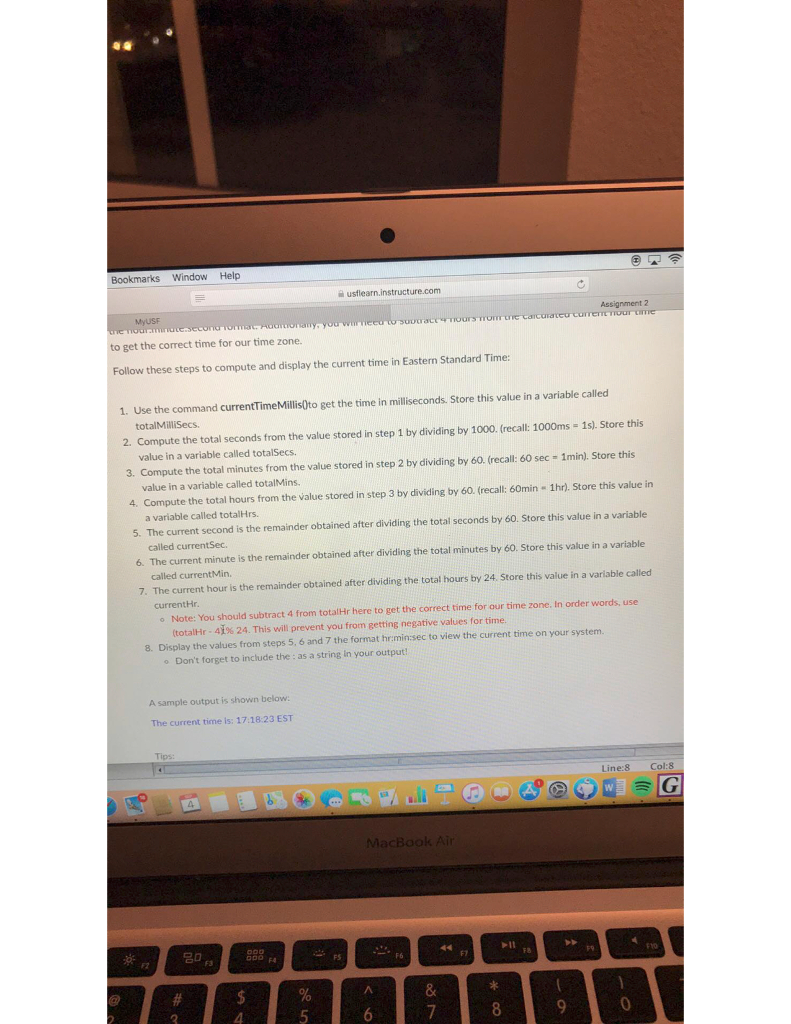
okmarks Window Helgp rite a program that allows you to return the current time from your system in Eastern Standard Time (EST) and in the format hour:minute:second. For this program will use the currentTimeMillismethod, which is in the System class. There's just two minor issues: the currentTimeMillis method returns the current time in milliseconds elasped since midnight on January 1, 1970 (This is known as the UNIX epoch time - the epoch is the point when time starts, and 1970 is the year the UNIX operating system was introduced.) The current time is reported in Greenwich Mean Time (GMT) which is 4 hours ahead of Eastern Standard Time Therefore, you will need to compute the current second, minute and hour from the UNIX epoch time and display it in the hourminute:second format. Additionally, you will need to subtract 4 hours from the calculated current hour time to get the correct time for our time zone. Follow these steps-to compute and display the current time in Easten Standard Time: 1. Use the command currentTimeMillis0to get the time in milliseconds. Store this value in a variable called totalMilliSecs 2 Compute the total seconds from the value stored in step 1 by dividing by 1000. (recall: 1000ms 1s). Store this value in a variable called totalSecs 3. Compute the total minutes from the value stored in step 2 by dividing by 60. (recal: 60 sec - 1min) Store this value in a variable called totalMins. 4. Compute the t hours from the value stored in step 3 by dividing by 60. (recall: 60min 1hr) Store this value in Line:8 Col:8 MacBook Air 10 4
Step by Step Solution
There are 3 Steps involved in it

Get step-by-step solutions from verified subject matter experts
 Study Help