







Question: On excel Spread sheet Provide the link to the excel Any type of data, of your choice Step 1 - Collect data At home or
On excel Spread sheet
Provide the link to the excel
Any type of data, of your choice
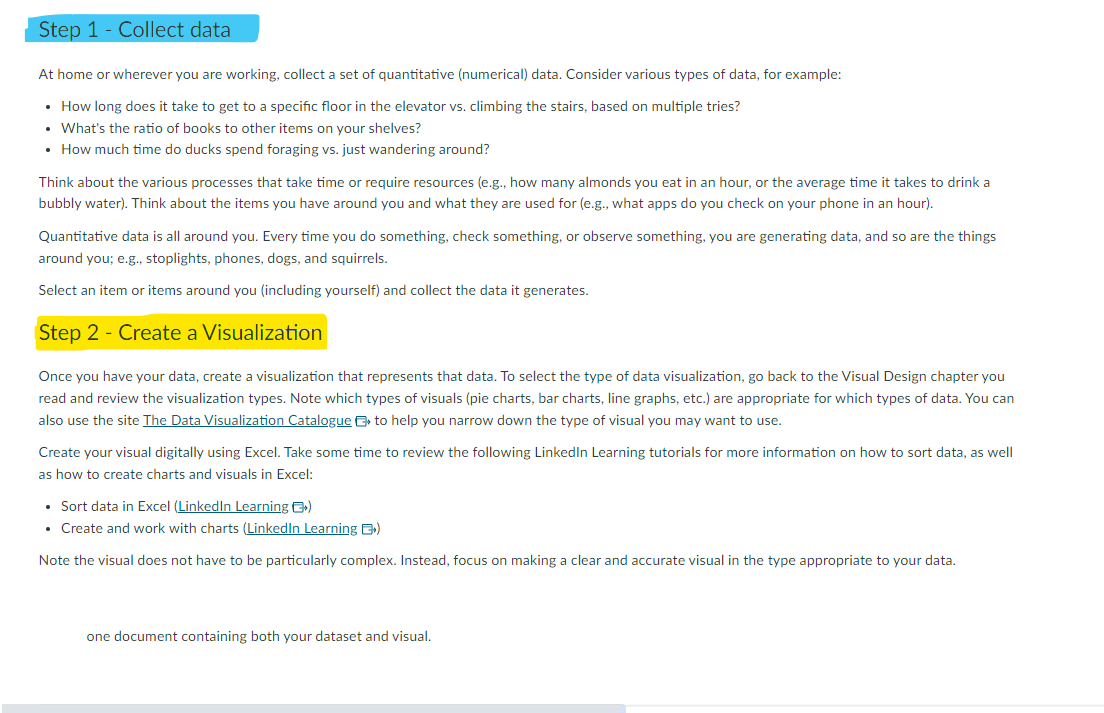

Step 1 - Collect data At home or wherever you are working, collect a set of quantitative (numerical) data. Consider various types of data, for example: How long does it take to get to a specific floor in the elevator vs. climbing the stairs, based on multiple tries? What's the ratio of books to other items on your shelves? How much time do ducks spend foraging vs. just wandering around? Think about the various processes that take time or require resources (e.g., how many almonds you eat in an hour, or the average time it takes to drink a bubbly water). Think about the items you have around you and what they are used for (e.g., what apps do you check on your phone in an hour). Quantitative data is all around you. Every time you do something, check something, or observe something, you are generating data, and so are the things around you; e.g., stoplights, phones, dogs, and squirrels. Select an item or items around you (including yourself) and collect the data it generates. Step 2 - Create a Visualization Once you have your data, create a visualization that represents that data. To select the type of data visualization, go back to the Visual Design chapter you read and review the visualization types. Note which types of visuals (pie charts, bar charts, line graphs, etc.) are appropriate for which types of data. You can also use the site The Data Visualization Catalogue to help you narrow down the type of visual you may want to use. Create your visual digitally using Excel. Take some time to review the following LinkedIn Learning tutorials for more information on how to sort data, as well as how to create charts and visuals in Excel: Sort data in Excel (LinkedIn Learning >) Create and work with charts (LinkedIn Learning E) Note the visual does not have to be particularly complex. Instead, focus on making a clear and accurate visual in the type appropriate to your data. one document containing both your dataset and visual.
Step by Step Solution
There are 3 Steps involved in it

Get step-by-step solutions from verified subject matter experts
 Study Help