







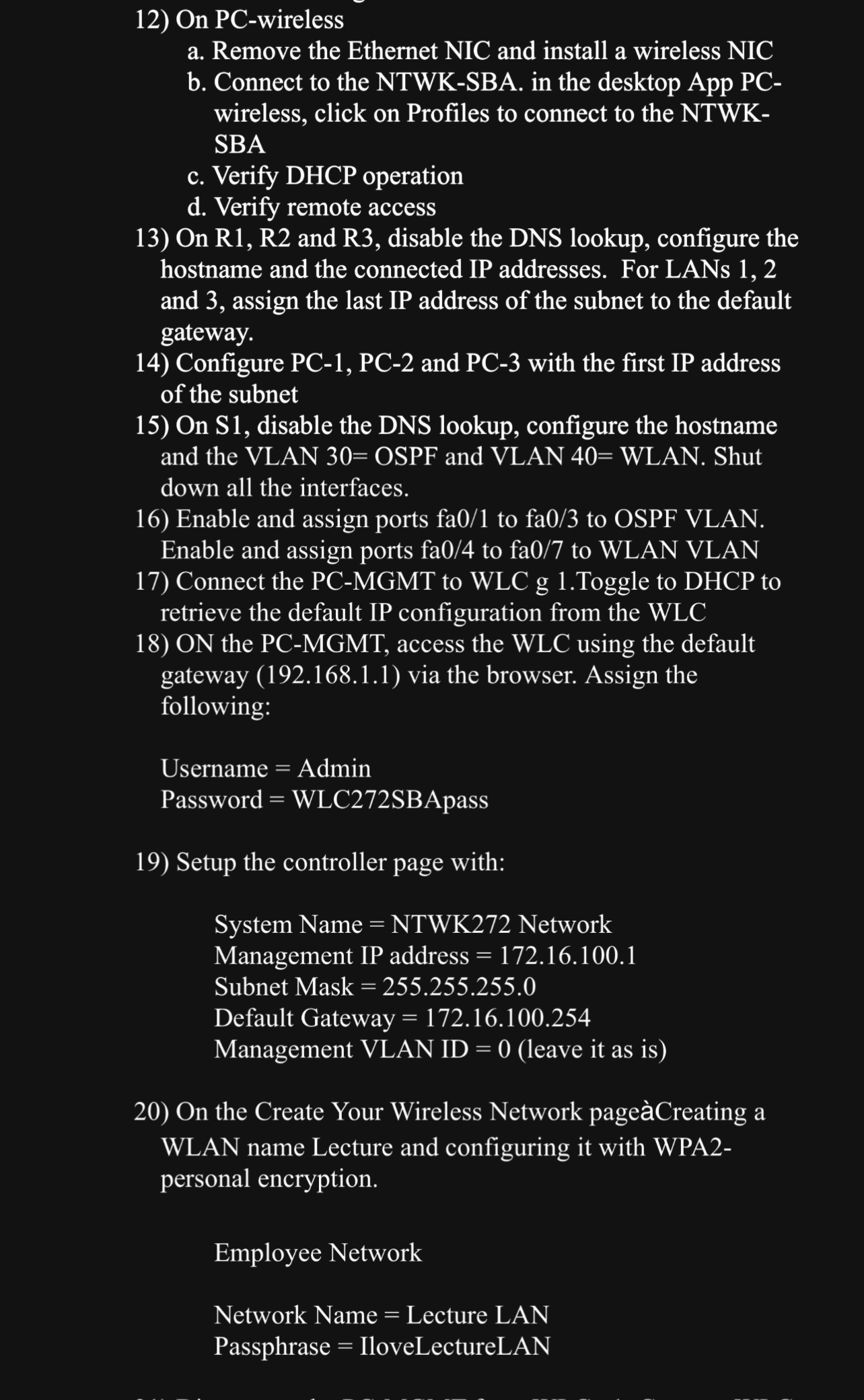
Question: On PC - wireless a . Remove the Ethernet NIC and install a wireless NIC b . Connect to the NTWK - SBA. in the
On PCwireless
a Remove the Ethernet NIC and install a wireless NIC
b Connect to the NTWKSBA. in the desktop App PCwireless, click on Profiles to connect to the NTWKSBA
c Verify DHCP operation
d Verify remote access
On and disable the DNS lookup, configure the hostname and the connected IP addresses. For LANs and assign the last IP address of the subnet to the default gateway.
Configure PC PC and PC with the first IP address of the subnet
On S disable the DNS lookup, configure the hostname and the VLAN OSPF and VLAN WLAN. Shut down all the interfaces.
Enable and assign ports fa to fa to OSPF VLAN. Enable and assign ports fa to fa to WLAN VLAN
Connect the PCMGMT to WLC g Toggle to DHCP to retrieve the default IP configuration from the WLC
ON the PCMGMT access the WLC using the default gateway via the browser. Assign the following:
Username Admin
Password SBApass
Setup the controller page with:
System Name NTWK Network
Management IP address
Subnet Mask
Default Gateway
Management VLAN ID leave it as is
On the Create Your Wireless Network pageCreating a WLAN name Lecture and configuring it with WPApersonal encryption.
Employee Network
Network Name Lecture LAN
Passphrase IloveLectureLAN
Step by Step Solution
There are 3 Steps involved in it
1 Expert Approved Answer
Step: 1 Unlock

Question Has Been Solved by an Expert!
Get step-by-step solutions from verified subject matter experts
Step: 2 Unlock
Step: 3 Unlock
 Study Help