







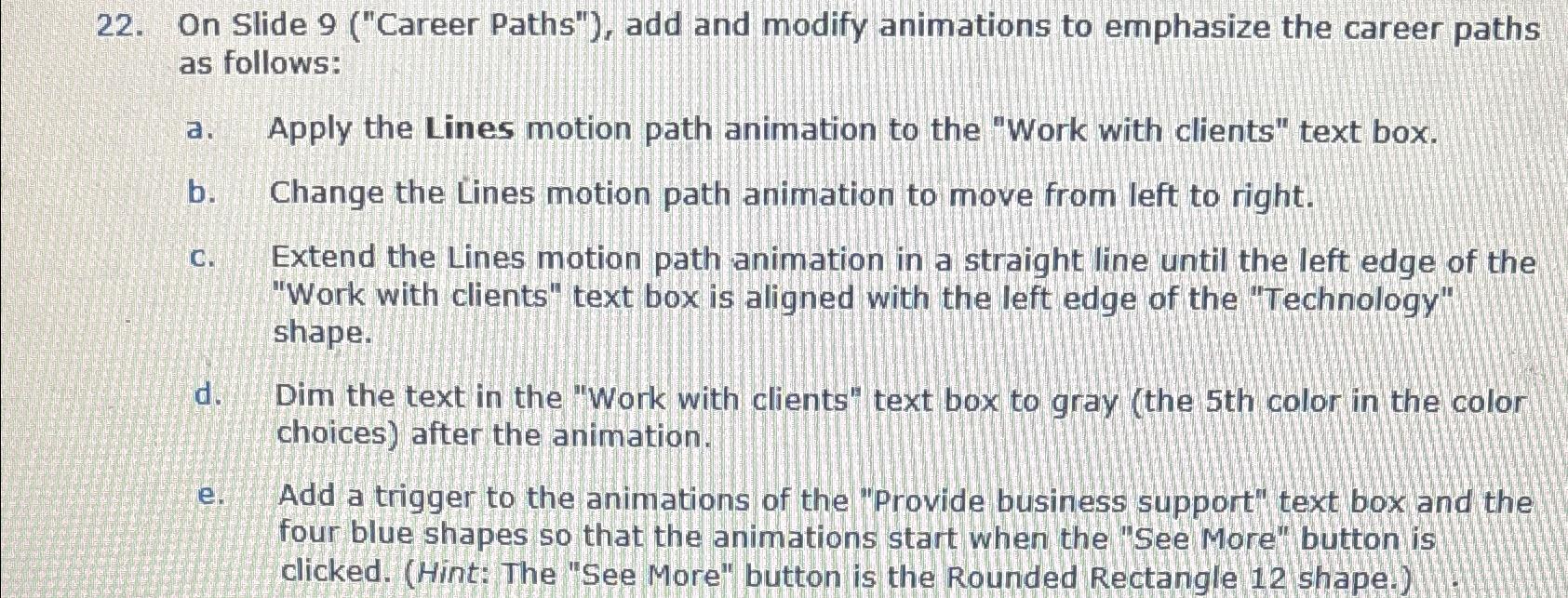
Question: On Slide 9 ( Career Paths ) , add and modify animations to emphasize the career paths as follows: a . Apply the Lines
On Slide Career Paths" add and modify animations to emphasize the career paths as follows:
a Apply the Lines motion path animation to the "Work with clients" text box.
b Change the Lines motion path animation to move from left to right.
c Extend the Lines motion path animation in a straight line until the left edge of the "Work with clients" text box is aligned with the left edge of the "Technology" shape.
d Dim the text in the "Work with clients" text box to gray the th color in the color choices after the animation.
e Add a trigger to the animations of the "Provide business support" text box and the four blue shapes so that the animations start when the "See More" button is clicked. Hint: The "See More" button is the Rounded Rectangle shape.
Step by Step Solution
There are 3 Steps involved in it
1 Expert Approved Answer
Step: 1 Unlock

Question Has Been Solved by an Expert!
Get step-by-step solutions from verified subject matter experts
Step: 2 Unlock
Step: 3 Unlock
 Study Help