



Question: On the RentalData worksheet, in cell E 6 , enter a date formula to determine the length of rental in days. Copy this formula to
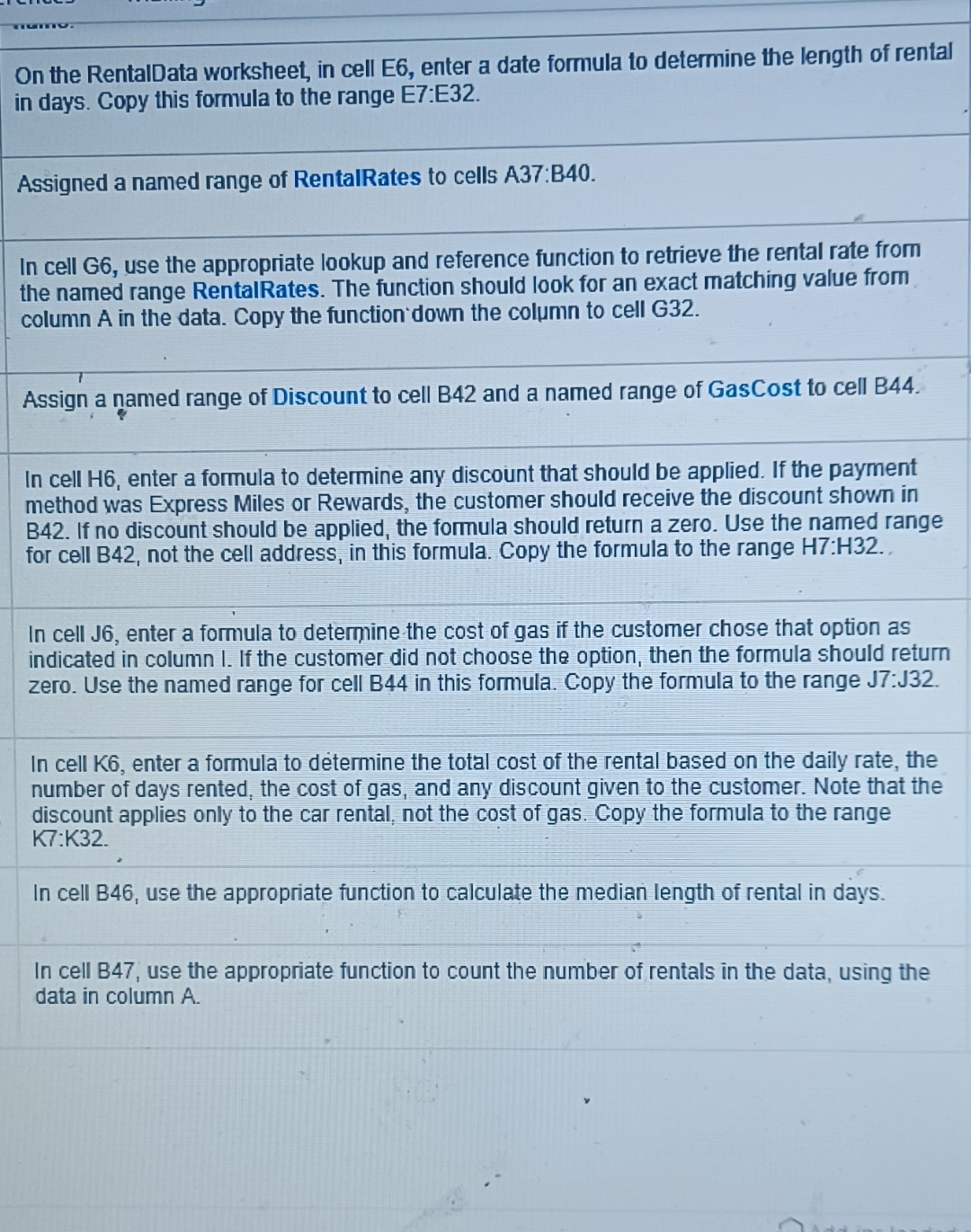
On the RentalData worksheet, in cell E enter a date formula to determine the length of rental in days. Copy this formula to the range E:E
Assigned a named range of RentalRates to cells A:B
In cell G use the appropriate lookup and reference function to retrieve the rental rate from the named range RentalRates. The function should look for an exact matching value from column in the data. Copy the function down the column to cell G
Assign a amed range of Discount to cell B and a named range of GasCost to cell B
In cell H enter a formula to determine any discount that should be applied. If the payment method was Express Miles or Rewards, the customer should receive the discount showm in If no discount should be applied, the formula should return a zero. Use the named range for cell B not the cell address, in this formula. Copy the formula to the range :
In cell J enter a formula to determine the cost of gas if the customer chose that option as indicated in column I. If the customer did not choose the option, then the formula should return zero. Use the named range for cell B in this formula. Copy the formula to the range J:J
In cell enter a formula to determine the total cost of the rental based on the daily rate, the number of days rented, the cost of gas, and any discount given to the customer. Note that the discount applies only to the car rental, not the cost of gas. Copy the formula to the range K:K
In cell B use the appropriate function to calculate the median length of rental in days.
In cell B use the appropriate function to count the number of rentals in the data, using the data in column
Step by Step Solution
There are 3 Steps involved in it
1 Expert Approved Answer
Step: 1 Unlock

Question Has Been Solved by an Expert!
Get step-by-step solutions from verified subject matter experts
Step: 2 Unlock
Step: 3 Unlock