







Question: One method by which we can approximate the constant e is with a series. Where indicated below, write a MATLAB script that uses the Maclaurin
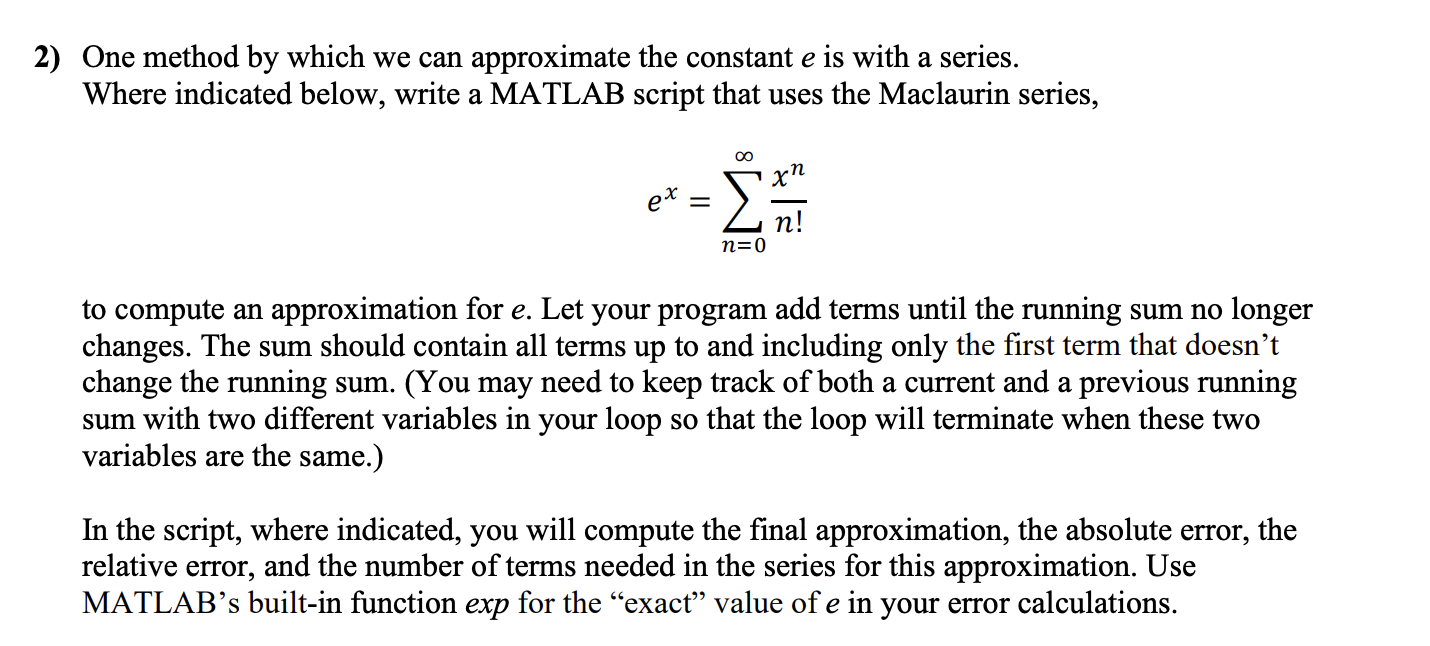
One method by which we can approximate the constant e is with a series. Where indicated below, write a MATLAB script that uses the Maclaurin series,
^X = =0 ^ /! to compute an approximation for e. Let your program add terms until the running sum no longer changes. The sum should contain all terms up to and including only the first term that doesnt change the running sum. (You may need to keep track of both a current and a previous running sum with two different variables in your loop so that the loop will terminate when these two variables are the same.) In the script, where indicated, you will compute the final approximation, the absolute error, the relative error, and the number of terms needed in the series for this approximation. Use MATLABs built-in function exp for the exact value of e in your error calculations.
1)
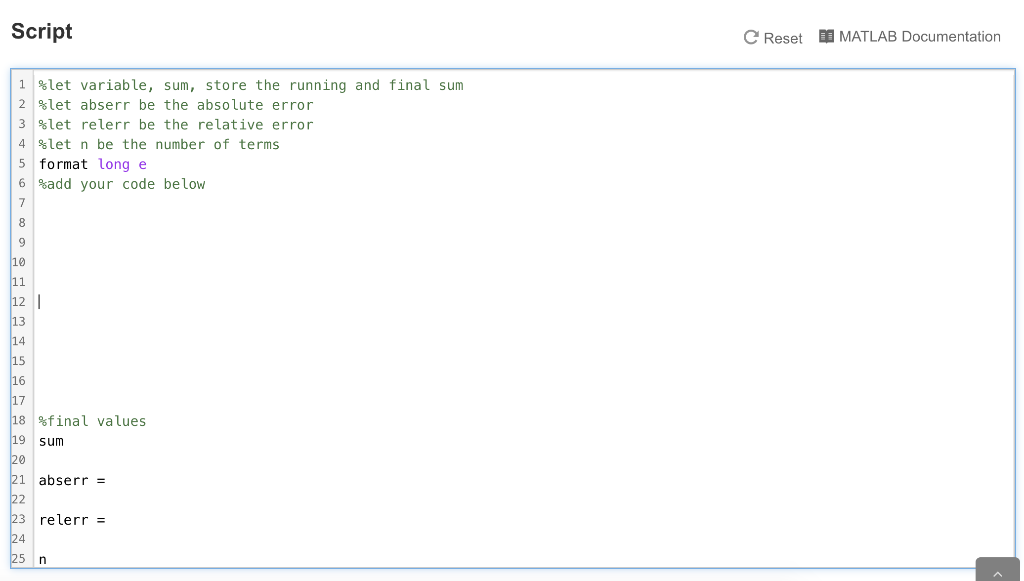
%let variable, sum, store the running and final sum
%let abserr be the absolute error
%let relerr be the relative error
%let n be the number of terms
format long e
%add your code below
2)
%final values
sum
abserr =
relerr =
n
2) One method by which we can approximate the constant e is with a series. Where indicated below, write a MATLAB script that uses the Maclaurin series, xn ex Zn! n=0 to compute an approximation for e. Let your program add terms until the running sum no longer changes. The sum should contain all terms up to and including only the first term that doesn't change the running sum. (You may need to keep track of both a current and a previous running sum with two different variables in your loop so that the loop will terminate when these two variables are the same.) In the script, where indicated, you will compute the final approximation, the absolute error, the relative error, and the number of terms needed in the series for this approximation. Use MATLABs built-in function exp for the exact" value of e in your error calculations. Script Reset MATLAB Documentation i flet variable, sum, store the running and final sum 2 %let abserr be the absolute error 3 Slet relerr be the relative error 4 slet n be the number of terms 5 format long e 6 %add your code below 18 final values sum abserr = 23 relerr = 25 n
Step by Step Solution
There are 3 Steps involved in it

Get step-by-step solutions from verified subject matter experts
 Study Help